Monospace Font for WhatsApp Copy & Paste (Text Tricks)
Want your messages to look cleaner, sharper, and a little different from normal chat text? This Monospace Font for WhatsApp tool helps you create neat monospace-style text you can copy and paste for messages, status lines, bios, and short profile text.
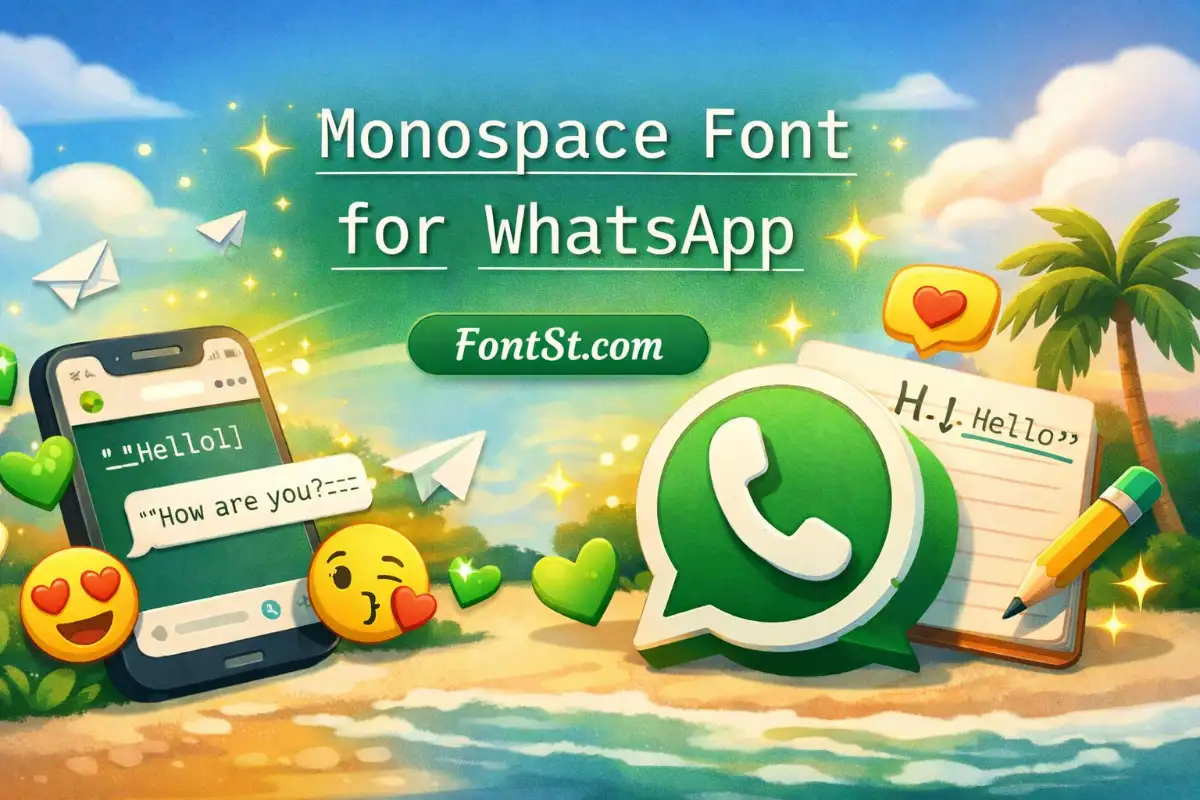
Monospace text is a style where every character takes up the same amount of horizontal space. That gives the text a neat, fixed-width look, similar to code, typewriter text, or terminal-style writing. WhatsApp officially supports monospace formatting in messages by placing three backticks on both sides of the text.
That simple structure makes monospace useful when you want text to feel:
clean
structured
technical
minimal
easy to separate from normal chat text
In WhatsApp, monospace is often used for:
code snippets
short commands
usernames
formatted notes
standout message lines
aesthetic text with a simple, tidy look
If bold feels too loud and italic feels too soft, monospace usually sits right in the middle.
Monospace Font for WhatsApp
How to Use Monospace Font in WhatsApp
There are two practical ways to use monospace text in WhatsApp.
Use WhatsApp’s built-in monospace formatting
WhatsApp supports native monospace formatting in messages. To use it, place three backticks before and after the text.
Example:
```hello```
This method is best for:
regular chats
simple formatting
code-like text
short technical phrases
Use a copy and paste monospace font generator
If you want more visual variety than the default WhatsApp monospace style, a copy and paste generator is the better choice.
With FontSt, you can:
type your text
preview different monospace-style outputs
copy the one you like
paste it into WhatsApp
This is useful when you want a more styled look for:
bios
names
status text
captions
decorative chat lines
So the difference is simple:
Native WhatsApp monospace gives you the official fixed-width message format
FontSt monospace styles give you more copy-and-paste variations for a cleaner or more styled look
When people search for monospace font WhatsApp, they usually want one of two things:
the built-in WhatsApp monospace format
a stylish monospace-looking font they can copy and paste
Both are useful, but they serve different purposes.
The built-in WhatsApp version is better when you want a true message format inside chat. WhatsApp’s official formatting help documents monospace alongside other message-formatting options.
A generator-style monospace font is better when you want text that looks more customized across:
profile names
about lines
status updates
short captions
minimal aesthetic text
That is why a FontSt page for this topic makes sense. Some users want the official formatting trick, while others want a more stylish copy-and-paste version.
WhatsApp monospace text works especially well when you want to make a line look organized and intentional.
Good examples include:
short commands
“system” style messages
clean headings in a long message
little notes or labels
minimalist profile text
A few simple ideas:
Use it for one short line inside a longer message
Use it to separate important details from normal text
Use it for usernames or tags that should look neat
Use it when you want a subtle design effect without extra symbols
Monospace text is usually strongest when it stays short. A long block can still work, but short lines are easier to read and look more polished on mobile.
WhatsApp Text Tricks: Monospace
If you want monospace text to look better in WhatsApp, these small tricks help a lot:
Keep it short One clean line looks stronger than a full paragraph
Use it for contrast Monospace stands out more when the rest of the message is normal text
Pair it with simple formatting A neat monospace line can work well next to plain text without extra decoration
Use it for labels or headers It makes small sections feel more organized
Try copy and paste styles for profile text Generator-based monospace looks can be useful outside standard message formatting
You can also combine content ideas with the style itself. For example, monospace works well for:
daily checklists
code-like jokes
aesthetic minimal bios
structured reminders
game names with a clean tech vibe
The best monospace text trick is not making it too busy. The style already has character on its own.
This is ideal if you want more than the default built-in chat formatting. Instead of using only one native monospace style, you can preview multiple clean fixed-width looks and choose the one that fits your message best.
This works well for:
WhatsApp chats
profile names
short bios
status lines
captions
minimal branding text
If you want a neat result, start with the simplest style first. Clean monospace usually looks better than an overdecorated version.
What is monospace in WhatsApp? Monospace is a fixed-width text style where each character takes the same amount of space. WhatsApp officially supports it as a message formatting option.
How do I use monospace font in WhatsApp? Place three backticks before and after your text to create WhatsApp’s native monospace formatting.
Is monospace font on WhatsApp the same as a font generator? Not exactly. WhatsApp’s native monospace is a built-in message format. A generator like FontSt creates styled copy-and-paste text variations.
Can I use monospace text in WhatsApp chats? Yes. WhatsApp supports monospace formatting directly in messages.
Why use a monospace font generator for WhatsApp? Because it gives you more style options for names, bios, status text, and short decorative lines beyond the standard built-in formatting.
What is the best use for WhatsApp monospace text? It works best for short lines, code-style text, labels, neat headings, and minimal profile content.
Does monospace text work well on mobile? Yes. Because the style is clean and evenly spaced, it is usually easy to read on mobile screens, especially in short phrases.
If you want a text style that feels clean, modern, and easy to notice, monospace is one of the best choices for WhatsApp. Try the styles above, copy your favorite, and paste it wherever you want your text to look sharper.