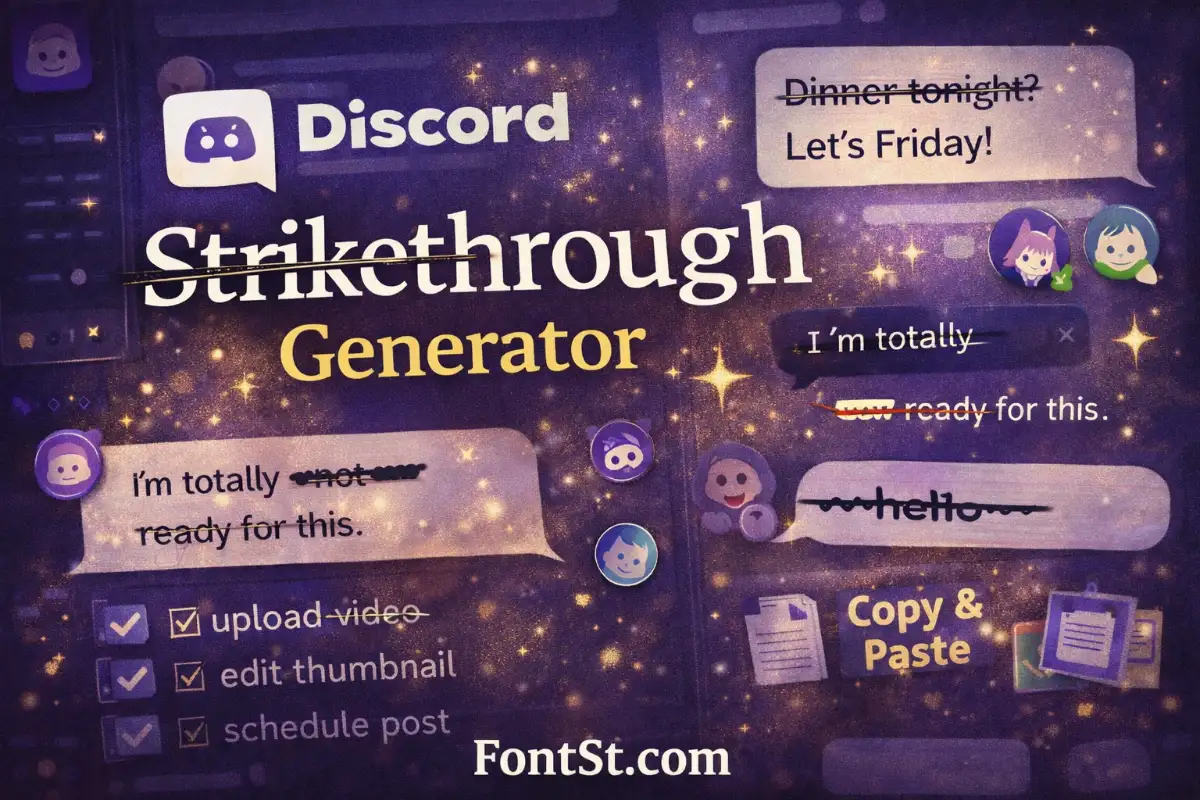
Want your Discord profile to look more original without making it messy? This FontSt’sDiscord Font Generator helps you create stylish text, cute symbols, and clean emoji combinations for usernames, display names, bios, channel ideas, and copy-paste profile styling.
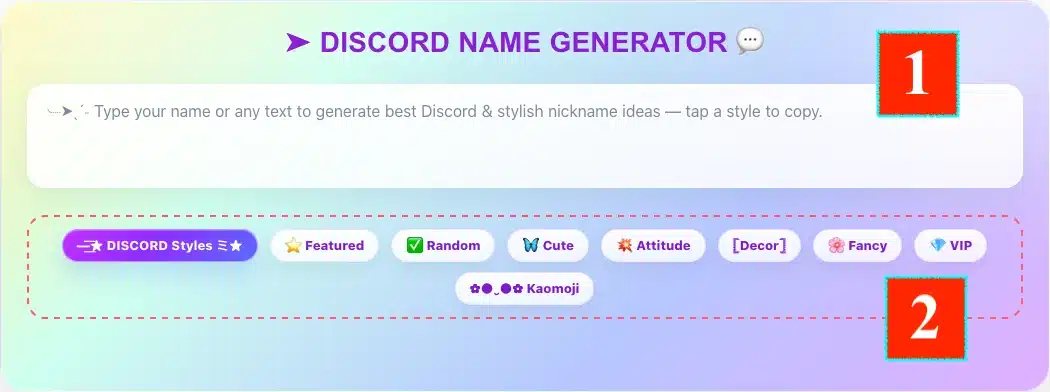
Using the Discord Font Generator on FontSt is simple. Type your name, bio line, status idea, or any short text into the input box, then browse different style groups like Featured, Fancy, Attitude, Cute, Decor, VIP, Symbols, or Kaomoji. Once you find a version that feels right, copy it and paste it into Discord where it fits best.
How to Use the Discord Nickname Generator
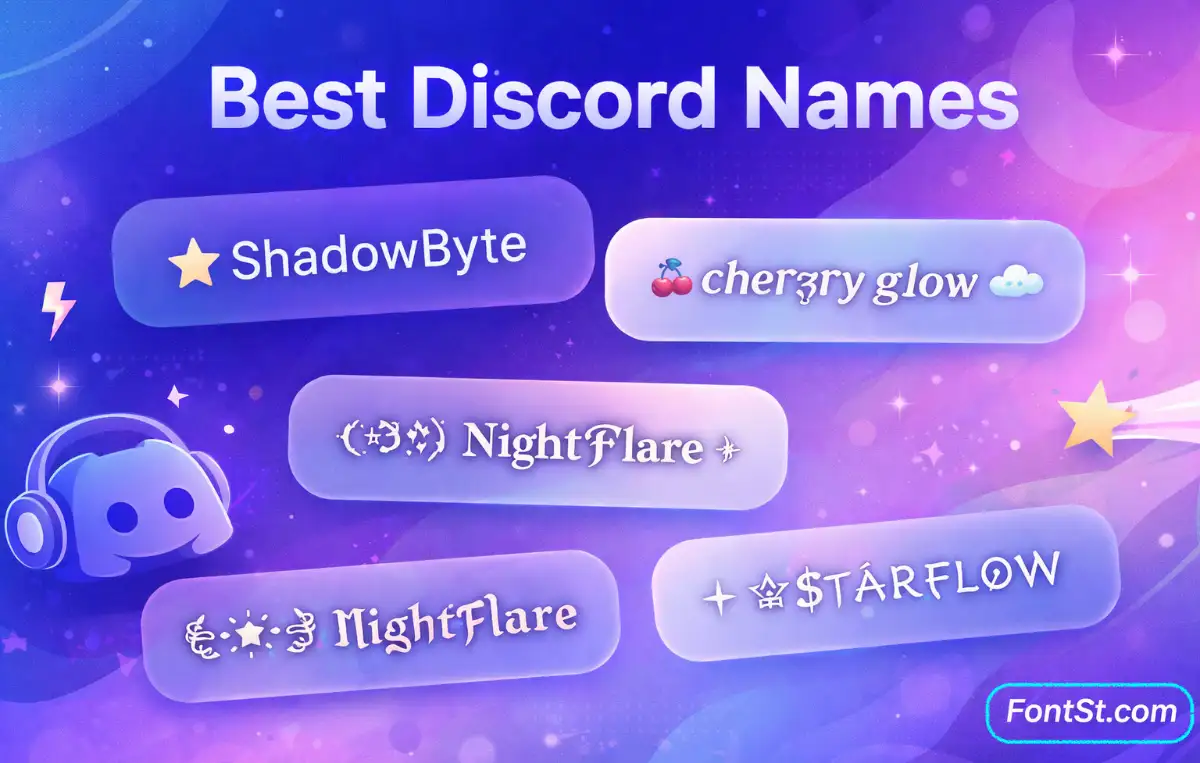
A practical way to use it is to start with a plain base word, then test a few directions instead of picking the busiest version immediately. For example, a name like NightBloom can turn into:
𝓝𝓲𝓰𝓱𝓽𝓑𝓵𝓸𝓸𝓶
✦ NightBloom
𝗡𝗶𝗴𝗵𝘁𝗕𝗹𝗼𝗼𝗺
NightBloom ☾
˚₊‧꒰ა NightBloom ໒꒱ ‧₊˚
For Discord, the best-looking result is usually the one that stays readable in chat lists, member lists, and profile cards. A clean font plus one symbol or emoji often looks better than decorating every character.
Discord Font Change 2026: What You Can Actually Change
In 2026, Discord gives users two different paths. The first is Discord’s own Display Name Styles, which let Nitro users customize display names with built-in fonts, colors, and effects. Discord currently lists 8 built-in fonts — gg sans, Tempo, Sakura, Jellybean, Modern, Medieval, 8Bit, and Vampyre — along with 5 effects: Solid, Gradient, Neon, Toon, and Pop. Non-Nitro users can preview these styles but cannot save them.
The second path is what most people use with tools like FontSt: copy-paste Unicode styling. This is separate from Discord’s built-in style system and is useful for display names, bios, aesthetic labels, server branding ideas, and stylized text snippets. Discord also notes that some symbols may not display perfectly with custom fonts and may fall back to gg sans, so readability should always come first.
Another detail that matters: built-in Display Name Styles do not appear the same everywhere. Discord says that in servers, the font can show, but color and effect settings do not appear there because server role color or enhanced role styling takes over instead. On mobile, these styles also appear without animation.
A lot of users search for “Discord text font” expecting a full font switch for all chat messages, but Discord text chat mainly works through Markdown formatting, not a universal font picker. Discord officially supports formatting like bold, italics, underline, strikethrough, headers, subtext, masked links, lists, code blocks, block quotes, and spoilers. That means you can change how text is emphasized, structured, or presented, but not replace the entire chat font the same way you would in a design app.
So when people say they want a “different font in Discord,” they are usually talking about one of these three things:
built-in Display Name Styles for display names
Unicode copy-paste text for names and bios
Markdown formatting for messages
That distinction helps a lot, because each one works in a different place.
Discord Font Changer Commands That Actually Work
There is no single built-in “font changer command” that turns all Discord text into another font. What Discord does support are formatting shortcuts and commands that help you style or organize text. For everyday chat formatting, these are the most useful:
*text* or _text_ for italics
**text** for bold
__text__ for underline
~~text~~ for strikethrough
# Heading / ## Heading / ### Heading for headers
-# subtext for subtext
> quote or >>> multi-line quote for block quotes
`text` for inline code
triple backticks for multi-line code blocks
[label](url) for masked links
||spoiler|| for spoiler text
For name changes inside a server, Discord also supports the /nick slash command. That command changes your server nickname, not your font. Discord says it works if you have the Change Nickname permission, and people with Manage Nickname can change other members’ nicknames in that server.
Discord Font Copy and Paste Ideas
Copy-paste styling is the most flexible option for FontSt users because it works fast and gives you more personality than plain text. It is especially useful for:
display names
per-server nicknames
bios
aesthetic profile lines
event names
channel concepts
intro or about-me text
Here are some easy copy-paste directions that work well for Discord:
Clean
𝗦𝘁𝗮𝗿𝗙𝗹𝗼𝘄
𝖭𝗂𝗀𝗁𝗍𝖱𝗈𝗈𝗆
𝙈𝙤𝙤𝙣𝙒𝙖𝙫𝙚
Fancy
𝓢𝓽𝓪𝓻𝓕𝓵𝓸𝔀
𝔑𝔦𝔤𝔥𝔱ℜ𝔬𝔬𝔪
✦ VelvetEcho
Cute
♡ PeachyGlow
˚₊‧꒰ა BunnyMint ໒꒱ ‧₊˚
☁ CherryLune ☁
For most users, the best result is not the most decorated one. It is the one that still looks smooth on desktop and mobile.
Discord Font Name, Discord Username Font, and Discord Custom Font
If you want a Discord username font, it helps to separate username, display name, and server nickname. Discord lets you change your username from User Settings > My Account, and Discord’s support page says username changes are limited to 2 per week. Server nicknames are separate and can be changed per server if your permissions allow it.
For a more stylish look, many users focus on their display name or server nickname instead of trying to force styling into every field. That is usually the better move because it gives you more visual freedom without locking your whole account into one hard-to-read name.
If you want a custom font feel, you can choose between:
a built-in Discord Display Name Style
a Unicode copy-paste name from FontSt
a mixed style with one symbol or emoji
Examples:
𝕯𝖆𝖗𝖐𝖑𝖎𝖙𝖊
𝗖𝗵𝗲𝗿𝗿𝘆𝗩𝗼𝘄
☾ LunarMint
𝓥𝓮𝓵𝓿𝓮𝓽 𝓔𝓬𝓱𝓸
PeachByte ♡
Cool Font for Discord and Fancy Font for Discord
A cool font for Discord usually feels sharper, cleaner, or more confident. Fancy fonts lean more decorative, elegant, or dramatic. The right one depends on your profile vibe.
A cool Discord style often works best for:
gaming profiles
creator accounts
dark aesthetics
minimal modern identities
Examples:
𝗚𝗵𝗼𝘀𝘁𝗕𝘆𝘁𝗲
𝕍𝕠𝕚𝕕ℍ𝕢
⚡ StaticBloom
𝙉𝙚𝙤𝙣𝙋𝙪𝙡𝙨𝙚
A fancy font for Discord fits better when you want:
elegant display names
themed profile bios
stylish social identity
softer visual branding
Examples:
𝓡𝓸𝓼𝓮𝓥𝓮𝓲𝓵
𝔄𝔲𝔯𝔬𝔯𝔞ℜ𝔬𝔬𝔪
✧ Moonlit Lace
𝒞𝓇𝓎𝓈𝓉𝒶𝓁 𝒟𝓇𝑒𝒶𝓂
The easiest way to choose is to ask whether you want your Discord identity to feel bold, elegant, or playful.
Cute Fonts for Discord
Cute fonts are great for soft profiles, friend servers, cozy bios, pastel aesthetics, and wholesome layouts. This style usually works best when you combine a lighter font with hearts, stars, bows, clouds, flowers, or soft emojis.
Examples:
♡ 𝓜𝓲𝓵𝓴𝔂𝓢𝓽𝓪𝓻 ♡
☁ 𝐶ℎ𝑒𝓇𝓇𝓎 𝒟𝓇𝑒𝒶𝓂 ☁
૮₍ ˶ᵔ ᵕ ᵔ˶ ₎ა HoneyMint
꒰ა PeachLuna ໒꒱
✿ 𝘉𝘶𝘯𝘯𝘺𝘎𝘭𝘰𝘸
Cute Discord styling works best when it stays light. Too many symbols can make a soft name look cluttered instead of charming.
Discord Bio Fonts and Discord Channel Fonts
For bios, a styled font should still feel readable in a small space. Bios usually look better when you keep them short and layer one visual idea at a time: font, symbol, or emoji.
Good Discord bio font ideas:
𝓬𝓸𝔃𝔂 𝓷𝓲𝓰𝓱𝓽𝓼 ☾
♡ soft chaos, good music, late replies
𝗯𝘂𝗶𝗹𝗱𝗶𝗻𝗴 𝘁𝗶𝗻𝘆 𝗶𝗻𝘁𝗲𝗿𝗻𝗲𝘁 𝗵𝗼𝗺𝗲𝘀
☁ art, tea, and quiet servers
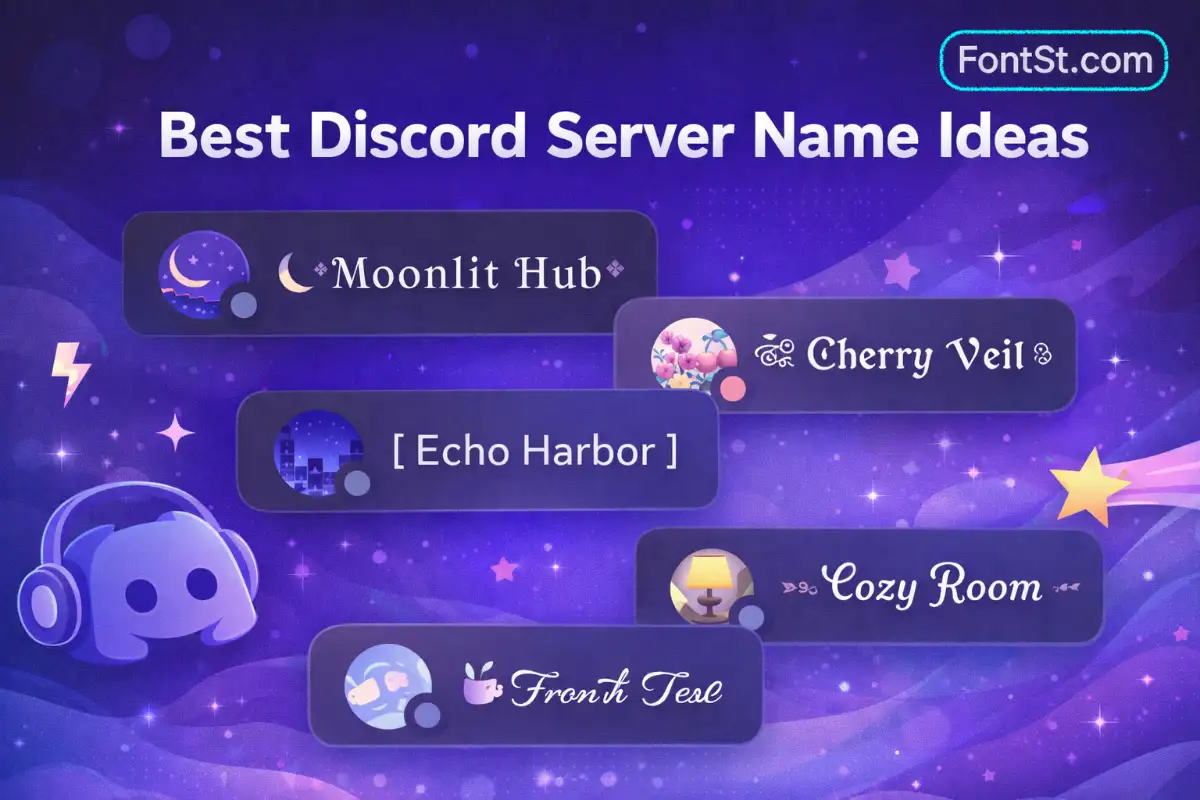
For Discord channel fonts, the smartest approach is usually subtle styling. In practice, channel design works best when names remain fast to scan. That means simple separators, light Unicode touches, and consistent naming patterns often work better than fully stylized fonts everywhere.
Examples:
︱welcome
✦ announcements
☁ daily-chat
♡ media-drop
⌘ bot-commands
A good server layout feels organized first and decorative second.
A Discord font maker is most useful when you treat it like a style editor, not just a random text converter. The goal is not to make text look complicated. The goal is to make it feel right for where it will appear.
A good formula is:
1 readable font
1 light symbol
0 to 1 emoji
short text
That gives you styles like:
✦ NightByte
𝓛𝓾𝓷𝓪𝓥𝓮𝓲𝓵 ♡
☁ PeachSignal
𝗦𝘁𝗮𝗿𝗥𝗼𝗼𝗺
This is also the safest way to avoid broken-looking names, crowded bios, or styles that feel pretty in the generator but messy inside Discord.
FAQ – Discord Font Symbols Copy And Paste
Can I change the actual Discord chat font for everyone? No. Discord chat mainly uses Markdown formatting for message styling rather than a full custom-font switch.
Does Discord have built-in font styles now? Yes. Discord’s Display Name Styles let Nitro users choose built-in fonts, colors, and effects for display names.
Do copy-paste fonts work everywhere in Discord? They often work well, but some symbols may not render the same way in every place and may fall back to Discord’s default typeface.
What is the best Discord font style? The best one is usually the most readable style that still matches your vibe. Clean bold, soft script, and simple Unicode styles tend to work best.
Are cute fonts or fancy fonts better for Discord bios? Short bios usually look better with cute or lightly fancy styles. Heavy decoration is better saved for occasional profile accents.