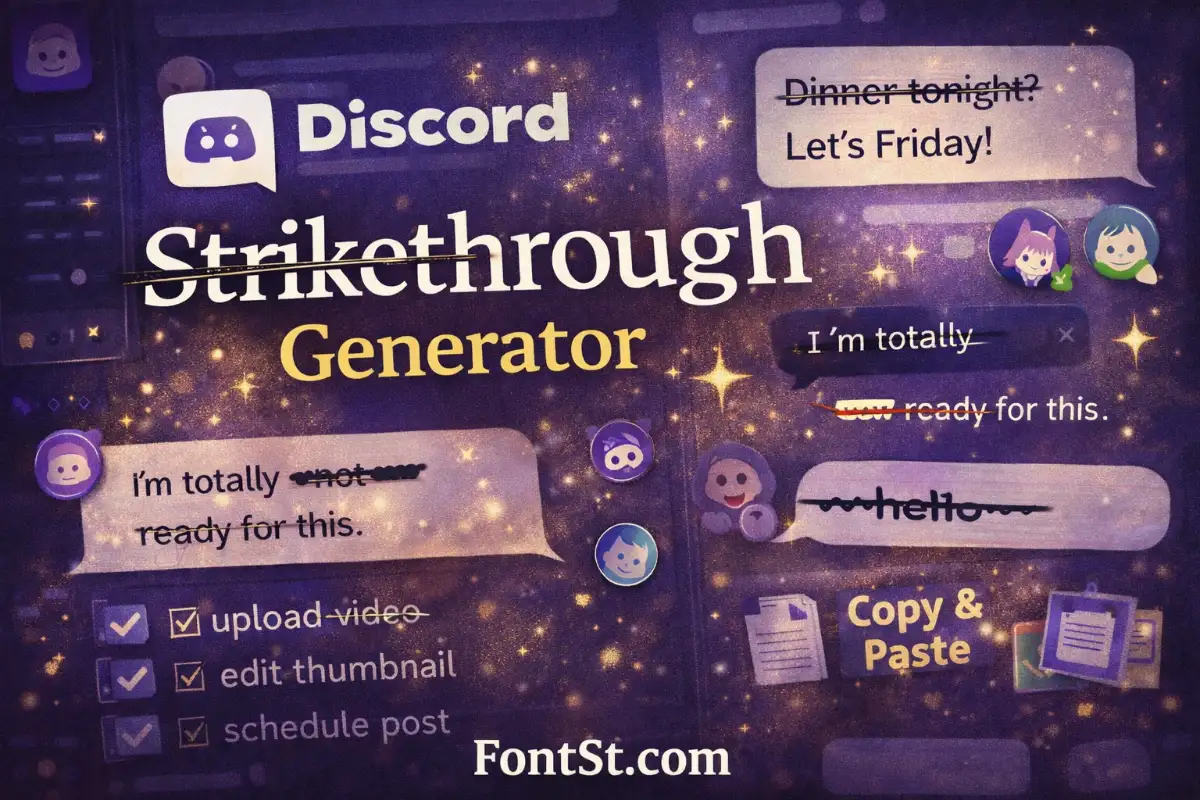
Discord strikethrough is a simple way to cross out text when you want to show edits, jokes, cancellations, or completed items. On this page, you can generate crossed-out text fast, then Copy & Paste it into Discord messages, names, or notes.

💬 Discord Strikethrough Generator


What Is Discord Strikethrough and When to Use It

Discord strikethrough is a text formatting style that places a line through your words to show something is cancelled, changed, or no longer valid. In Discord, the strikethrough effect is created with Markdown formatting, and it’s one of the most common “quick emphasis” styles people use in chats.

Use Discord strikethrough when you want to:

  1. Show a correction without deleting the original words
  2. Make a joke or playful “nope” moment
  3. Cross out a plan or option in a group discussion
  4. Mark completed items in a list
  5. Highlight a “before vs after” message

It’s also popular in Discord servers for voting, patch notes, and quick edits because it keeps the conversation readable while showing what changed.

More fancy text styles ➜ Decorative Text Generator

Decorative Text Generator

How to Do Strikethrough Discord Formatting with ~~ ~~

If you’re asking how to do strikethrough Discord, the answer is simple: put two tildes on both sides of the text you want to cross out.

  • Format: ~~text~~
  • Example: ~~meeting at 7~~meeting at 7

Best practices for clean strikethrough

  • Don’t add spaces right inside the tildes:
    • ~~hello~~
    • ⚠️ ~~ hello ~~ (may look inconsistent)
  • Keep it short for readability, especially on mobile.
  • If you’re crossing out a sentence, consider crossing out only the part you’re changing.

Why use the generator if Discord already supports it?

Discord’s built-in method is perfect when you’re typing directly. But a Discord strikethrough generator is helpful when you want:

  • A fast Copy & Paste workflow
  • One-line crossout text prepared ahead of time (templates)
  • A consistent look across other platforms you post on

More fancy font styles for Discord message ➜ Upside Down Text Generator

Upside Down Text Generator

How to Use Strikethrough Discord (~~) Step by Step

If you’re wondering how to use strikethrough Discord, the rule is simple: wrap your text with two tildes on each side.

Method 1: Type it directly in Discord

  1. Click the message box in any channel or DM.
  2. Type two tildes: ~~
  3. Type the word or phrase you want to cross out.
  4. Close with two more tildes: ~~
  5. Send the message.

Example:
I meant ~~Tuesday~~ Wednesday → I meant Tuesday Wednesday

Method 2: Copy & Paste from FontSt (fast for templates)

  1. Type your message in the generator above.
  2. Copy the result (it will include the ~~ ~~ format).
  3. Paste into Discord and send.

This method is great when you reuse the same phrases (rules, announcements, to-do lists).

Common mistakes (quick fixes)

  • Only one tilde per side: ~text~ ❌ (that’s WhatsApp style)
  • Missing the closing tildes: ~~text
  • Extra spaces inside: ~~ text ~~ ⚠️ (may look inconsistent)

If your strikethrough still doesn’t appear, delete the tildes and retype them—some keyboards or copied characters can be slightly different.

More cute font styles for Discord ➜ Cursive Typography Generator

Cursive Typography
Cursive Typography

Discord Cross Out Text Examples for Chats, Lists, and Edits

Discord cross out text” is just another way people describe strikethrough. Here are practical ways to use it that look natural in servers and DMs:

1) Quick corrections

  • “I meant Tuesday Wednesday.”

2) Cancelled plans

  • “Game night is tonight moved to Friday.”

3) Task lists

  • “To-do: upload video, edit thumbnail, schedule post.”

4) Funny emphasis

  • “I’m totally not ready for this.”

5) Patch-note style updates

  • “Removed: old command / Added: new command.”

If you want the cleanest results, keep the crossed-out parts short and avoid stacking too many symbols around them.

More fancy font styles ➜ Small Text Generator

Small Text Generator

FAQ: Strikethrough on Discord

How do I do strikethrough on Discord?
Type two tildes on both sides of your text: ~~like this~~. Discord will display it as crossed-out text.

Why is Discord strikethrough not working for me?
Most issues come from missing one tilde, using only one tilde per side, or adding extra spaces inside the tildes. Use the exact format ~~text~~.

Can I Copy & Paste strikethrough text into Discord?
Yes. You can paste text that already includes the ~~ ~~ formatting, or generate it above and paste it into Discord.

Does strikethrough work on Discord mobile?
Yes, the same ~~text~~ formatting works on mobile. If it looks odd, try shorter phrases and avoid extra symbols near the text.

Is “Discord cross out text” different from strikethrough?
No—“cross out text” is simply another name for strikethrough in Discord.

More cross out styles ➜ Strikethrough Text Generator


Leave a Comment