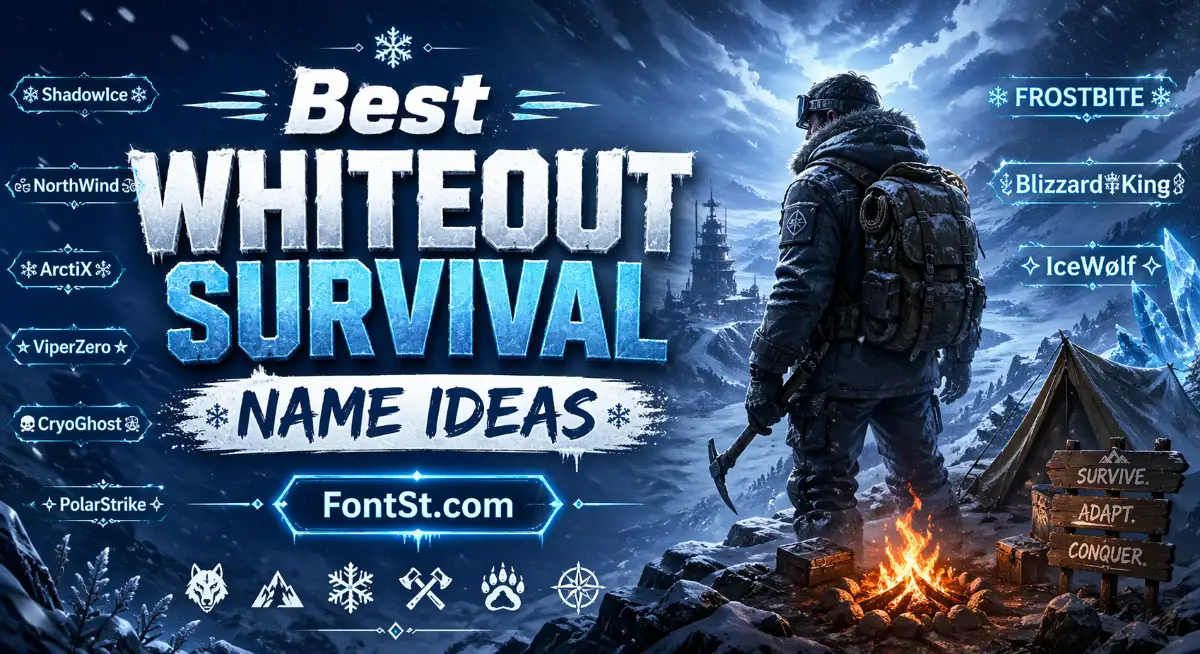
Whiteout Survival Name Generator helps you create stylish names with cool fonts, symbols, and nickname ideas that fit the game’s icy survival vibe. Just enter your name, browse different font styles, and copy a unique Whiteout Survival name to make your profile stand out.
More Whiteout Survival name copy & paste ➜ Cute Nicknames
Nickname Generator
How To Use FontSt’s Whiteout Survival Name Fonts Generator
Using FontSt’s Whiteout Survival name fonts generator is simple. The tool is made for players who want a name that looks cleaner, cooler, and more memorable without spending time searching random symbols one by one.
Using this tool is very simple. Based on the current interface, you only need a few quick steps to create a stylish Whiteout Survival name with fonts and symbols.
Type your name or any text into the large input box at the top.
You can enter a player name, clan name, or short words like Frost, Wolf, Ice, Nova, or Storm.
Once you type your text, the generator will instantly create multiple nickname styles below.
You do not need to combine symbols manually.
Use the tabs under the input box to explore different name styles:
Whiteout Survival for the main game-themed results
Featured for highlighted styles
Random for mixed ideas
Cute for softer or playful names
Attitude for bolder styles
[Decor] for decorative options
Bro Fancy, VIP, and Cool Symbols for extra style variations
When you find a name you like, simply click the result to copy it.
Then paste it into the game’s rename field, or save it for your profile, alliance, clan, or social use.
To get better results, keep these tips in mind:
Start with a short base name for cleaner and more readable results.
Switch between tabs to see different styles quickly.
Choose names that look stylish but still stay easy to read.
For a stronger Whiteout Survival vibe, try words like Ice, Snow, Frost, Blaze, Wolf, Raven, Aurora, or Tundra.
A good Whiteout Survival name usually works best when it is:
short enough to read easily
stylish without being messy
matched with symbols that fit the game theme
easy to recognize in chat, alliances, and rankings
If you want better results, try a few different directions:
use a strong base name like Frost, Wolf, Nova, Ash, Ice, Blaze
add light symbols instead of too many decorations
test both clean and fancy styles
keep the final name readable on mobile
The main advantage of FontSt is speed. Instead of manually mixing fonts and symbols, you can generate many name ideas at once and choose the one that feels right for your play style.
The easiest way to use the tool is: type your name, browse the tabs, and click a style to copy. This makes it fast for players who want a unique nickname without editing every symbol by hand.
Whiteout Survival does not have a built-in button that directly changes your font style inside the game. The usual method is to create a styled nickname outside the game with a font generator, then copy and paste that name into the rename field if the characters are supported.
The process is usually this:
create your name with a tool like FontSt
copy the nickname you want
open Whiteout Survival
go to your profile or rename option
paste the styled name into the name field
save it if the game accepts the characters
Keep in mind that not every fancy Unicode character will always work in every game field. Some fonts may display perfectly, while others may be blocked, shortened, or shown differently depending on the device or the game’s character support.
To avoid problems, it is better to:
choose stylish but readable fonts
avoid extremely long symbol combinations
test one or two versions before deciding
keep a backup plain-text version of your name
If one font style does not work, try a cleaner version with fewer decorative characters. In most cases, simple stylish fonts and light symbols give the best balance between uniqueness and compatibility.