Italic Font For Whatsapp – Italic Text Style Generator
Want to make your WhatsApp messages look softer, cleaner, or more expressive? This Italic Font for WhatsApp tool helps you generate stylish italic text you can copy and paste into chats, bios, status updates, and profile names in seconds.
Not all italic text on WhatsApp looks the same. Some styles are simple and close to normal writing, while others are more decorative and better for bios, stylish names, or captions.
Here are the most useful types of italic font for WhatsApp:
Standard italic text This is the basic italic effect often used for emphasis in messages. It looks clean and readable, so it is great for normal chats.
Unicode italic font These are special characters that already look italic. You can copy and paste them into WhatsApp, and they often work well in bios, names, and status lines.
Bold italic styles These combine a stronger look with a slanted style. They are useful when you want your text to stand out more without looking too fancy.
Cute italic fonts These styles feel softer and more playful. They are popular for aesthetic status updates, friendship quotes, and profile text.
Fancy italic text styles These are more decorative versions of italic writing. They work best for captions, names, and short text where style matters more than plain readability.
Italic symbols and styled text mixes Some users like to combine italic letters with hearts, stars, sparkles, or kaomoji. This gives WhatsApp bios and status updates a more personal look.
The best choice depends on where you want to use it:
For chat messages: simple italic or WhatsApp formatting
For status updates: clean or cute italic text
For names and bios: Unicode italic fonts
For aesthetic captions: fancy italic styles
If your goal is easy reading, keep it simple. If your goal is style, use a more decorative italic font generator result from FontSt.
There are two common ways to make italic text in WhatsApp.
Use WhatsApp’s built-in italic formatting
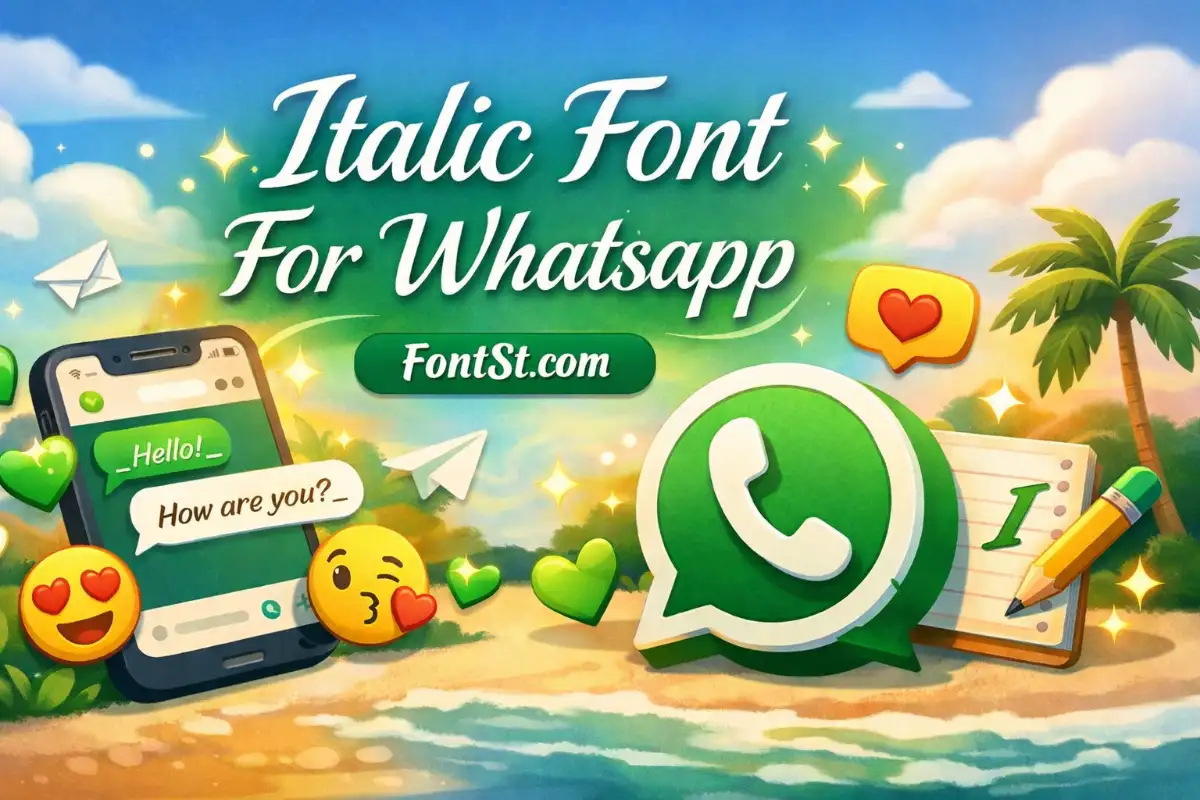
WhatsApp supports basic italic formatting inside messages. To do that, place an underscore before and after your text.
Example:
_hello_
That will usually display as italic in a WhatsApp message.
This method is useful when:
you want a quick italic effect
you are sending a normal chat message
you do not need fancy characters
you want the text to stay simple and readable
Italic Font For Whatsapp – How to italic font in Whatsapp
Use a copy and paste italic font generator
This method is better when you want text that already looks italic as a style, not just message formatting. You type your words into a generator, choose the version you like, then copy and paste it into WhatsApp.
This is the better option for:
WhatsApp bio text
stylish profile names
status lines
short captions
decorative message headers
The main difference is simple:
WhatsApp formatting changes how the app displays your text in chat
Font generators create special styled characters you can paste almost anywhere
If you want more visual variety, the second option is usually better.
FontSt is useful because it gives you multiple italic text styles instantly. Instead of using only one basic format, you can choose a style that matches your mood or content.
You can use it for:
Personal chats Add a soft, expressive touch to your messages
WhatsApp status updates Make quotes, lyrics, or short thoughts look better
Profile names Create a cleaner or more stylish identity
Bio lines Make your introduction stand out without using complicated symbols
Aesthetic text posts Pair italic letters with emojis or minimal decoration
A few simple tips help the result look better:
Keep longer messages in a readable italic style
Use fancy italic fonts more for short text
Avoid mixing too many decorative symbols in one line
Test the copied text in WhatsApp before using it everywhere
If a font looks too complex, choose a cleaner italic version. The best WhatsApp text style is usually the one that still feels easy to read.
Many users search for a WhatsApp italic font code because they want the fastest way to format text without using a generator.
The basic WhatsApp italic code is:
_text_
Put an underscore on both sides of the word or sentence you want to italicize.
Examples:
_Good morning_ _See you soon_ _This is important_
This works best inside normal WhatsApp messages. It is the official built-in formatting style for italic text in chat.
Here are a few things to remember:
The underscores must be attached to the text
Extra spaces can stop the formatting from working
This method does not create special Unicode characters
It is mainly for message formatting, not fancy profile styling
If you want a more stylish result than _text_, use an italic font generator instead. That gives you copy and paste text styles that look different even before WhatsApp formats them.
So when people ask for the WhatsApp italic font code, the answer is usually:
For basic chat italic:_text_
For stylish italic fonts: use a generator like FontSt
A WhatsApp italic font generator is the easiest way to create stylish italic text without memorizing formatting tricks.
Instead of typing symbols around your words manually, you simply:
enter your text
preview multiple italic styles
copy your favorite one
paste it into WhatsApp
This is especially helpful if you want more than the default italic format.
Why people prefer a WhatsApp italic font generator:
It is faster than testing manual formatting
It gives more style options
It works well for names, bios, and status text
It helps your text look more unique
It is simple enough for everyday use
A good generator should offer:
clean italic styles
readable output
one-tap copy
mobile-friendly layout
multiple text variations
That is exactly why this FontSt tool works well for WhatsApp users. You can try different looks quickly and pick the one that fits your message, vibe, or profile style.
If you want subtle styling, choose a light italic font. If you want a more eye-catching result, pick a decorative italic version. Both can work well on WhatsApp depending on the context.
How to write italic font in WhatsApp? You can write italic text in a normal WhatsApp message by placing underscores around the text, like _hello_. You can also use FontSt to generate italic copy and paste text styles.
Does italic text work in WhatsApp bio and profile name? Basic underscore formatting is mainly for messages. For bios, names, and status text, Unicode italic styles from a font generator usually work better.
What is the difference between WhatsApp italic formatting and an italic font generator? WhatsApp formatting uses symbols like underscores to display italic text inside chat. A generator creates styled characters you can copy and paste into more places.
Can I use italic font for WhatsApp status? Yes. A font generator is one of the easiest ways to make your status look more stylish, especially for quotes, short thoughts, and aesthetic text.
Why is my italic text not showing correctly? Some styles may look different depending on the device, app version, or field where you paste them. If one style does not display well, try a cleaner italic option.
Is FontSt’s WhatsApp italic font generator free to use? Yes. You can type, preview, copy, and paste italic text styles directly for WhatsApp use.
Which italic style is best for WhatsApp? For long messages, a simple and readable italic style is best. For bios, names, or status lines, a more stylish Unicode italic font often looks better.
Can I combine italic text with other fancy fonts? Yes, but keep it balanced. Too many mixed styles in one line can make the text harder to read.