Want your messages to stand out a little more without making them hard to read? This Bold Font for WhatsApp tool helps you create bold-looking text you can copy and paste for chats, bios, names, captions, and short status lines.
When people search for a bold font for WhatsApp, they usually want one of two things. The first is WhatsApp’s built-in bold formatting for normal messages. The second is a copy-and-paste bold text style that already looks bold in names, bios, status text, or short captions. WhatsApp officially supports bold in messages, and FontSt already positions bold text as a copy-and-paste style for social apps, chats, and profiles.
That is why this topic works so well for FontSt. Some users want the quick message-formatting trick. Others want a more stylish bold look they can paste into WhatsApp and other apps.
In simple terms:
Native WhatsApp bold is best for regular chat messages
Copy-and-paste bold text is better for names, bios, captions, and decorative text
Bold styles work best on short phrases, not huge blocks of text
How to Bold Write in WhatsApp
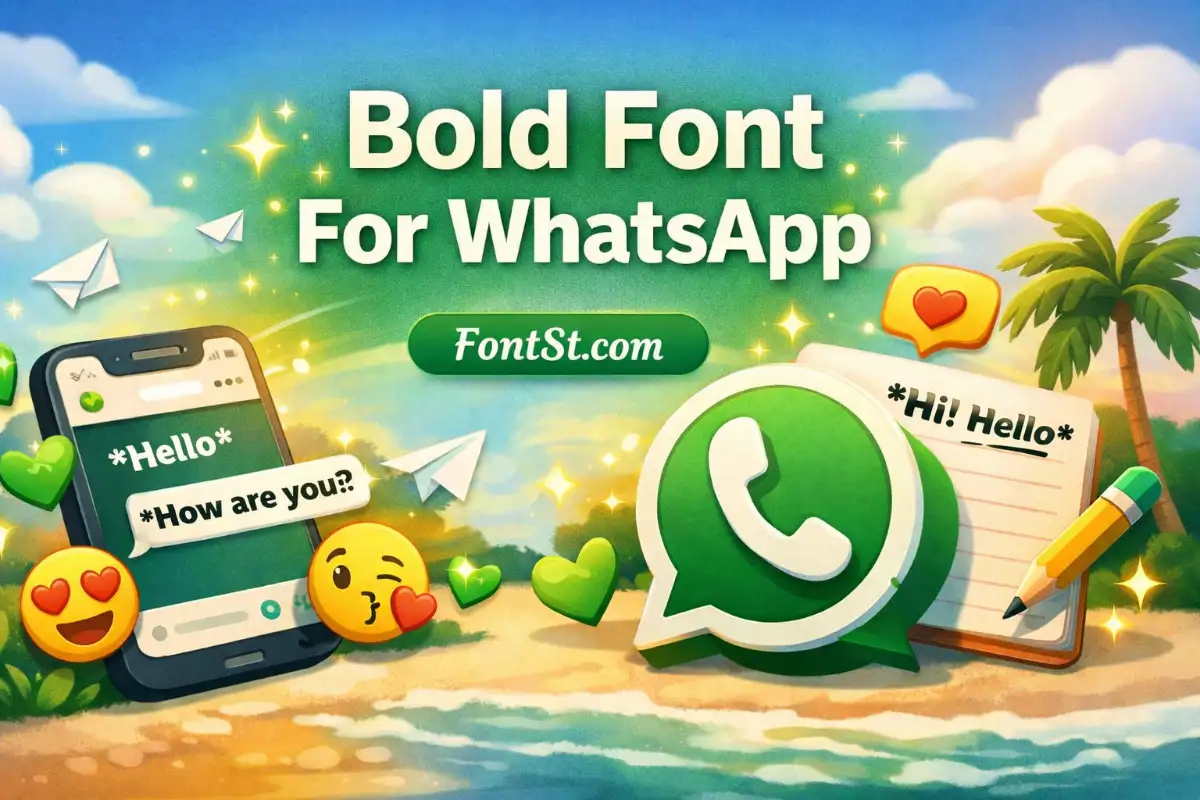
If you want to bold write in WhatsApp, the built-in method is very simple. Put an asterisk on both sides of the word or sentence you want to make bold. WhatsApp’s official formatting guide lists bold as *text*.
Example:
*hello*
That will display as bold in a WhatsApp message.
This method is best when you want to:
emphasize one important word
highlight a short sentence
make a message easier to scan
keep the text clean and readable
It is the easiest option for normal chats because you do not need any extra tool or app.
Bold font on WhatsApp can mean more than just the built-in message format. Many people also want a stronger visual style for profile text, status updates, and aesthetic captions.
That is where a copy-and-paste generator becomes useful. FontSt’s bold text tools are designed for quick styling across WhatsApp and other popular platforms, especially for short text like bios, nicknames, and standout lines.
A bold style works especially well for:
profile names
one-line status text
mini headings in longer messages
short captions
standout words in personal notes
If your goal is readability, keep the bold text simple. If your goal is style, choose a slightly more decorative bold version and keep the line short.
Bold Writing on WhatsApp
Bold writing on WhatsApp is useful because it adds emphasis without making the message feel too flashy. It is stronger than plain text, but still neat and familiar.
People often use bold writing for:
reminders
announcements
important details
message headers
punchy quotes
short labels or categories
A few simple style tips help bold writing look better:
use it for key words, not every word
keep longer messages mostly normal, with one bold line for contrast
avoid mixing too many decorative symbols into the same sentence
choose cleaner bold styles for better readability on mobile
FontSt’s own bold-text guidance also leans toward using bold styling on key words or one short headline line rather than overusing it everywhere.
If you want to make letters bold on WhatsApp, the best method depends on where you are using the text.
For normal chat messages
Use WhatsApp’s built-in bold format:
*text*
This is the official and fastest option for messages.
For bios, names, and status text
Use a bold text generator like FontSt:
type your text into the tool
preview the bold styles
copy the one you like
paste it into WhatsApp
This is better when you want a styled look rather than simple in-chat formatting. FontSt’s main font-style pages are built exactly for that kind of fast copy-and-paste use across chats, bios, captions, and usernames.
So the easiest answer is:
For messages: use *text*
For stylish copy-and-paste text: use the FontSt generator
Type your word, phrase, or sentence into the generator
Browse the bold styles shown below
Tap to copy your favorite version
Open WhatsApp
Paste it into your chat, bio, name, or status
This is the best option if you want more than the default WhatsApp bold format. Instead of getting only one native bold style, you can test different bold looks and choose the one that feels right for your text.
It works especially well for:
WhatsApp chats
about lines
profile names
short status text
stylish captions
simple promo or branded text
If one bold style feels too heavy, switch to a cleaner version. Bold text is most effective when it still feels easy to read at a glance.
How do you bold text in WhatsApp? Put an asterisk on both sides of the text, like *hello*. WhatsApp officially supports this as native bold formatting in messages.
What is the difference between bold font for WhatsApp and WhatsApp bold formatting? WhatsApp bold formatting is the built-in message style created with asterisks. A bold font generator creates styled text you can copy and paste into chats, bios, names, and status text.
Can I use bold writing on WhatsApp status? Yes. For status text and profile-style content, a copy-and-paste bold generator is often more useful than native message formatting because it gives you more visual options. FontSt’s bold tool is designed for that kind of use.
How do I make letters bold on WhatsApp iPhone or Android? The built-in method is the same on both: wrap your message with asterisks. For more decorative bold styles, use a copy-and-paste generator.
Does bold text work better for short or long messages? Usually short messages. Bold is strongest when used for one line, one phrase, or a few important words rather than an entire paragraph. FontSt’s own bold-page guidance suggests keeping bold to key words or one short headline line.
Why use a bold text generator if WhatsApp already supports bold? Because native WhatsApp bold gives you one standard look, while a generator gives you multiple bold-looking styles for names, bios, captions, and other copy-and-paste text uses.