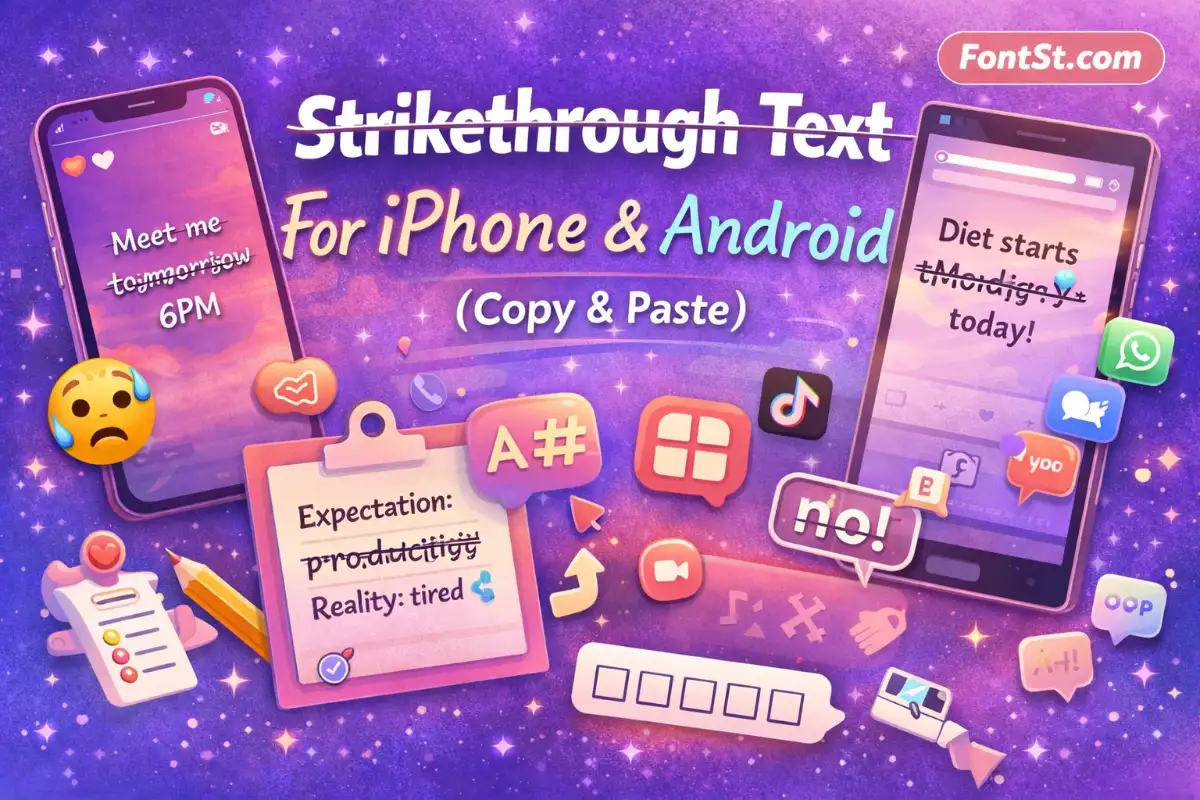
Want to cross out words on your phone in seconds? Use this Strikethrough Text generator for iPhone & Android, then Copy & Paste the crossed-out style into Instagram, TikTok, WhatsApp, notes, captions, or bios.
On iPhone, strikethrough text usually works smoothly because iOS handles Unicode characters well. The fastest workflow is: generate → copy → paste.
Step-By-Step (iPhone)
Type your words into the generator above.
Copy the strikethrough output.
Paste it wherever you want:
Instagram Story text
Instagram captions
TikTok captions
WhatsApp messages
Notes, iMessage, comments, or bios
Best iPhone Places To Use It
Instagram Story: short crossed-out edits look clean and readable.
Captions: one crossed-out phrase at the start is a great hook.
Bio: keep it short (1–6 words) so it doesn’t look crowded.
iPhone Tip: Edit In Notes First
If you’re building a longer caption, paste into the Notes app first, then tweak spacing and line breaks. Once it looks good, copy it from Notes and paste into Instagram/TikTok.
Why this helps: Strikethrough text is made with “combining marks.” They can be annoying to edit directly inside Instagram. Notes is more forgiving.
Android is also great for copy-paste strikethrough text, but your result can vary slightly depending on your keyboard and device font. It still works the same way: generate → copy → paste.
Step-By-Step (Android)
Type your text into the generator.
Copy the strikethrough output.
Paste into your app:
Instagram Story / Caption
TikTok caption
WhatsApp
Facebook / X / Discord
Any notes app
Android Tip: Check Your Keyboard + Font
Some Android phones show strikethrough characters a bit heavier or slightly offset. If it looks messy:
Use shorter phrases
Avoid stacking too many emojis next to the strikethrough text
Try a different text size (especially in Stories)
If you’re on a Samsung device, it may render slightly different than Pixel or Xiaomi. That’s normal with Unicode styling.
Strikethrough is most effective when you use it as emphasis, not as the entire paragraph.
Quick Mobile Use Cases
Corrections: “Meet at t̶o̶m̶o̶r̶r̶o̶w̶ 6 PM”
Expectation vs reality: “Expectation: t̶p̶r̶o̶d̶u̶c̶t̶i̶v̶e̶ Reality: barely awake”
Funny edits: “Diet starts t̶M̶o̶n̶d̶a̶y̶ today”
Soft sarcasm: “Feeling t̶c̶h̶i̶l̶l̶ calm”
Keep It Readable
For Stories and bios, strikethrough can look busy if you use long sentences. A sweet spot is:
1 line for Story overlays
1 short phrase inside a caption
1 short detail line in a bio
Why Strikethrough Sometimes Looks Different (iPhone vs Android)
Strikethrough text isn’t a “font toggle” inside the app. It’s typically built using Unicode combining characters that overlay a line on each letter. Every phone may render those marks a little differently because:
each device uses different system fonts
each app renders Unicode with its own layout rules
different keyboard/text engines handle spacing differently
That’s why the same strikethrough word might look slightly higher/lower on another device—especially on Android.
The fix is simple: keep strikethrough text short and avoid super dense formatting around it.
A double strikethrough style stacks two overlay marks to create a stronger “crossed-out” look. It’s fun for dramatic jokes, but it’s also more likely to render inconsistently on small screens.
When Double Strikethrough Is A Good Idea
One-word punchlines in Stories
A single “hard delete” word in a caption
Short callouts like “n̶o̶” → “n̶̶o̶̶”
When To Avoid It
Long sentences (it becomes hard to read)
Instagram bio lines (small space + heavy overlays)
Text on busy backgrounds (Story photos)
If you offer both styles in your generator, it’s best to label them clearly:
Does strikethrough work on both iPhone and Android? Yes. In most cases, strikethrough text works on both, but it may render slightly differently depending on device fonts and the app.
Can I use strikethrough text in an Instagram username? Usually no. Instagram usernames have strict character rules and typically don’t accept decorated Unicode characters. Use strikethrough in Stories, captions, comments, or bio instead.
Why is strikethrough harder to edit? Because the strikethrough line is often a combining mark attached to each character. Editing can feel awkward. The easiest fix is to retype the word and generate strikethrough again.
What’s the safest way to use strikethrough in a bio? Use a short phrase (1–6 words), avoid double strikethrough, and test how it looks on your profile before finalizing.
Is double strikethrough supported everywhere? Not always. It can look messy or render inconsistently on some devices. Use it for short emphasis only.
How do I remove strikethrough from copied text? Retype it normally, or use a “normal text” output if your generator provides one. Manually removing the marks is usually slower than retyping.