Turn plain text into strikethrough text (crossout) in seconds with FontSt. Type your words, generate a clean crossed-out style, then Copy & Paste it anywhere—WhatsApp, Instagram, TikTok, Discord, message, Word, Excel, Google Docs and more.
Turn plain text into strikethrough text (crossout) in seconds with FontSt. Type your words, generate a clean crossed-out style, then Copy & Paste it anywhere—WhatsApp, Instagram, TikTok, Discord, and more.
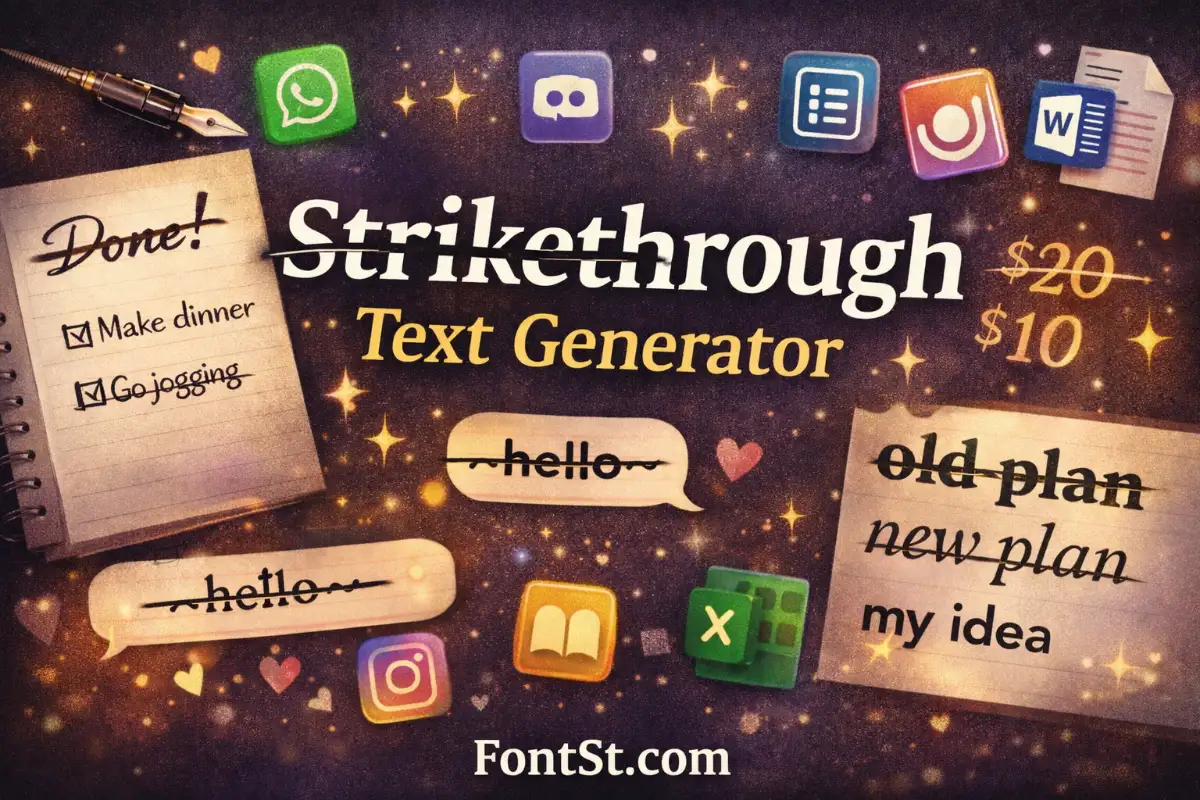
Crossout text is text with a line through it—often called strikethrough, line-through, or crossed-out text. People use it to show something is edited, cancelled, no longer true, or just for style.
Common uses include:
Marking completed tasks (to-do lists)
Showing an “old price” vs “new price”
Correcting a sentence without deleting it
Creating playful captions and jokes
Styling usernames and bios with a subtle effect
On FontSt, crossout text is made so you can copy it easily and paste it into social apps, chat apps, and documents.
Type your text → pick a crossout style → copy → paste.
Use the built-in formatting of certain apps
WhatsApp uses ~text~
Google Docs / Word have a Strikethrough button
Excel has a strikethrough format option
If you want one version that you can reuse across many platforms, the generator method is usually the easiest.
Cross Out Font Generator
People often search “cross out font” when they really mean “text that looks crossed out.” In most cases, it’s not a traditional font install. It’s a text effect that creates a line-through look using characters that work across platforms.
A cross out font generator helps you:
Preview multiple crossout styles
Keep your original text intact
Copy and paste results instantly
Use the same style across different apps
If one style doesn’t display well on a specific device, you can switch to a simpler crossout option in seconds.
“Line through text” is another way to say strikethrough. It’s the same effect: a horizontal line crossing the middle of the characters.
Use line-through text when you want to:
Show changes without removing words
Make playful “before/after” captions
Highlight “not true anymore” phrases
Create clean formatting in messages
If you’re posting on social platforms, keep line-through text short. Long crossed-out sentences can reduce readability.
Font With A Line Through It
If you’re looking for a font with a line through it, here’s the key idea:
In documents (Docs/Word), strikethrough is a format.
In social apps, it’s often a Unicode-style effect you copy and paste.
So the “font” is really the appearance of crossed letters rather than a font file you install. FontSt is useful because it gives you a copy-ready result that can work in bios, captions, comments, and chats.
If your goal is strikethrough text copy paste, the workflow is simple:
Type your phrase in the generator
Copy the crossout version
Paste it into:
Instagram bio/caption
TikTok profile
WhatsApp messages
Discord chat
Notes, emails, and more
Tip for clean results: Avoid adding extra symbols before and after the crossed-out words. Too many special characters can make the line-through style look messy.
Many users want a strikethrough text generator one line output for bios and quick captions. One-line crossout text works best because it stays readable and looks intentional.
Best one-line ideas:
A short phrase: “~new plan~ old plan” style humor
A single word correction: “wrong → crossed-out word”
A minimal “done” effect for lists
A clean pricing format: “old price” crossed out
If you’re using it for a name or username, keep it short and test how it appears on mobile.
Below are quick, platform-specific ways to make strikethrough text. If you want the fastest method across all apps, use the FontSt generator above and Copy & Paste.
Instagram doesn’t provide a native strikethrough button in captions and bios. That’s why many people use a generator for strikethrough text copy paste.
Best practice:
Use strikethrough for short phrases
Test in bio first (some characters display differently)
Keep it readable and avoid long crossed-out paragraphs
Crossed letters font “Crossed letters” usually means strikethrough or crossout text. In documents it’s a formatting option, while on social apps it’s often a copy-paste text effect from a generator.
Put a line through text You can put a line through text by using FontSt’s generator (type → copy → paste) or by using built-in strikethrough tools in apps like Google Docs, Word, and Excel.
Scratched text generator Many people search “scratched text” to describe crossout or strike-through styling. A strikethrough generator gives you that scratched/crossed-out look in a copy-ready format for bios, captions, and chats.
Strike through Discord Use Markdown in Discord: ~~your text~~ to create strikethrough. If it fails, make sure there are two tildes on each side and no extra spaces inside.