Use FontSt’s Reverse Text Generator to create backward writing online—reverse letters A–Z, copy & paste inverted-style text, and use a fast backward translator free.

🔁 Reverse Text Generator 🔁

What Is Reverse Letters?

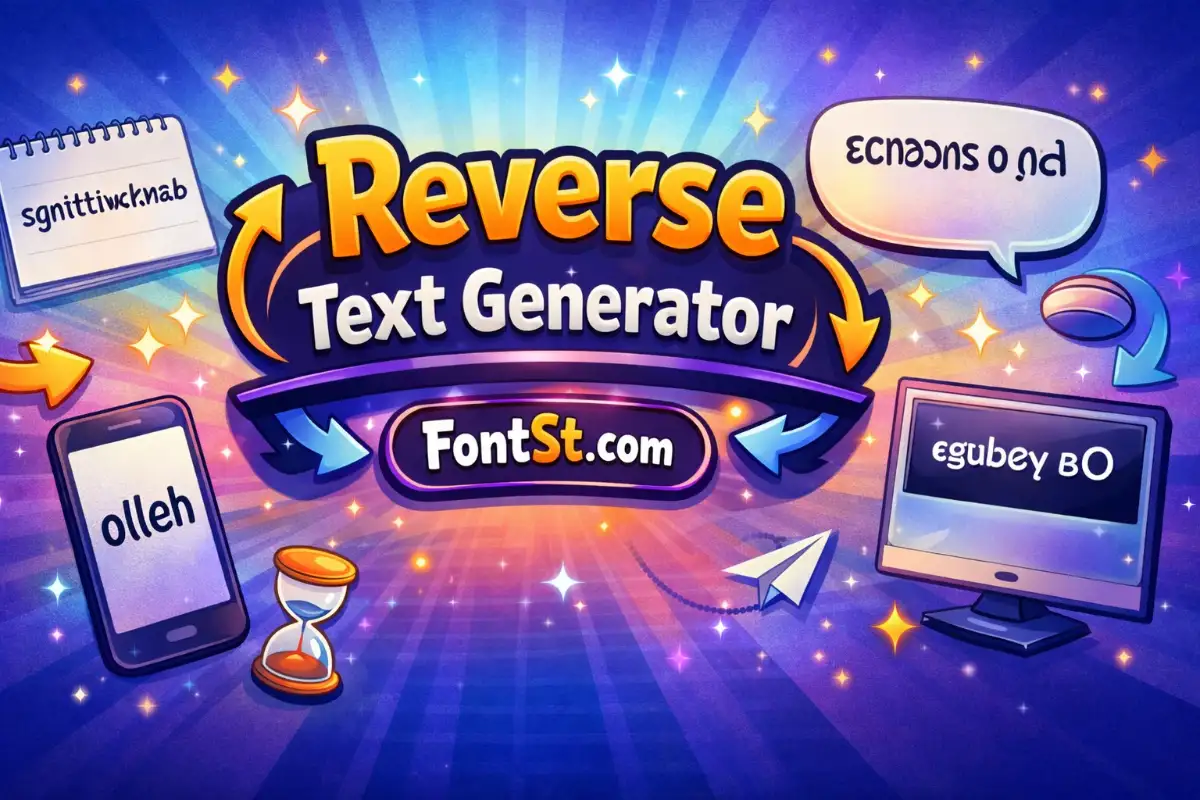
What is reverse letters? In most tools, it means the text is written backward by reversing character order. For example, a normal word becomes the same characters in reverse sequence.

There are two common meanings people confuse:

  • Reverse letters (reverse order): hello → olleh
  • Mirror letters (mirrored characters): letters look reflected (that’s a different tool)

This page focuses on reversing the order to create clean backward writing.

More font styles ➜ Square Font Generator

Square Font
Square Font

Reverse Text Generator Online Free: How It Works

A reverse text generator online free takes whatever you type and flips the order instantly. With FontSt, the workflow is:

  1. Type your text (word, sentence, or short message).
  2. Generate the reversed output.
  3. Copy it.
  4. Paste it anywhere it’s supported.

Tip: Reversing works best for short lines. Long paragraphs can look messy and harder to decode.

More font styles ➜ Mirror Text Generator


Invert Text Generator Copy And Paste: What “Invert” Usually Means

People search invert text generator copy and paste, but “invert” is often used loosely online. In many cases, they actually want reverse text (backward order) rather than changing the font.

If you truly mean “invert” as in:

  • uppercase ↔ lowercase, or
  • upside down, or
  • mirrored text,

those are separate transforms. For this article, “invert” is treated as a common synonym people use when they really want backward text.

More font styles ➜ Balloon Font Generator

How To Use Reverse Font Generator (Without Confusion)

The phrase how to use reverse font generator is popular, but most “reverse font” tools are not fonts—they’re text transforms.

A clean method:

  • Use reverse text for the entire phrase when you want a backward message.
  • Use a different style tool (mirror/upside down) if you want a visual effect.

If you need readability, put the reversed line below the normal line so people can understand it quickly.

More cool font styles ➜ Bubble Font Generator (Copy & Paste)

Bubble Font
Bubble Font

Reverse Text Translator For Backward Writing

A reverse text translator converts normal text into reversed text. It’s not language translation—think of it as a quick transformation from readable → backward.

Good uses:

  • puzzles and riddles
  • playful DMs
  • “secret” captions
  • stylized profile headers

If you’re posting publicly, keep it short and add a normal line underneath for clarity.

More cute font styles ➜ Emoji Font Generator – Cool Text Symbols & Emoji Styles

Backward Word Generator For Names And Short Phrases

A backward word generator is ideal for:

  • single words (names, tags, titles)
  • short phrases (2–6 words)
  • quick one-liners

For best results:

  • avoid lots of punctuation
  • keep spaces simple
  • don’t mix multiple text effects at once

More cool font styles ➜ Glitch Text Generator

Glitch Text Generator

Backward Translator: Fast Copy And Paste Tips

A backward translator feels cleanest when you use it intentionally:

  • Use it as a “hidden message” line.
  • Use it as a secondary header under a normal title.
  • Keep it short so it looks designed, not random.

If your platform auto-corrects spacing, paste into a note first, then copy again.

Fonts for tattoos letters ➜ Tattoo Text Generator

Backward Writing Generator For Captions And Chats

A backward writing generator works great in:

  • captions that tease a reveal
  • comment replies (“guess what this says”)
  • chat messages for playful mystery

A simple format that works well:

  • Line 1: normal text
  • Line 2: backward version

This keeps the vibe fun and still readable for everyone.

More cool font styles ➜ Colour Text Generator

Reverse Letter A–Z: What You Can And Can’t Do

Reverse letter a-z (a b c d e f g h i j k l m n o p q r s t u v w x y z A B C D E F G H I J K L M N O P Q R S T U V W X Y Z & 0123456789) is often misunderstood. Reversing text does not require special letter shapes—because it’s mainly about order.

Two different ideas:

  • Reverse the alphabet order: A B C → C B A (order change)
  • Reverse each letter’s shape: mirrored letters (a different tool)

A reverse text generator can reverse any characters you type, including letters, numbers, and symbols. If you want letters that look reversed, use a mirrored text generator instead.

More fancy font styles ➜ Small Text Generator – Little & Tiny Text Maker (Copy Paste)

Small Text Generator

FAQ – Reverse Text Symbol & Reverse Word Generator

Does reverse text change the font?
No. It reverses the order of characters. Your platform’s font stays the same.

Why do some symbols look odd after reversing?
Some symbols pair with surrounding characters or spacing. Keep the text short and avoid long symbol chains.

Can I reverse emojis and punctuation too?
Yes—reverse tools will reverse everything in the string, including emojis. The result can look funny, so test first.

Is “invert text” the same as reverse text?
Not always. Many people use “invert” to mean reverse, but it can also mean mirrored, upside down, or case swapping.

What’s the difference between reverse and mirror text?
Reverse changes the order. Mirror changes the visual appearance of letters (reflection).

More cool styles ➜ Strikethrough Font Generator


Leave a Comment