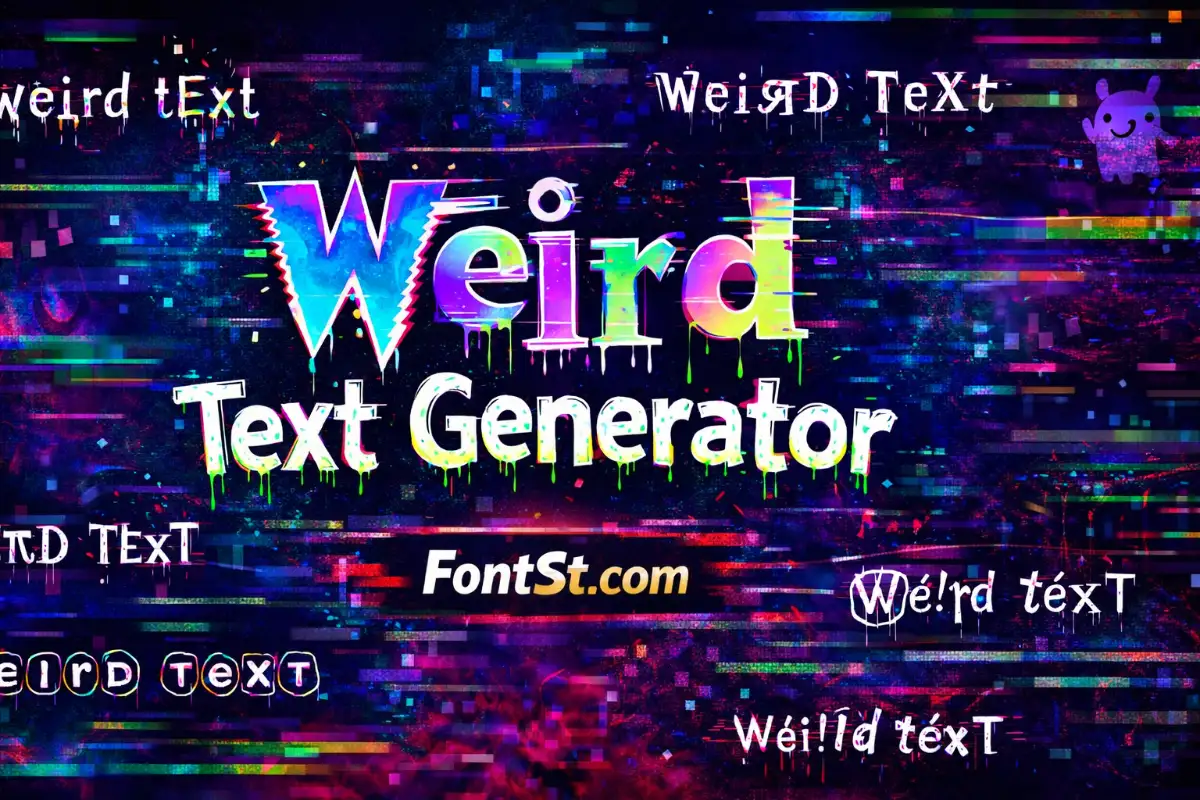
Use this Weird Text Generator on FontSt to turn plain words into crazy, strange text styles you can copy and paste in seconds. Type a name or short line, pick a weird style, then paste it into bios, captions, comments, and chats where it’s supported.

🤪 Weird Text Generator 🤪

Weird text is a fun way to make names, bios, and short captions look unexpected—without installing any fonts. With FontSt, you can generate crazy and strange text styles instantly, then copy and paste them wherever they’re supported.


What Is Weird Text Generator?

What is weird text generator? It’s a tool that transforms plain letters into unusual-looking text using Unicode characters (not a downloadable font file). The result can look “glitched,” “wacky,” “cute,” “creepy,” or just different enough to stand out in a profile.

Most weird styles work best when you use them as an accent:

  • a short username variation
  • one headline line in your bio
  • a single “crazy” word inside a normal caption

Try more cool font styles ➜ Zalgo Text Generator

Zalgo Text Generator

How To Use Strange Text Generator On FontSt

If you’re searching how to use strange text generator, the process is simple and consistent:

  1. Type your text (name, phrase, or short line).
  2. Pick a weird style category (wacky, glitch, cute, symbols, etc.).
  3. Copy the version you like.
  4. Paste it where it’s supported.
  5. If it looks broken, try a lighter style or shorten the text.

Tip: Many weird styles look better when your text is short and clean—avoid long punctuation chains and heavy emoji stacking.


Weird Font Copy And Paste: Where It Works Best

People often say weird font copy and paste, but these are usually “text styles” made from Unicode. They commonly work in:

  • bios and about sections
  • captions and comments
  • display names (sometimes)
  • chat messages (depending on the app)

If a platform removes the style, it’s usually filtering certain characters. Try another weird style that uses simpler symbols.

Try cute font styles ➜ Box Font Generator Copy And Paste – Text & Name Styles

Box Font Generator
Box Font Generator

Crazy Letter Generator For Names And Headings

A crazy letter generator is most useful when you want one part of your text to pop, like:

  • your main name word
  • a short tag (PRO, VIP, EDITS, GAMER)
  • a one-word mood line

For the cleanest look:

  • glitch/crazy for 1–2 words
  • normal text for the rest
    That contrast feels intentional and readable.

Wacky Font Generator Styles That Stay Readable

A wacky font generator doesn’t have to be messy. Some weird styles are bold and playful while still readable—perfect for everyday profiles.

If your goal is “weird but clean,” choose styles that:

  • don’t add heavy marks above/below letters
  • keep normal spacing
  • look consistent across devices

Try cool font styles ➜ Italic Font Generator (Copy And Paste)


Weird Text Maker Vs Weird Font Maker: What’s The Difference?

Users search both weird text maker and weird font maker, but they usually mean the same thing: a fast tool that outputs copyable styled text.

A practical way to describe the difference:

  • Weird text maker: focuses on turning phrases into weird-looking text
  • Weird font maker: often means the same tool, but people think in “font” terms

Either way, FontSt is doing a text-style conversion you can use instantly.

Try more fancy font styles ➜ Bubble Font Generator

Bubble Font
Bubble Font

Weird Font Converter Tips For Clean Output

A weird font converter works best when you treat it like a styling layer, not the entire message.

Best practices:

  • keep it under 30–40 characters
  • avoid all-caps for heavy styles (it can look crowded)
  • test in a draft before posting
  • save 2–3 favorite styles so your profile stays consistent

If you want a “signature look,” use one weird style for headings and keep everything else normal.

Try cool font styles ➜ Glitch Text Generator


Weird Font Translator: When You Need A “Readable Weird” Option

People also search weird font translator when they want a converter that “translates” normal text into a weird style while staying readable.

To get that readable-weird effect:

  • choose styles like circled, boxed, small caps, or simple symbol alphabets
  • avoid heavy glitch/Zalgo if the text must be understood quickly
  • use weird styling only on key words

This is the fastest way to look unique without sacrificing clarity.

Try cool font styles ➜ Emoji Font Generator – Cool Text Symbols & Emoji Styles

Emoji Font
Emoji Font

FAQ – Weird Font Generator

Is weird text a real font I install?
Usually not. Most weird styles are Unicode-based characters you can copy and paste.

Why does weird text look different on iPhone vs Android?
Different devices render certain Unicode characters differently. Simpler styles tend to be more consistent.

Why does my weird text turn back to normal after pasting?
Some apps filter special characters. Try a different weird style with simpler characters.

What weird styles are best for usernames?
Short, readable styles (boxed, circled, small caps) usually work better than heavy glitch effects.

How do I avoid looking spammy?
Use weird text for one short line or one keyword, and keep the rest normal.


Leave a Comment