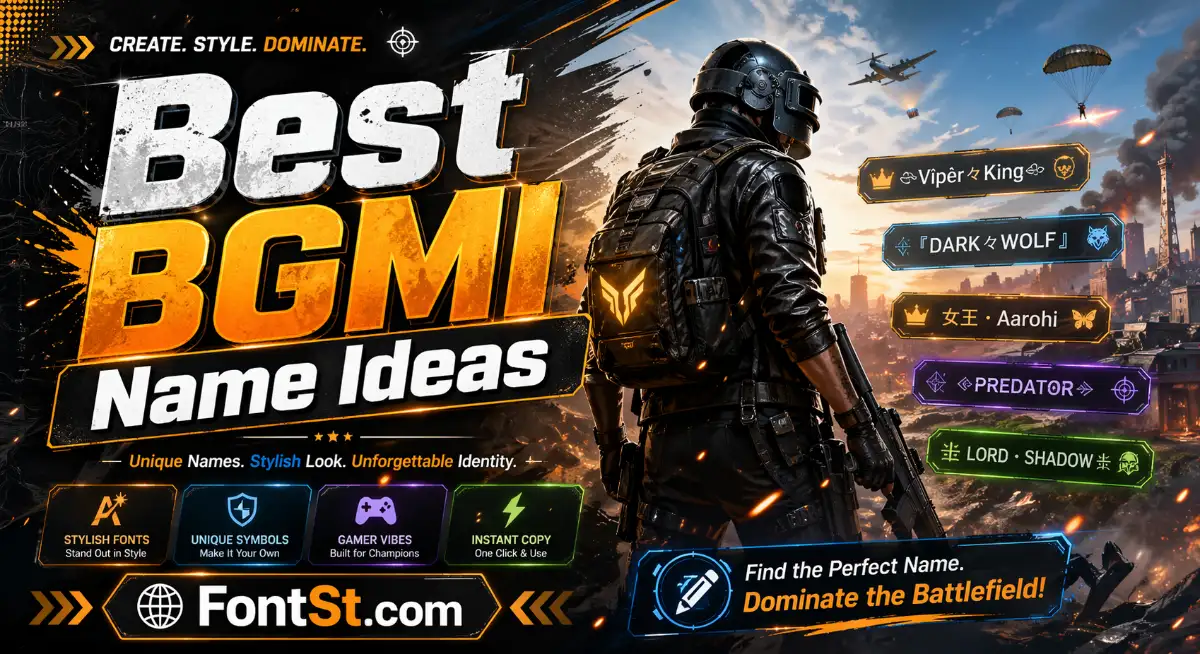
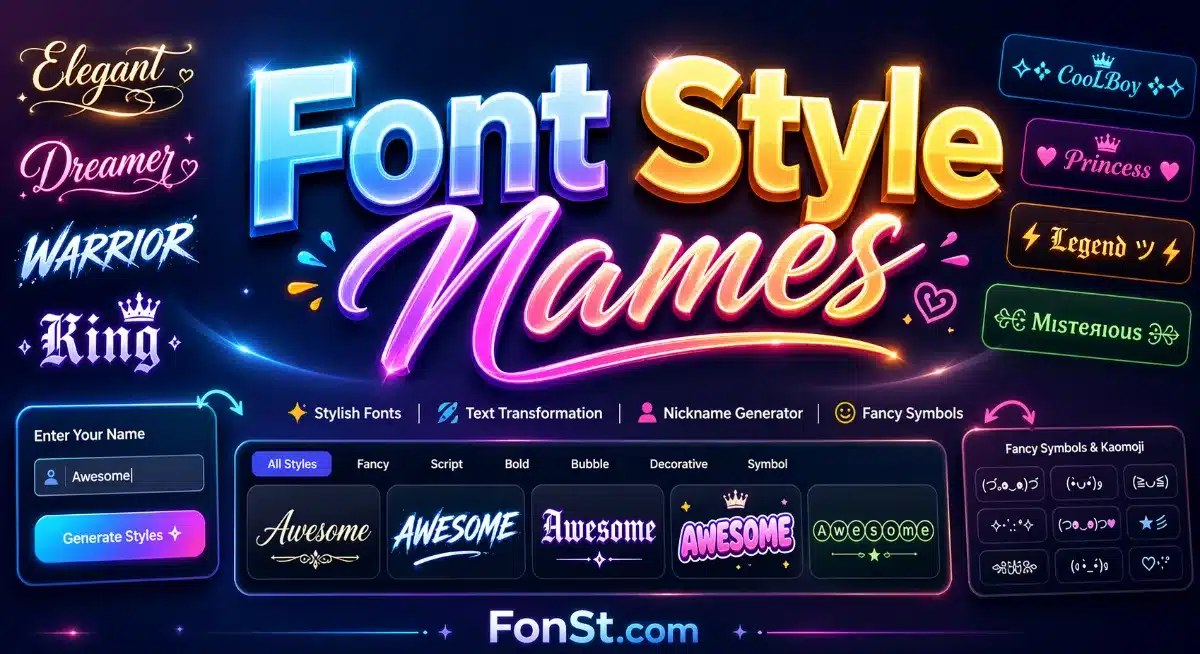
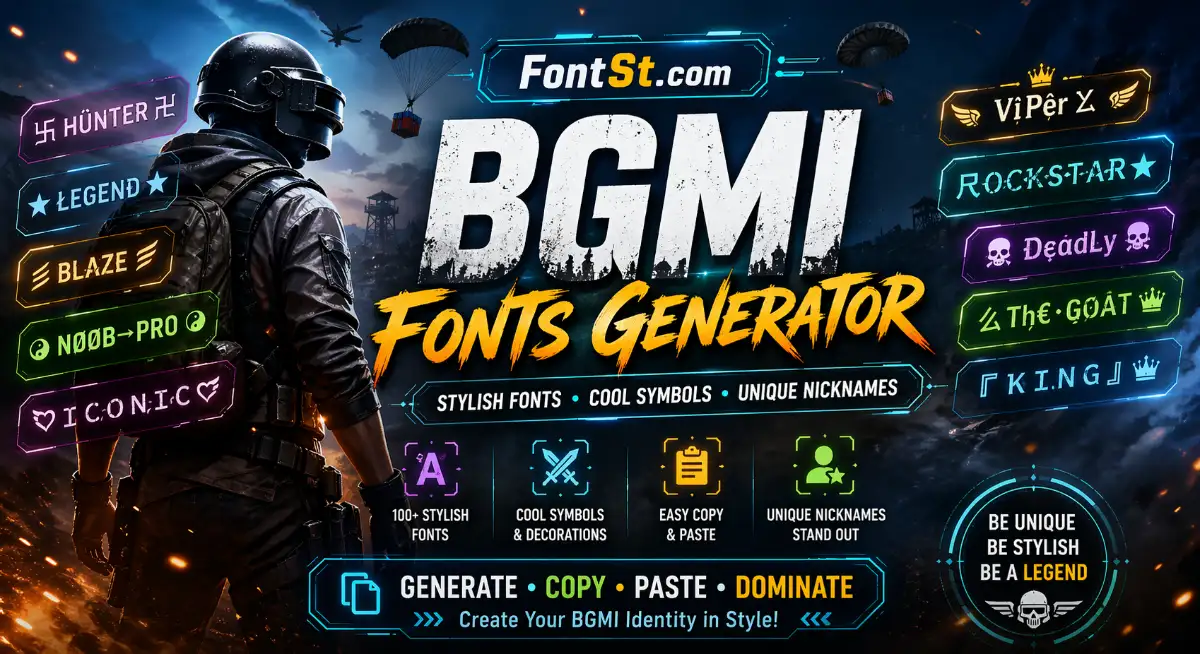
BGMI fonts let you turn plain text into stylish nicknames that look sharper, cooler, and more memorable in-game. With a BGMI fonts generator, you can create copy-and-paste text styles, add symbols, and build a name that fits your vibe without spending time editing each character by hand.
A good BGMI name font style should look unique, but it also needs to stay readable. Many players want a name that stands out in the lobby, team list, or profile, yet still looks clean enough to recognize quickly.
The most popular BGMI font style choices usually include:
Bold styles for strong and aggressive names
Italic or script styles for a smoother, more stylish look
Decorative styles for standout nicknames
Small caps and sharp fonts for modern gamer vibes
Minimal stylish text for players who want a cleaner result
When choosing a BGMI font style, it is usually better to:
keep the base name short
avoid too many heavy symbols
choose styles that still look good on mobile
test a few versions before picking one final name
For example, a plain name can look much better after a font change because the structure stays simple while the style becomes more eye-catching.
If you want a stylish font for BGMI, the goal is not only to make the name look fancy, but also to match your identity in the game. Some players prefer dark and sharp names, while others want a cool, elite, funny, or clean-looking profile.
A stylish BGMI font often works best when it matches one of these directions:
Pro player style short, bold, confident, easy to read
Cool and elite style modern letters with light decoration
Dark style stronger fonts with a serious tone
Cute or soft style smoother text with lighter symbols
Clan-ready style names that look balanced and work well next to tags
Instead of picking the most complicated result, it is usually smarter to choose a stylish font that gives you:
a clear shape
good spacing
strong visual impact
easy copy-and-paste use
That balance is what makes a BGMI name look polished rather than messy.
Many players do not want font styles alone. They also want BGMI font symbol copy and paste options to make names more personal. Symbols can help frame a nickname, add attitude, or make the final result look more complete.
Common symbol styles for BGMI names include:
stars
arrows
brackets
crowns
dots
lines
wings
lightning-style marks
A few examples of how symbols are often used:
adding symbols at both ends of a name
placing a small icon before the name
combining a clean font with only one light symbol
using separators to make short names look stronger
The best practice is simple:
use light symbols first
do not overload the name
keep the main word readable
choose symbols that match the font style
If your name already has a strong font, you usually need only a small symbol touch to finish it.
A font changer for BGMI is the easiest way to create stylish text without manually searching Unicode characters one by one. You enter your text, browse the generated styles, copy the one you like, and then paste it where supported.
The process is usually:
type your BGMI name
view multiple font results
pick the cleanest or coolest version
copy the result
paste it into your name field, profile, bio, or related text area
This is useful because it saves time and gives you many styles at once. Instead of guessing which characters work, a font changer helps you compare different looks quickly.
When using a BGMI font changer, keep these tips in mind:
start with a short base name
try both plain and symbol versions
keep a backup normal-text version
choose readable styles over overly crowded ones
A simple font changer is often the fastest way to build a BGMI nickname that feels custom and looks better than plain text.
BGMI fonts, stylish text, and copy-and-paste symbols are all about making your name feel more personal. The best result usually comes from a short base name, a readable font style, and a small number of matching symbols.
If you want a BGMI name that looks clean, stylish, and ready to use, start with a good font style first, then add symbols only where they improve the final look.