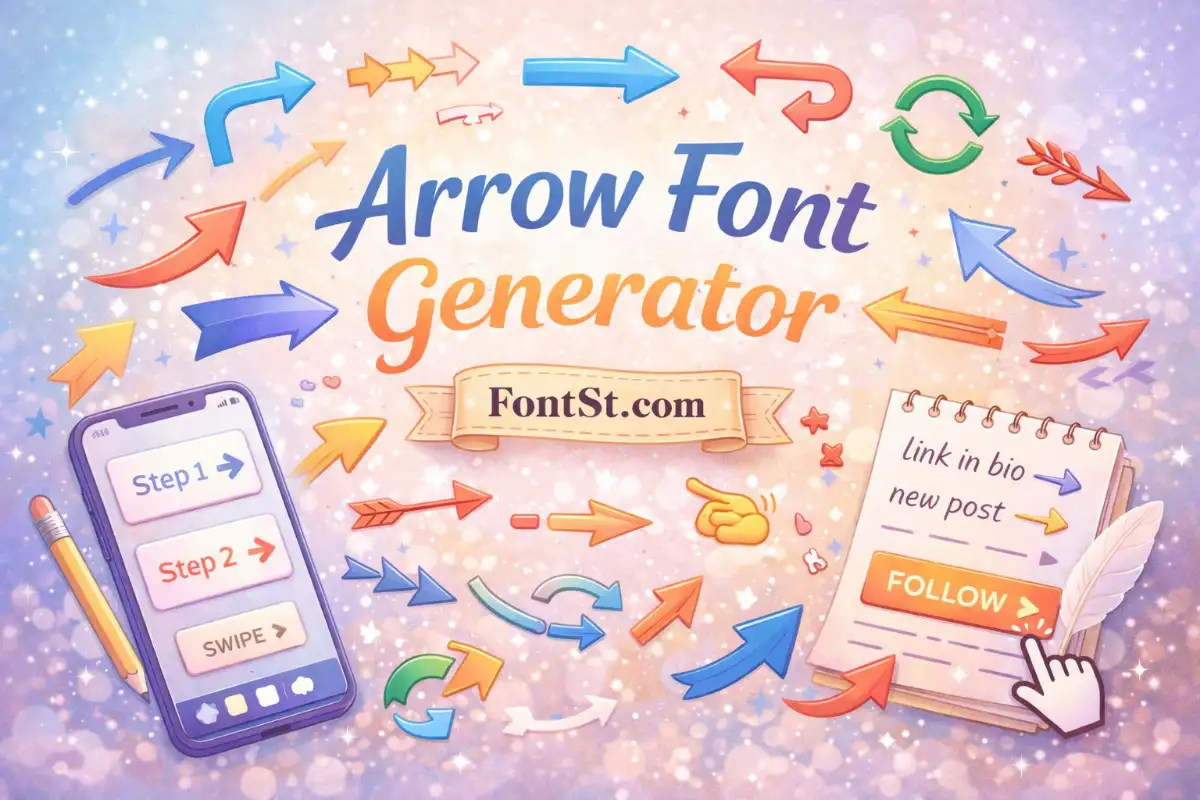
Need clean arrows for a bio, caption, design note, or button label—without hunting through emoji menus? FontSt’s Arrow Font Generator helps you copy & paste arrow symbols, arrow-style text, and emoji arrows in seconds for Instagram, TikTok, Discord, and more.
Arrows come in different “families,” and each family is useful for a different job. Here are the most common types people want when they search types of arrow font symbol & emoji:
Yes—“bow and arrow” is often used as a theme in icon fonts or decorative typefaces in design tools. For copy & paste text, you can get the vibe with symbols and emoji:
In typography, “fonts with arrow glyphs” means a font file that includes arrow characters in its glyph set. Many modern fonts include basic arrows, but decorative arrows vary.
FontSt is different: it focuses on copy & paste characters that render in common system fonts. If you need a design-ready font for print, you’ll want a downloadable font. If you need quick arrows for social text, copy/paste symbols are faster.
Cricut Arrow Font: What Users Usually Want
People searching “cricut arrow font” typically need:
arrows for labels, decals, SVG layouts, or crafting text
consistent arrow shapes that match a design theme
For Cricut projects, you can still use FontSt arrows as quick draft text ideas, then recreate them in Cricut with a compatible font or SVG. For clean aesthetic text styles you can test first, you can pair arrows with neat lettering from FontSt’s style directory: Font Styles Names
Instagram Font Arrow: How To Make It Look Clean
For “instagram font arrow,” the key is readability and spacing. Best practice:
Use one arrow style per bio/caption (don’t mix → and ➤ randomly).
Keep a short structure:
new post →
fashion → beauty → diary
shop → link in bio
If you want the text itself to feel more aesthetic, pair arrow lines with a subtle italic style (great for captions) using FontSt’s Italic generator