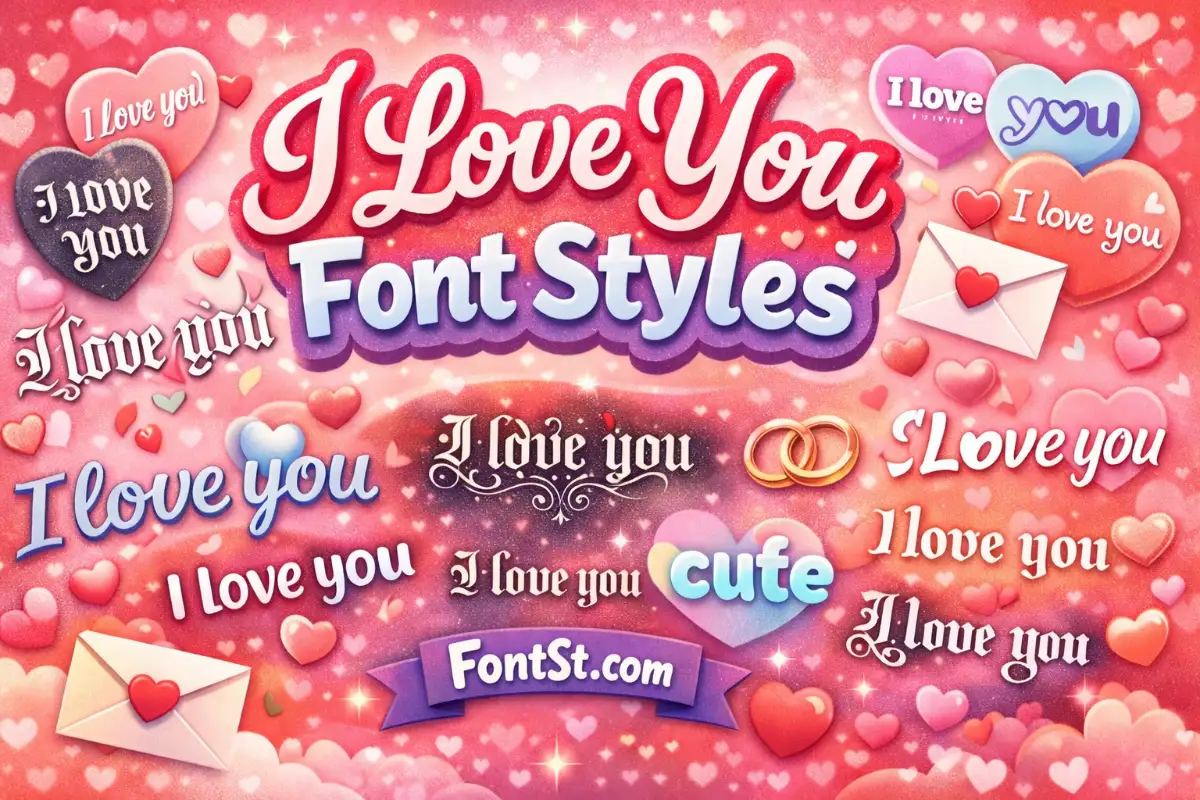
Turn a simple “I love you” into cursive, cute, Old English, Chicano, small text, and more—ready to Copy & Paste anywhere. Type your message, pick a style, then paste it into WhatsApp, captions, bios, or love notes in seconds.
Sometimes a simple “I love you” deserves a nicer look. On this page, you can turn your message into cursive, cute, bold, Old English, Chicano vibes, small text, and more—ready to Copy & Paste for bios, captions, and chats.
Use the generator above to type your line, pick a style, and paste it anywhere (WhatsApp, Instagram, TikTok, Facebook, Messenger, notes, and more).
I Love You Font Style Generator
This tool converts your text into different font styles using copy-paste friendly characters. It’s perfect when you want your message to feel more personal than plain typing.
Best ways to use it:
- Create a cute “I love you” line for a story caption
- Make a stylish WhatsApp status
- Personalize a nickname for your boyfriend or girlfriend
- Add a romantic bio line with a unique vibe
Tip: Keep your message short for the cleanest look—especially for bios.
More I love you in different font styles ➜ Weird Text Generator – Crazy & Strange Font
Weird Text Generator
I Love You In Different Font Styles
If you want “I love you in different font” options, try switching between these popular looks:
- Cursive/script for romantic notes
- Bold/clean styles for WhatsApp status or profile
- Old English for dramatic “classic” vibes
- Chicano for street-style aesthetic
- Small font for subtle bios
A quick trick: Try your text in all caps (“I LOVE YOU”) and normal case (“I love you”)—some styles look better in one than the other.
I Love You In Cursive Copy And Paste
Cursive is the most popular romantic choice because it looks handwritten. For a clean cursive result:
- Type:
I love you - Choose a cursive style
- Copy and paste into your chat or caption
If the cursive style looks too fancy on small screens, pick a simpler script or a “soft” style that keeps letters readable.
I Love You In A Cool Font For Captions
Want “i love you in a cool font” for a caption that stands out?
Try these ideas:
- Add a tiny symbol at the end:
I love you ✨orI love you ♡ - Use a bold style for contrast on photos
- Keep it minimal: one line, no extra emojis, just the font
Cool fonts work best when the message is short and centered.
I love you in cute font copy and paste ➜ Valentine Font Generator
Valentine Font Generator
I Love You In Pretty & Cute Font
A pretty & cute font should look sweet without being hard to read. The best cute results usually come from:
- Rounded/circled styles
- Soft script styles
- Light symbol accents (not too many)
Cute examples to try:
I love you, alwaysMy favorite personBe mine
Try I love you in different font styles ➜ Love Font Generator
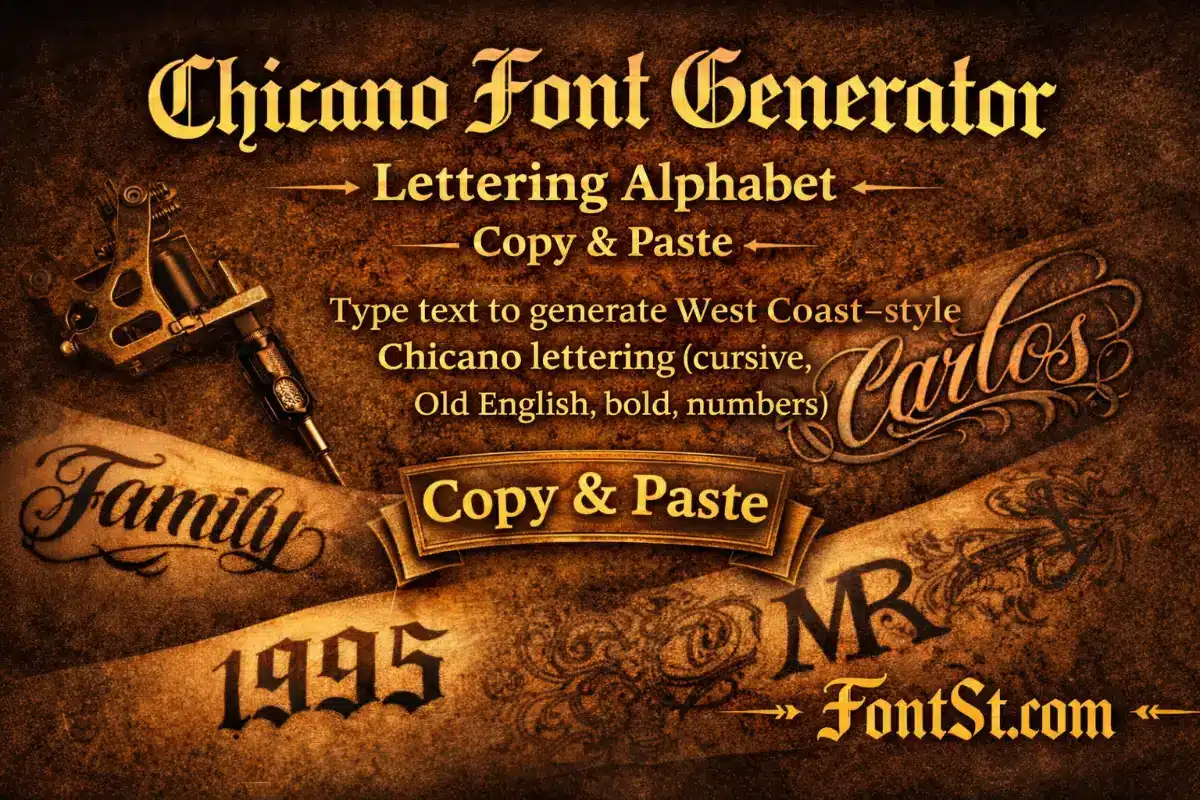
I Love You In Chicano Font
Chicano-style fonts give a bold, street aesthetic—great for stylized captions or profile lines.
Best practices:
- Use short phrases (2–4 words)
- Prefer title case or all caps
- Avoid extra symbols so the style stays strong
Examples:
I LOVE YOUONLY YOUMY LOVE
More I love you in chicano font styles ➜ Chicano Font Generator
Chicano Font
I Love You Stylish Text For WhatsApp
For “i love you stylish text for whatsapp”, readability matters most because WhatsApp chats are small and fast.
Tips for WhatsApp:
- Use a simple cursive or clean bold style
- Avoid overly decorative symbols that make words hard to scan
- Test by sending to yourself first (Saved Messages / Note to self)
Good WhatsApp-ready lines:
I love you ♡Always youMy forever
More I love you in different font styles ➜ WhatsApp Strikethrough Generator
I Love My Boyfriend Font Ideas
If you’re making “i love my boyfriend font” text, keep it personal. Try:
- Add his name:
I love you, Nam 💘 - Use a cute style for the full sentence
- Or do a bold + cute mix: bold for “boyfriend”, script for the rest
Short lines look best for bios:
I love my boyfriendTaken 💞His girl ♡
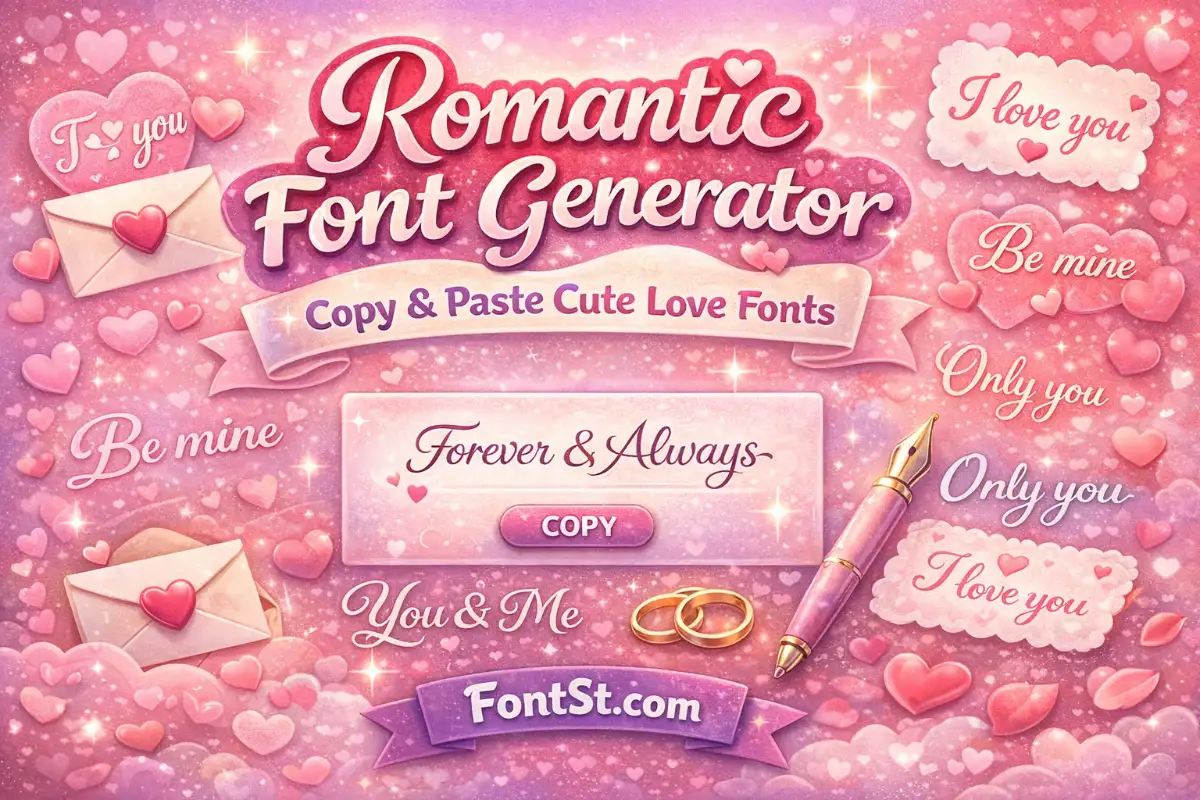
Try I love you in different font ➜ Romantic Font Generator – Copy & Paste Cute Love Fonts
Romantic Font
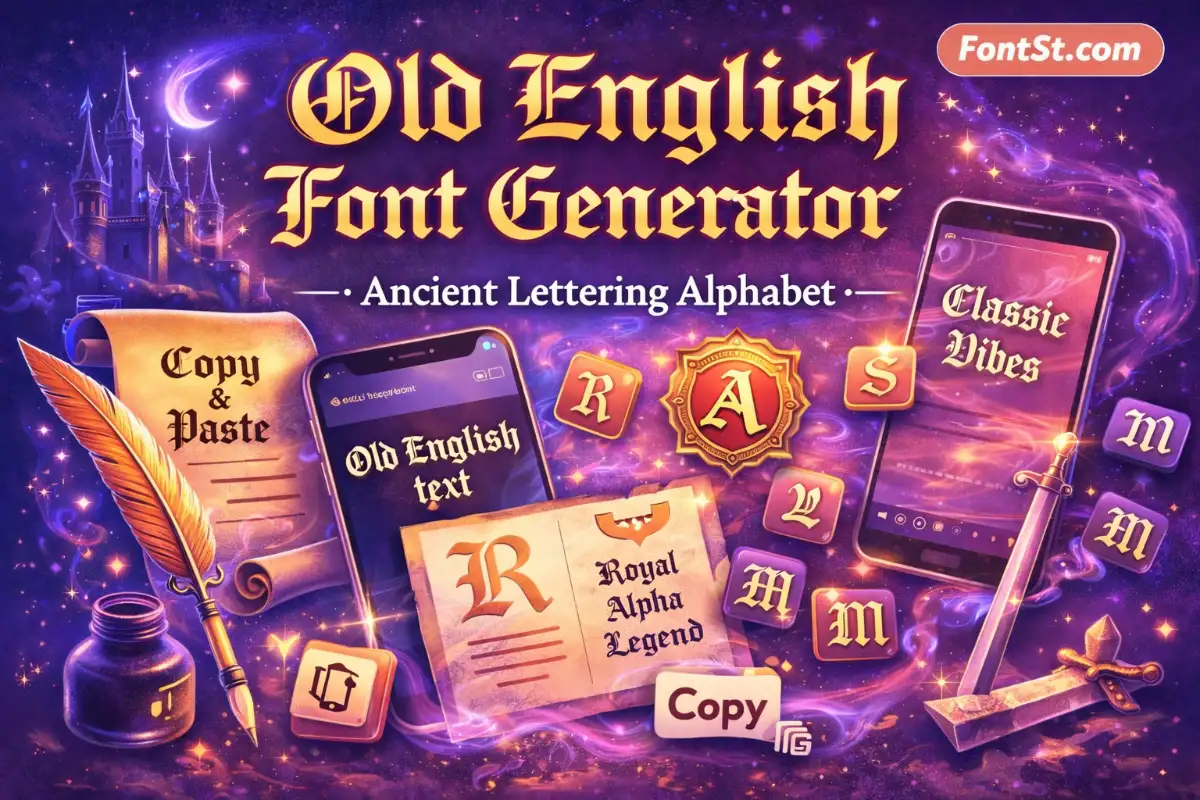
I Love You In Old English Font
Old English (blackletter) makes “I love you” feel classic and dramatic. It’s a great option for:
- Profile bios with a strong aesthetic
- Story captions with dark/retro edits
- Couple initials or short romantic phrases
For best results:
- Keep punctuation minimal
- Use normal case first, then test all caps
More I love you in old English font ➜ Valentine Font Generator
Old English Font
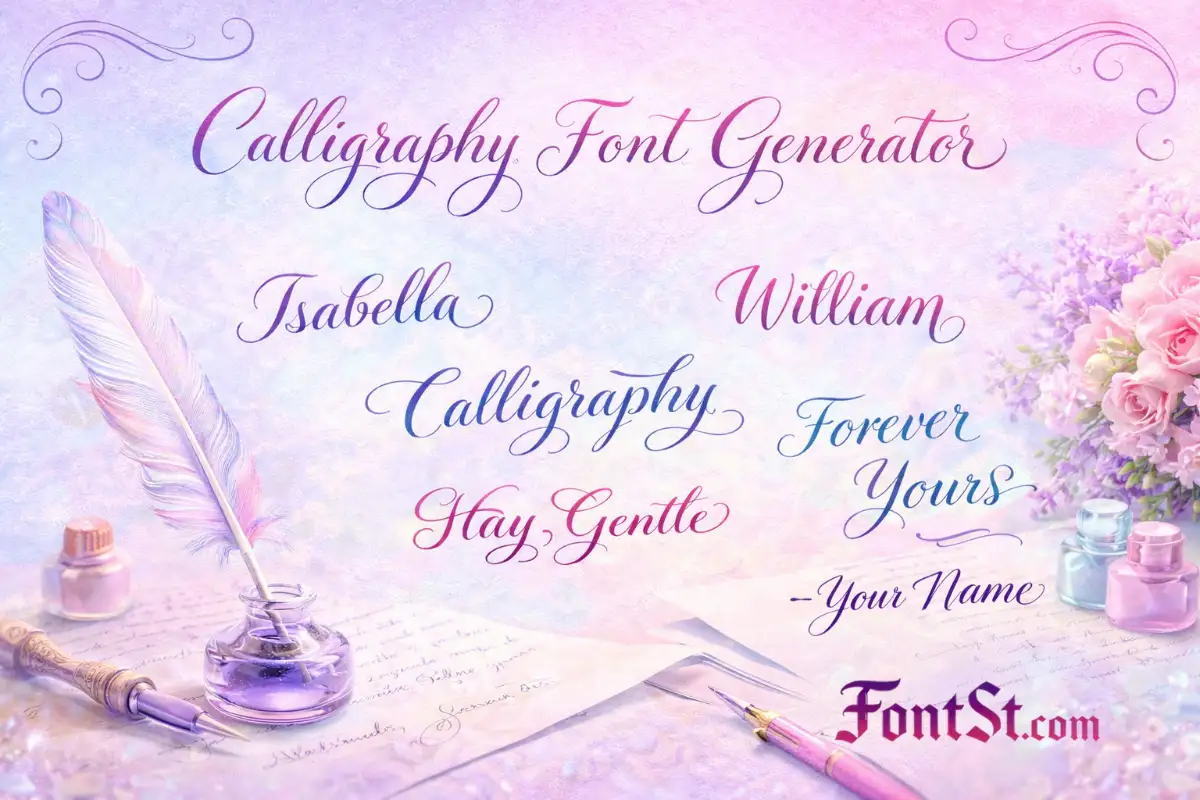
I Love You Calligraphy Fonts
Calligraphy fonts feel like hand lettering—perfect for romantic messages, notes, and Valentine captions.
To make calligraphy look premium:
- Use one emoji max
- Add spacing:
I love you(not long paragraphs) - Choose a clean script if your platform compresses text
Try these:
I love you, foreverYou + MeWith you
More I love you cool font styles ➜ Calligraphy Font Generator
Calligraphy Font
I Love You Small Font For Bios
Small font is popular for subtle bios and minimalist captions.
Use small font when:
- You want a low-key romantic line
- Your bio already has lots of info
- You want the message to feel “soft”
Ideas:
i love youalways youmy person
If small font becomes too hard to read, switch to a clean “soft” style instead.
More I love you in different small font styles ➜ Small Text Generator – Little & Tiny Text Maker (Copy Paste)
FAQ – I Love You Font Style Text
Can I copy and paste these styles anywhere?
Yes—most apps support copy & paste. If one style doesn’t render well, pick a simpler one.
Which style is best for WhatsApp?
Clean bold or simple cursive styles are the most readable.
Why do some fonts look different on other phones?
Different devices and apps render special characters differently. Stick to simple styles for maximum compatibility.
- Number Font Generator – Copy & Paste Different Styles
- BGMI Font Generator – Stylish Text & Symbols Copy Paste
- Discord Font Generator With Symbols & Emojis (2026)