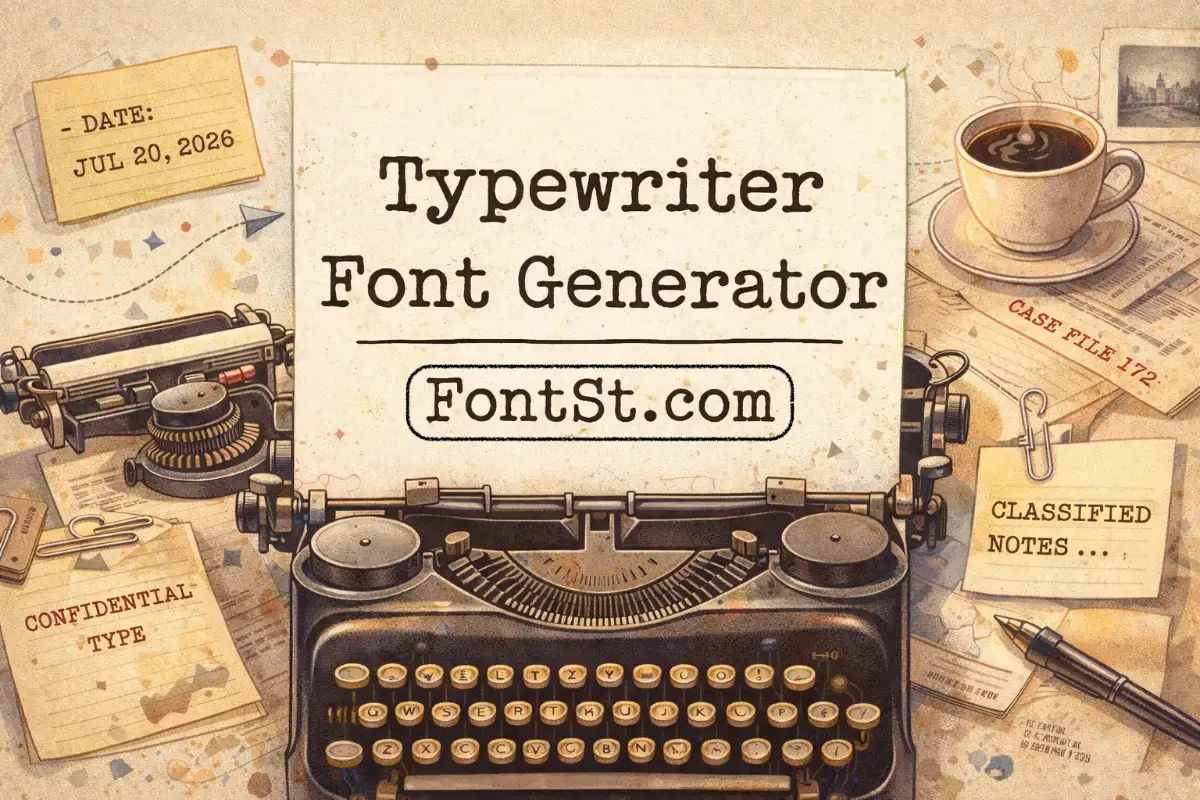
Get that vintage “typed on paper” look instantly with FontSt’s Typewriter Font Generator—perfect for retro captions, bios, headings, and note-style posts. Type your text, choose an Old American typewriter style, then Copy & Paste it anywhere in seconds.

📇 Typewriter Font Generator 📜

Typewriter text has that crisp, nostalgic “typed on paper” vibe—perfect for vintage captions, headings, labels, and retro designs. Use this generator to create Old American typewriter-style text you can Copy & Paste anywhere in seconds.


What Is A Old Type Machine Font?

A “old type machine font” (typewriter font) is a font style that imitates letters produced by mechanical typewriters—usually monospace (each character takes the same width), with a slightly imperfect, inked look in some designs.

People use typewriter styles for:

  • Retro posters and aesthetic captions
  • “Document” or “report” vibes in designs
  • Labels, serial-like codes, timestamps
  • Story text overlays that feel editorial

Quick tip: Typewriter fonts look best in short blocks. If you paste a long paragraph, keep line breaks and spacing tidy.

More old typewriter font copy and paste ➜ Underline Text Generator

Underline Text
Underline Text

Fancy Typewriter Font Copy And Paste

If you want a fancy typewriter font copy and paste result, the trick is combining the style with formatting that fits the vibe:

  • Use ALL CAPS for bold, poster-like titles
  • Add spacing for “typed headline” feel: T Y P E W R I T E R
  • Keep punctuation minimal for cleaner readability

Try these templates:

  • CONFIDENTIAL
  • CASE FILE: 2026
  • ARCHIVE NOTES
  • THE LAST PAGE

Convert upper case & lower case letters online ➜ Upper to lower case online

How To Use American Typewriter Font Generator

To use this American typewriter font generator style on FontSt:

  1. Type your text (name, title, caption, quote)
  2. Choose a typewriter/monospace style
  3. Copy the output
  4. Paste into Instagram, TikTok, Facebook, X, Threads, WhatsApp, Discord, Telegram, or Notes

Best practice for social apps: keep it under ~8–12 words for the cleanest look.

ITC American Typewriter Font

ITC American Typewriter is a specific, well-known typewriter-style font family. If you need that exact font in design software, you typically need the font installed on your device and used inside apps like Word, Photoshop, Canva, etc.

This page is for typewriter-style text you can copy & paste quickly. It’s ideal for bios/captions and quick styling, but it won’t replace installing a font file when you need exact brand-accurate typography in professional design work.

More old typewriter font copy and paste ➜ Decorative Text Generator

Decorative Text Generator

How To Download Font Typewriter Free

If you’re searching how to download font typewriter free, make sure you’re clear on your goal:

  • For social posts (fast): use copy & paste styles (no downloads)
  • For documents/design apps (exact font files): download fonts with clear licensing

Safe download checklist

  • Check license: personal vs commercial use
  • Confirm it includes numbers + punctuation
  • Test readability for 0/O and 1/I
  • Install and test inside your target app (Word/Canva/etc.)

ITC American typewriter font bold free copy and paste ➜ Old English Font Generator

Old English Font
Old English Font

Types Of Old Typewriter Typeface

Old typewriter typefaces come in a few popular “flavors.” Pick based on the mood you want.

Bohemian Typewriter Font

“Bohemian typewriter” usually means a typewriter base with a more artistic, indie vibe—often paired with:

  • extra spacing
  • light decoration around titles
  • short quote captions

Best for:

  • aesthetic quotes
  • journal-style posts
  • handmade/indie branding

Classic Typewriter Font

Classic typewriter is clean and readable—great when you want the typed vibe without heavy effects.

Best for:

  • headings
  • notes, lists
  • “report/document” aesthetics
  • captions with a neutral vintage feel

Type Writing Font On Word

If you want a type writing font on Word:

  • Use Word’s built-in fonts if available (search “typewriter”, “mono”, “courier”)
  • Or install a typewriter font file, then select it in Word

Tip: For documents, real installed fonts are better than copy/paste styles because line spacing and print rendering stay consistent.

Vintage Typewriter Font

Vintage typewriter fonts feel softer and more nostalgic—perfect for:

  • old-photo captions
  • memory posts
  • “letter from the past” vibes

Formatting tip:

  • Add a date line: JUL 14, 2026
  • Use short paragraphs with line breaks

Antique Typewriter Font

Antique typewriter vibes are “older” and more dramatic—great for:

  • mystery themes
  • archive/diary aesthetics
  • “classified file” designs

Try:

  • ARCHIVE #017
  • FOUND FOOTAGE NOTES

Retro Typewriter Font

Retro typewriter feels more “mid-century” and editorial.

Best for:

  • posters
  • magazine-style captions
  • minimal vintage branding

Works well with:

  • short titles
  • clean spacing
  • subtle symbols like or

Instagram Typewriter Font Download

Instagram doesn’t support installing custom fonts inside the app itself. You have two practical options:

  • Copy & paste typewriter-style text from this generator into your bio/caption
  • For story graphics: design in an app (Canva, etc.) using an installed font, then upload as an image

Tip: Always preview on mobile—some characters render slightly differently between iOS/Android.

Microsoft Typewriter Font

On Microsoft systems, typewriter-style fonts are often found under monospace families. If you want a consistent “typed” look across devices, choose:

  • a clean monospace style
  • straightforward punctuation
  • normal spacing (avoid extreme decorative variants)

Typewriter Font Cyrillic

If you need typewriter font Cyrillic (for Russian/ Ukrainian/ Bulgarian text), compatibility matters. Not every style supports Cyrillic characters.

Best approach:

  • Test a sample Cyrillic line in the generator
  • If characters don’t convert cleanly, use a simpler monospace style or a downloadable font file that explicitly supports Cyrillic

Test text:

  • Привет мир
  • Добрый день

More old typewriter typeface styles ➜ Bold Font Generator Copy & Paste

Bold Font Generator
Bold Font Generator

FAQ – Font Of Old Typewriter


Old Type Machine Font

  • An “old type machine font” is a typewriter-style typeface that mimics mechanical typing—often monospace with clean, evenly spaced letters. For the best old-school look, keep text short and avoid heavy emojis or symbols.

Typewriter Font For Google Docs

  • Google Docs doesn’t “convert” pasted text into installed fonts automatically—so the most reliable way is to select a typewriter-style font inside Docs (often under monospace/typewriter options) for documents. For quick social-ready styling, use the generator and paste the styled text where it’s supported.

ITC American Typewriter Font Free Download

  • ITC American Typewriter is a specific commercial font family, so “free download” depends on licensing. If you need that exact font for design work, always use legitimate sources and check usage rights.
  • If your goal is simply the same typewriter vibe, copy & paste typewriter-style text from this generator is the fastest option.

Another Typewriter Font

If one typewriter style feels too plain or too heavy, try switching between:

  • classic monospace (clean + readable)
  • vintage/antique typewriter (more nostalgic)
  • bold typewriter (headline vibe)
    Testing the same phrase in 2–3 variants usually finds the best match quickly.

Typewriter Font Generator For Tattoos

  • For tattoo ideas, typewriter fonts look best when the text is short and meaningful (1–6 words). Choose a clean, readable typewriter style and avoid overly decorative characters—tattoos need clarity over time. Always show your artist both the styled version and a plain-text backup.

Veteran Typewriter Font

  • “Veteran typewriter font” is typically used to describe a tougher, more “military/report” typewriter vibe—bold, stamped, or document-like. If you want that feel, pick heavier typewriter styles and use all caps for strong impact.

Font That Looks Like Typewriter In Word

In Microsoft Word, the simplest path is choosing a monospace/typewriter-like font from your installed font list. For titles, use all caps and light spacing to enhance the typewriter vibe. If you need an exact typewriter font family, install a licensed font file so Word can use it consistently.

Leave a Comment