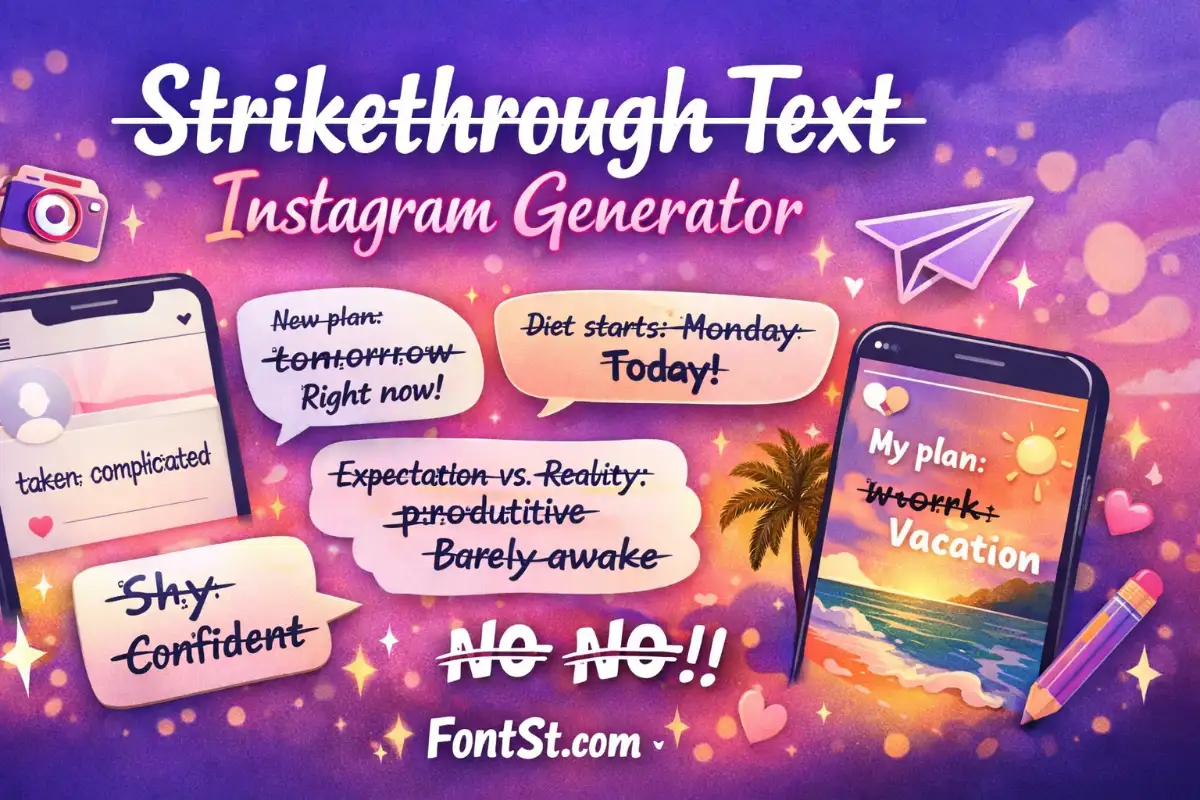
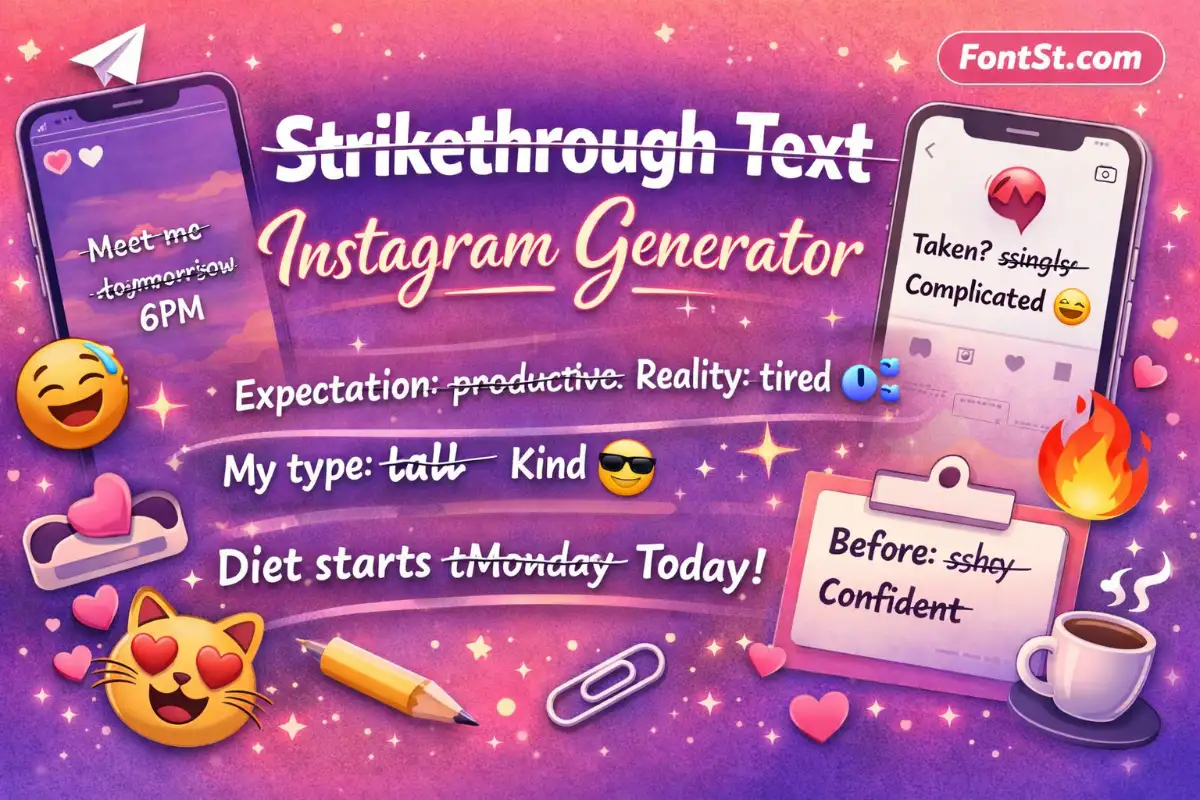
Try strikethrough text Instagram in seconds—perfect for Stories, captions, and bio when you want a funny edit, a “changed my mind” vibe, or bold emphasis. Type your text below, copy & paste the crossed-out style, then post it anywhere on Instagram.
Want to cross out words on Instagram for a “changed my mind” vibe, sarcasm, or before/after edits? This page shows what Instagram strikethrough is, how it works, and how to copy & paste it into your Story, caption, or bio.
Create contrast in captions (before/after, expectations vs. reality)
Make a bio feel playful or dramatic (“taken” → crossed out → “complicated”)
Important detail: Instagram doesn’t have a built-in strikethrough button like some word processors. Instead, most “Instagram strikethrough fonts” are made with Unicode combining characters. That means the text is still text—just decorated with special marks—so you can copy & paste it into Instagram.
How it works (simple version): A strikethrough generator adds a tiny “overlay” mark to each character (commonly a combining long stroke). Your phone sees it as one string, but it renders as a crossed-out look.
There are two practical ways to do it: generator (fast) or manual copy-paste (slower).
Method 1: Use A Strikethrough Generator (Recommended)
Type your text into the generator input.
The tool outputs strikethrough text instantly.
Tap/click Copy.
Paste into:
Instagram Story text
Caption
Bio (works best for short phrases)
This is the cleanest option because it’s consistent across devices and avoids mistakes with special characters.
Instagram strikethrough text generator
Method 2: Copy A Strikethrough Example And Edit It
If you already have strikethrough text somewhere (Notes, a friend’s caption, etc.):
Copy that strikethrough text.
Paste it into Notes first.
Edit carefully—some letters may break if you delete only the “line” part (because the line is a combining mark attached to the letter).
Quick tip: When editing, delete the whole character and retype it, then reapply strikethrough via the generator. It’s faster than fighting the invisible combining marks.
What About Instagram’s “Font” Options In Stories?
Instagram Stories has a few font styles (Classic, Modern, Neon, etc.), but none of them create real strikethrough. If you want the crossed-out look, you still need copy & paste text.
If your goal is “type → copy → paste,” this is the section you’ll use most.
Best Use Cases (Copy & Paste Ideas)
Try these quick patterns:
“I’m ~busy~ t̶o̶t̶a̶l̶l̶y̶ ̶f̶r̶e̶e̶ today”
“New plan: t̶o̶m̶o̶r̶r̶o̶w̶ right now”
“Mood: t̶i̶r̶e̶d̶ energized”
“Diet starts: t̶M̶o̶n̶d̶a̶y̶ today”
Compatibility Notes
Strikethrough text usually works on:
iPhone / Android
Instagram Stories & captions
Comments and DMs (most of the time)
But you may see differences depending on the font your device uses. If something looks odd, keep it shorter or try a lighter strikethrough style (some overlays are heavier than others).
Related styles you may also want on Fontst.com: Italic Font Generator, Bold Font Generator, Glitch Text Generator, Square Font, Bubble Font.
Strikethrough Text Instagram Story
Instagram Stories are perfect for strikethrough because Story text is quick, visual, and playful. Here are formats that work especially well:
1) “Correction” Style
“Meet me at 6” → “Meet me at t̶o̶m̶o̶r̶r̶o̶w̶ 6”
“Going out” → “Going t̶o̶ ̶s̶l̶e̶e̶p̶ out”
2) Before / After
“Before: t̶s̶h̶y̶ confident”
“Before: t̶c̶h̶a̶o̶s̶ calm”
3) Dramatic Reveal
Put the strikethrough on the “wrong answer”:
“My type: t̶t̶a̶l̶l̶ kind”
“My plan: t̶w̶o̶r̶k̶ vacation”
Story Design Tips
Keep strikethrough short (1–6 words) so it stays readable.
Use it as emphasis, not the whole paragraph.
Pair it with spacing:
Line 1: normal text
Line 2: strikethrough “twist”
If it looks too busy, reduce emojis around it or use fewer symbols.
A double strikethrough is exactly what it sounds like: a crossed-out look with two lines, often heavier and more dramatic. Some creators use it for comedic overkill or to “hard delete” a word.
How Double Strikethrough Works
Double strikethrough is typically created by stacking two combining overlay marks on each character (for example, one long stroke plus another overlay). Because it stacks marks, it can:
Look bolder (good for short punchlines)
Become messy on small screens (especially in bios)
Render differently on different devices
When To Use It On Instagram
Best for:
Short Story text
One-word emphasis in a caption
A single crossed-out phrase in a reel cover text
Not ideal for:
Long paragraphs
Bio lines with lots of special characters
Small text over busy backgrounds
Double Strikethrough Example (Short)
“n̶o̶” → “n̶̶o̶̶” (heavier / stacked look)
If you add a double strikethrough option to your generator, keep both:
Normal strikethrough (clean, readable)
Double strikethrough (bold, dramatic)
And consider adding a small note: “Double may look different across devices.”
Does Instagram have a strikethrough feature built in? No. Instagram doesn’t provide a native strikethrough formatting button for Stories, captions, or bios. Strikethrough is usually done by copy & paste Unicode text.
Will strikethrough text work in my Instagram bio? Usually yes, but keep it short. Bios are small, and heavy overlays (especially double strikethrough) can look crowded or render oddly on some devices.
Why does my strikethrough text show boxes or weird spacing? That’s a font-rendering issue. Some devices or fonts don’t display certain combining marks cleanly. Try a simpler strikethrough style, shorten the phrase, or remove extra symbols/emojis around it.
Can I use strikethrough in my Instagram username? Typically no. Instagram usernames have strict character rules and usually won’t accept decorated Unicode characters. Strikethrough is best for captions, Stories, comments, and bios.
Is strikethrough text searchable on Instagram? Sometimes it’s less searchable or less consistent because it contains special Unicode marks. If searchability matters (keywords, names), keep the key words in normal text too.
How do I remove strikethrough from text I copied? Paste it into a plain text field and retype it normally (or use a “normal text” option in your generator if you provide one). Because the line is a combining mark, removing it manually can be annoying—retyping is usually fastest.
What’s the difference between strikethrough and double strikethrough? Double strikethrough stacks two overlay marks, making the text look heavier. It can be fun for emphasis, but it’s less readable and more likely to render inconsistently.