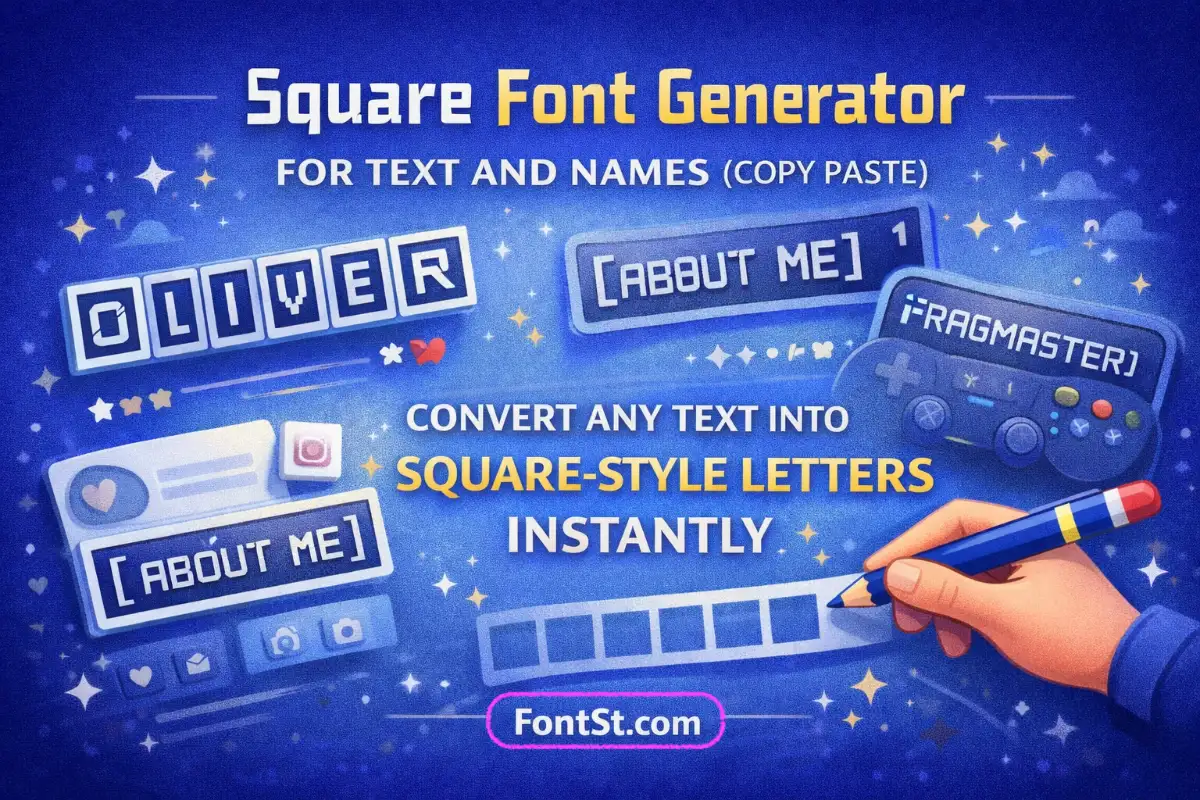
Use FontSt’s Square Font Generator to turn plain text into clean square-style letters for names, bios, and short captions. Type anything, generate a unique boxed look, then copy and use it across your favorite apps.
Square-style text is a clean, modern look that frames your letters in a box-like shape. On this page, you’ll learn what square text is, how to generate it, where it works best, and how it relates to common “Squarespace font” questions.
If you’re asking what is square text symbol, it usually refers to text that looks “boxed” or “square-shaped,” such as:
Letters that appear inside square outlines
Blocky, geometric letterforms that feel like a square typography style
“Box” characters used for emphasis in names, titles, or labels
In most copy-style generators, square text is created using Unicode characters or styled variants that look square when pasted. Some apps render these characters perfectly; others may display them as normal text depending on device support.
Square text can appear in a few different visual “families.” Here’s how to pick the vibe you want.
Font With Squares Around Letters
This is the classic “boxed” look—letters appear framed, making your name feel like a badge or label. It’s great for usernames, tags, and short titles.
Font With Squares And Dots
Some square styles include dotted corners, pixel-like marks, or decorative dots. This can look creative, but it’s best for short words so it stays readable.
Font Squares Bold
Bold square styles are ideal for:
Short headlines
Strong gamer tags
“Announcement” lines in social posts If your square text looks thin on mobile, bold square options usually fix that.
Square Typography
If you like square typography, keep your formatting consistent:
Custom Font Squarespace And “Squarespace Font” Questions
Many users search “square font” and end up asking about Squarespace. Here’s the key difference:
Custom Font Squarespace
“Custom font Squarespace” usually means uploading or selecting a real font inside a Squarespace website design. That affects how text displays on your site, but it’s not the same as copy-style square text.
Change Font In Squarespace
If your goal is to change font in Squarespace, you’ll do it in your Squarespace site settings (site styles / typography settings). That changes the website’s typography, not the characters you paste into social apps.
Practical tip: Use this generator when you want square-looking text you can paste into names and bios. Use Squarespace typography settings when you want to style headings on your website.
Below are popular “square” font names and square-lettering styles people often search for. Some are real typefaces used in design tools, while others describe a square typeface & kufi square font look you can recreate with a generator-style square text.
All Best Square Lettering Fonts
This usually means clean, readable square lettering for logos, headers, and nameplates. If you want the safest look for social profiles, choose a modern square font style that keeps spacing even.
Sponge Bob Square Pants Font
People search this when they want a playful, cartoon title vibe. For copy-style text, you can aim for a bold, blocky square look—but the exact “SpongeBob” title font is typically used in graphics, not pasted text.
Font Square 721
Font Square 721 is a well-known family used in branding and signage. If you like that geometric feel, pick a squarish style with wide letters and stable spacing.
Square 721 Std Bold Extended
This is the heavier, wider version of Square 721. If you want a bold square look for names, use a “bold/extended” square style and keep your text short (1–4 words).
A slab serif adds firm “blocks” at the ends of strokes, giving a strong editorial feel. If you want this vibe in your square text, pick a square style that looks sturdy and slightly formal.
Sans Serif Square Fonts
Sans serif square fonts are the most versatile: clean, modern, and readable on mobile. They’re ideal for bios, captions, and short profile headings.
Square Typeface
A square typeface is a broad category—usually geometric, minimal, and grid-like. If you want consistency, stick to one square style across your profile.
Squarish Font
A squarish font keeps rounded corners minimal and leans toward straight edges. Great for gamer tags, tech vibes, and minimalist creator bios.
Banker Square Font
“Banker” style fonts usually feel official, structured, and strong. For a similar effect, choose a square style that’s bold, compact, and easy to scan.
A modern square font look is perfect for clean branding: short titles, headers, and name lines. Avoid extra dots/ornaments if you want a premium feel.
Nova Square Font
Nova Square is a popular geometric display font (often used for titles). If you like this vibe, choose a square style with clear shapes and consistent spacing—especially for short headings.
Why does square text sometimes show as normal letters? Some platforms don’t render certain square-style characters. Try another square variation in the generator, or test on a different device/app.
Is square text the same as a real “square font”? Not always. Many generators output Unicode-styled characters that look square. A “real” font is installed/used in design tools or websites.
Can I use square font copy and paste for usernames? Often yes on social apps, but some games and platforms restrict special characters. If it fails, shorten the name or use a simpler style.
How can I make square text look cleaner? Keep it short, use one style consistently, and avoid mixing dots/extra decorations in long sentences.
Does this work with font squares bold styles? Yes—bold square variants usually stay readable and look better for small profile fields.