Type anything into our Small Text Generator to create little and tiny text for names, bios, captions, and comments-then copy and use it anywhere it’s supported. Choose from small text, small caps, and super-small styles to match your vibe without clutter.
Turn regular words into small, little, or tiny text for names, bios, captions, and comments. Use the generator below to switch between small text styles, small caps, and super-small variants—then copy and paste wherever they’re supported.
Small Text Generator For Names, Bios, And Captions
A small text generator converts normal text into smaller-looking characters using Unicode-style letters (not a true font-size change). It’s best for short lines like headings, taglines, and subtle profile details.
You’ll also see people search similar terms like text small generator or small text creator—they’re usually looking for the same result: clean, compact text that stands out softly.
Little Text Generator That Keeps Your Bio Readable
A little text generator is the “lighter” version of styling—less intense than bold or fancy fonts. It’s perfect when you want your bio to feel organized but still readable at a glance.
Inside this style family, users often search phrases like little font generator or small writing generator. The intent is the same: make short lines look smaller and calmer without clutter.
Tiny Text Maker Options: Inline Small Vs Superscript
A tiny text maker usually refers to one of two looks:
Inline small text: stays on the normal line and remains readable
Super tiny text (superscript/subscript): appears much smaller and may sit slightly above/below the line
That’s also why users search tiny text generator and tiny writing generator. They want the smallest possible style—but the best choice depends on where you paste it.
Tip: For usernames and anything that needs clarity, inline small is safer. Superscript looks cooler for short labels and “signature” lines.
A super small text generator usually means the smallest styles (often superscript-like). Use it for:
a tiny heading above your bio
a short footer line in captions
a minimal “signature” after a quote
Many people specifically look for super small text generator copy and paste because they want a one-click result that works across platforms. Keep it short for the highest success rate.
Very Small Text Generator For Minimal Aesthetic Lines
A very small text generator is best for micro-lines that support your main message:
1 short sentence
3–6 words
a single label line
If you go too long, “very small” becomes “hard to read,” especially on mobile.
Really Small Font Generator When You Want The Smallest Look
A really small font generator is useful when you want an ultra-light touch—like making one word look smaller than the rest.
This overlaps with searches like extremely small font generator or super small text generator. The style can look great, but use it sparingly so your profile stays clear.
Small Text Generator Free: Best Practices For Consistent Results
A small text generator free tool is most powerful when you reuse the same style consistently. Save:
one small style for bios
one tiny style for headings
one option that looks best on mobile
Consistency makes your layout look designed—not random.
Small Text Generator For Free Fire: What Actually Works
If you’re searching small text generator Free Fire, the main thing to know is that games often restrict special characters in usernames. Small/tiny styles may:
work in some profile fields
fail in the nickname field
display differently depending on device
Best approach: keep your in-game name simple, and use small text in bios or linked social profiles when possible.
Small Text Generator Russian: Why Coverage May Vary
For small text generator Russian, results depend on whether your small/tiny style set supports Cyrillic characters. Some converters work well for A–Z but don’t fully support Russian letters.
If Russian letters don’t convert:
keep Cyrillic normal
use small text for numbers/labels
style using separators and minimal symbols instead
Small Text Generator For Capital Letters: Small Caps Explained
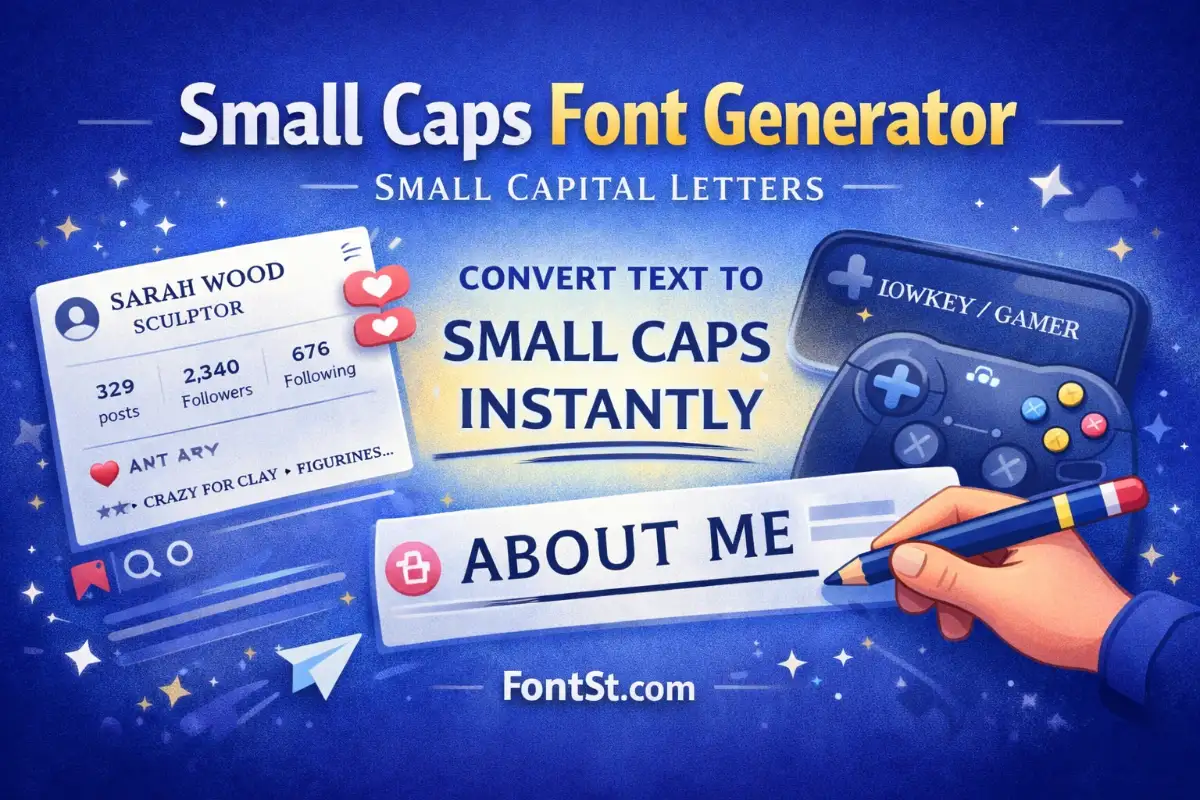
When people search small text generator capital letters, they often want small capital fonts (small caps). A small caps generator produces capital-shaped letters that appear smaller and more refined than full uppercase.
Small caps are a great option when:
you want readability
you want a “premium” look
you need a style that still scans well on mobile
This also ties into queries like small letter copy and paste—because small caps are one of the cleanest “small letter” styles available.
Small Font Size Generator: What’s Possible (And What Isn’t)
A “small font size generator” sounds like it changes real font size, but copy-paste text usually can’t carry true size formatting. Instead, tools use characters that appear smaller.
If you need real size and real colour, you need a rich editor (HTML/CSS, Docs, design tools). For social bios and names, Unicode small text is the practical solution.
Use small text for headings or footers, not your whole bio.
If a platform rejects the style, switch to small caps or a simpler set.
Test in a draft post first—mobile rendering matters.
FAQ – Tiny Letter Generator
Why does small text look normal after I paste it? Some apps don’t render certain Unicode variants. Try another small font style in the generator.
What’s the best style for readability? Small caps and inline small text are usually the most readable. Superscript is the smallest but can be hard to read in long lines.
Can I use tiny text in usernames? Sometimes on social apps, but many games restrict special characters. Tiny text often works better in bios and captions.
Do numbers convert too? Some tiny/small sets support digits, others don’t. If clarity matters, keep numbers normal.