Want outlined letters that instantly stand out in a bio, username, or title? Use FontSt’s Outline Font Generator to create bordered / outline-style text you can Copy & Paste anywhere—fast, clean, and device-friendly.
An outline typeface is a letter style where the character looks like it has a visible border (stroke) and a lighter or hollow interior. In traditional design software, “outline” is usually a true stroke around the letter shape. In copy-and-paste text, “outline” is often recreated using Unicode-style characters that look bordered across many apps.
That’s why people search terms like outline text font, bordered font, or border font copy and paste—they want a simple way to get that “outlined” look without installing fonts or opening Photoshop.
Outline Text Font vs. Bordered Font
These phrases are used interchangeably, but they often imply slightly different expectations:
Outline text font: the “hollow/stroke-only” look (like a letter drawn with a pen outline).
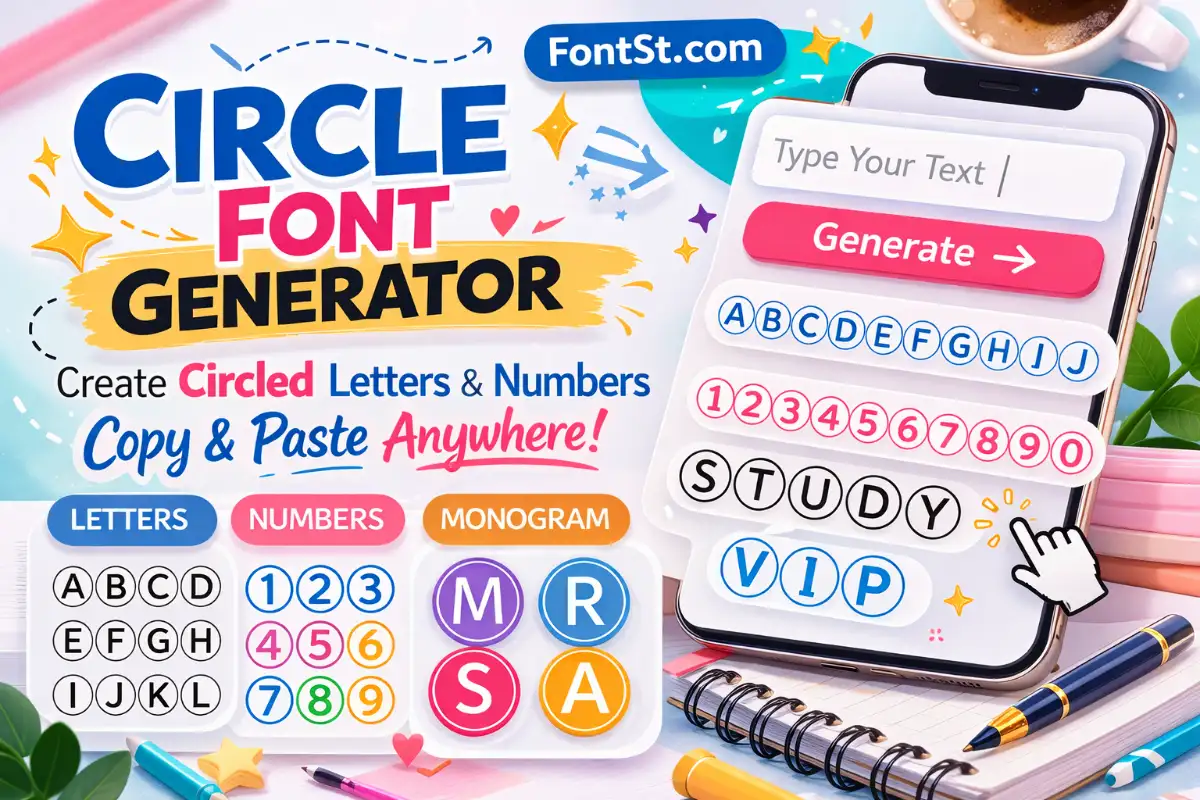
Bordered font: any text that appears enclosed or framed (circled letters, boxed letters, bracketed styles, squared styles, etc.).
On social platforms and games, “bordered” often performs better than “hollow outline” because it stays readable at small sizes.
Type your text into the generator (name, caption, title, clan tag).
Tap a bordered/outlined style from the list.
Copy the result and paste it into Instagram/TikTok/Discord/games.
Quick Tips For Better Results
Keep usernames short (6–14 characters) for maximum readability.
Avoid mixing too many symbols; one strong outline style is usually enough.
If a style looks “broken” on one device, try a different bordered style (some apps render Unicode differently).
Common Outline Text Font Styles People Want
Here are the most requested “outline-like” looks in copy/paste format. You can generate many of these with FontSt-style sets (or close alternatives that read well everywhere).
1) Hollow / Stroke-Like Outline
Best for: short titles, headers, aesthetic bios
Tip: choose styles that still keep letter shapes clear (A, R, B, S should be readable).
2) Boxed / Squared Letters
Best for: gamer tags, clean minimal profiles, headings This is the “bordered font” look most people mean because it’s consistent across platforms.
Best for: cute names, soft aesthetics, playful bios
People often search outline bubble letters when they want a “rounded, bubbly, bordered” look. Even if the letters aren’t truly hollow-stroke, rounded bubble styles give the same vibe.
This is one of the hardest looks to reproduce perfectly with copy/paste text, because “bold + outline stroke” is a graphic effect in real typography. For plain text, the best workaround is:
Use a bold-looking style (thicker characters), then
Choose a bordered/boxed variant that stays readable.
There isn’t one single universal “outline alphabet” built into Unicode that works identically everywhere (that’s why generators exist). The most practical approach is:
Type the alphabet as input:
Uppercase: ABCDEFGHIJKLMNOPQRSTUVWXYZ
Lowercase: abcdefghijklmnopqrstuvwxyz
Then copy the output style you like.
A-Z Checklist: Picking A Good Outline Alphabet
When you test an outline/boxed style, quickly check these letters because they reveal readability issues:
A / R / K / S (shape clarity)
M / W (spacing and width)
I / l / 1 (confusability)
O / 0 (confusability)
If those look clean, the rest of the alphabet usually holds up.
Troubleshooting: When Outline Text Doesn’t Look Right
It looks great on my phone but weird on my friend’s phone
Different devices use different fonts to render Unicode. Try a more standard bordered style (boxed/square usually wins).
The letters overlap or spacing looks off
Reduce symbols, shorten the text, or switch to a less complex style.
The platform won’t accept the name
Some games/apps block non-standard characters. Use a simpler style or plain text for the username, and put the outlined style in your bio/status instead.
It pasted as empty squares (□)
That means the device can’t render those characters. Switch to a different style set.
Is an outline text font the same as a real outline typeface in design software? ╰┈➤ Not exactly. In design software, outline is a true stroke effect. For copy/paste, it’s typically a Unicode-based style that resembles an outline or border.
What’s the most compatible bordered font style? ╰┈➤ Boxed styles are usually the safest across many apps and devices.
Can I make a bold font with outline using copy/paste text? ╰┈➤ You can get close by choosing a thick, bold-looking style and pairing it with a bordered/boxed variant. A perfect “stroke outline” is usually a graphic effect.
Can I generate Outline Letters A to Z with FontSt? ╰┈➤ Yes—type the alphabet as input and choose the outlined/bordered style you like, then copy the output.
Is this free to use? ╰┈➤ If your generator is free on FontSt, then yes—users can create and copy styles without downloading anything.