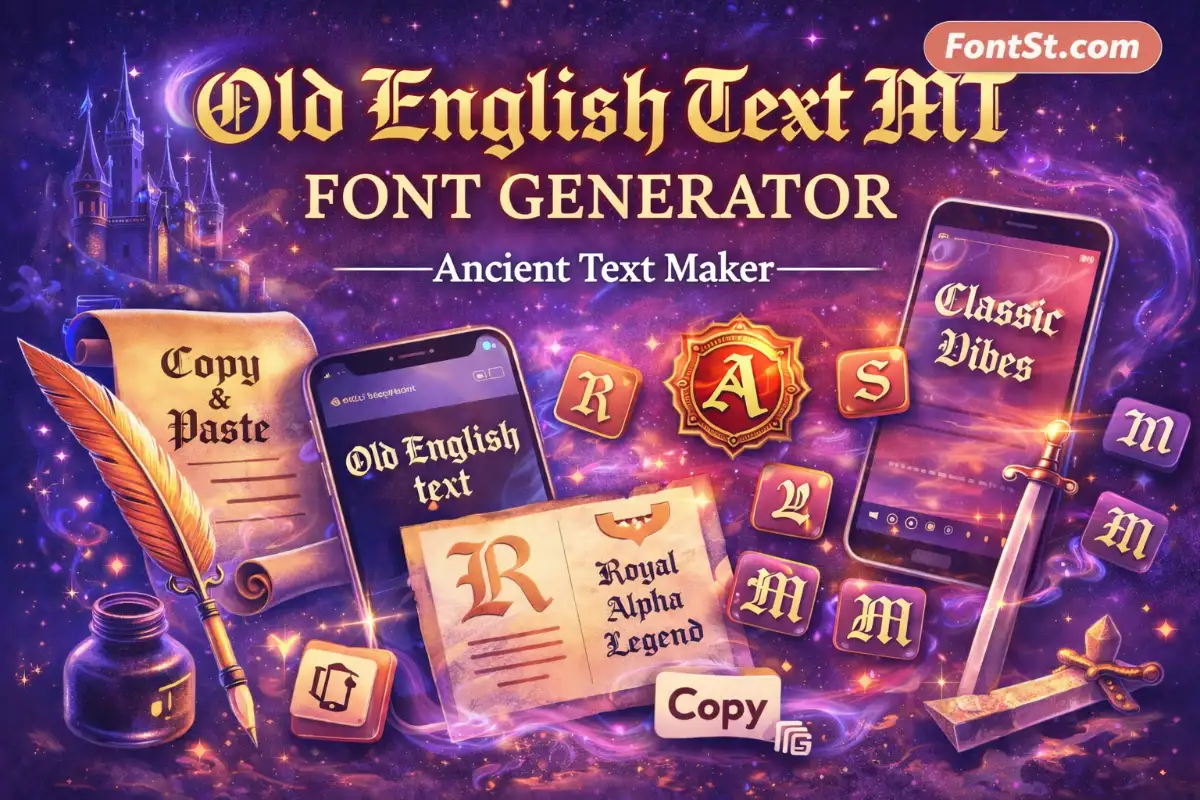
Old English Text MT is the classic “Old English” look many people remember from Windows and Office—bold blackletter shapes that feel vintage, formal, and iconic. With FontSt, you can generate an Old English Text MT-style result in seconds and Copy & Paste it anywhere for bios, captions, titles, and quick design drafts.
Create the Old English Text MT look in seconds with FontSt: type your text, generate the classic blackletter style, then Copy & Paste it anywhere you need (bios, captions, titles, and designs). This page explains what Old English Text MT is, where it comes from, who made it, and how to use our generator safely and cleanly.
Old English Text MT is a well-known blackletter-style typeface name that shows up in many Microsoft font menus. The look is easy to spot: strong vertical strokes, sharp angles, tight spacing, and decorative details that resemble medieval manuscript lettering.
It’s important to understand what “Old English” means here. In modern typography and online searches, “Old English” almost always refers to a blackletter aesthetic (sometimes loosely called “Gothic lettering”), not the Old English language. People choose this style because it instantly communicates a mood:
Old English Text MT is best used as display text. It looks strongest in short phrases and titles—where the letter shapes can breathe and remain readable.
The keyword old english font mt is usually typed by people who remember seeing “Old English” plus “MT” in a font list and want the same vibe again. In practice, this phrase is shorthand for the familiar Microsoft-distributed Old English blackletter look.
What makes the “MT” label memorable is that it’s commonly associated with Monotype-style naming within Microsoft environments. So when someone searches “old english font mt,” they’re typically after one of these outcomes:
A quick way to produce the same visual style for social text
A reliable name to identify the font they saw in Word/PowerPoint
A familiar Old English design that “looks right” without experimentation
If your goal is social posting or quick headlines, generating the look with a tool is often faster than relying on what’s installed on each device.
Font Old English Text MT: Where It Works Best
Searching font old english text mt often means: “I want to use this font style somewhere specific.” Here’s the practical guidance that keeps results looking clean and intentional.
A lot of people ask about the origin of Old English Text MT—where it came from and who “the author” is. In common system font references, Old English Text MT is credited at the Monotype type drawing/design office level rather than consistently tied to a single named designer in everyday listings. That’s why it’s usually discussed as a Monotype/Microsoft ecosystem font rather than a single-person signature typeface.
In terms of style lineage, Old English Text MT sits in the long tradition of blackletter designs that influenced what modern users now call “Old English.” Its popularity today is less about one viral release and more about distribution: once a font appears in widely used software, it becomes the name people remember and search later.
The Key Takeaway
When users say “Monotype Old English font,” they’re typically describing:
a classic Monotype/Microsoft-distributed Old English blackletter look
a familiar style associated with traditional, medieval-inspired lettering
a name they saw in Windows/Office and want to replicate elsewhere
This is exactly why a generator page is useful: it lets people recreate the feel quickly, even when they’re not on a Windows device.
Old English Text MT Generator: Copy & Paste With FontSt
If you want the look instantly—especially on mobile—the old english text mt generator workflow is the easiest: type, generate, copy, paste.
How To Use FontSt
Type your text into the generator box above.
Choose the Old English Text MT-style output you like.
Click Copy.
Paste into your platform or design draft.
Great Places To Paste It
Instagram bio lines, captions, Story titles
TikTok profile text and captions
Discord display names (where allowed) and server announcements
YouTube title drafts and thumbnail planning
WhatsApp messages for short emphasis
Clean Output Tips
Keep it short: 1–8 words for bios/captions
Avoid stuffing symbols inside words: put emojis at the end
Split long titles into two lines
If you need to edit: paste into Notes first, clean spacing, then copy back
Quick Phrase Ideas (That Look Good In Old English)
“Classic Vibes”
“Stay Real”
“Royal Mood”
“Respect”
“Old Soul”
Used sparingly, this style reads as intentional and premium.
Monotype Old English Font Free: Safe Ways To Get The Look
The keyword monotype old english font free is popular because people want a zero-cost path to an Old English Text MT look. “Free” can mean different things depending on the goal:
If You Want The Look For Social Media
You don’t need a font file. FontSt lets you generate an Old English Text MT-style result and Copy & Paste it directly into posts, bios, and captions. For most users, this is the simplest “free” path because it requires no installation.
If You Need A Font File For Design Work
If your project requires an actual TTF/OTF file (for professional layout or brand assets), licensing varies by font source. The safest route is always to use legitimate font channels and avoid random download sites. If you specifically need “free” in the sense of open licensing, you’ll want to look for genuinely open blackletter alternatives rather than assuming every “Old English” font name is free to redistribute.
A Practical Middle Ground
Many people only need the visual style for mockups: test a title in the generator, choose the final phrase, then hand it to a designer to recreate with licensed fonts if needed.
The search old english text mt font download usually comes from people who want the exact installed font on their system. Before you go down the download route, it helps to clarify what you actually need:
When A Download Makes Sense
You’re using design software that requires a font file (TTF/OTF)
You need consistent typography controls (kerning, outlines, print export)
You’re building brand assets that must match a specific installed typeface
When You Don’t Need A Download
You want the Old English look for captions, bios, comments, or quick titles
You’re working on mobile and just need Copy & Paste text
You’re testing multiple phrases quickly and don’t want to install anything
For most “everyday use” cases, FontSt solves the real problem: create the look in seconds and reuse it anywhere.
Old English Text MT Google Font: Closest Alternatives
People often search old english text mt google font because Google Fonts is a common source for web typography. The key detail is that “Old English Text MT” is a specific Microsoft/Monotype-named font, while Google Fonts has its own separate catalog.
If your goal is a web-embedded font (loaded via CSS), then you’ll typically choose a Google Fonts family that matches the same medieval/blackletter mood rather than expecting an exact “Old English Text MT” listing.
If your goal is social Copy & Paste, you don’t need Google Fonts at all. FontSt gives you the look instantly with no loading, no embedding, and no device dependency.
How To Choose A Similar Google Fonts Style (If You Need Web Fonts)
Look for blackletter / gothic / medieval display families
Prefer readable letterforms for small sizes
Test your headline words first (Old English styles vary a lot in legibility)
Extra: Old English Text MT “Types” People Expect (Variants In The Same Family)
Even when someone says “Old English Text MT,” they may be picturing a nearby variant they’ve seen on posters, tattoos, or classic logos. These are the most common directions people associate with the Old English/blackletter family:
Engraved / Certificate Style: more structured and formal
Cursive-Leaning Old English: smoother and more readable for bios
Chicano / Tattoo Old English: bold, high-impact names and mottos
Graffiti Old English: urban twist with expressive shapes
British Heritage Vibe: cleaner, balanced, “traditional” mood
If your text looks too dense, switch to a cleaner output and shorten the phrase—Old English shines when it’s intentional and minimal.
Usage Notes: Make It Look Premium (Not Messy)
A few small habits make a huge difference in how Old English Text MT-style lettering reads online:
Short wins: one strong word often looks better than a long sentence
Use contrast: Old English is bold—give it breathing room on clean backgrounds
Avoid over-decoration: too many symbols can make it unreadable
Test on your device: rendering can vary slightly between phones and apps
Be consistent: reuse one signature phrase/style for branding across posts
Quick FAQ – Old English MT Font Copy Paste
Is Old English Text MT the same as blackletter? It’s in the blackletter family (that “Old English” medieval look), so most people use the terms interchangeably in casual searching.
Do I need to download a font to use this on Instagram? No. If you’re using FontSt, you can generate the style and Copy & Paste.
Why does it look slightly different on Android vs iPhone? Unicode rendering varies by device fonts and app text engines. Keep phrases short for the cleanest look.
Can I use it for a logo? Yes for mockups and concepts. For final brand work, designers often use an installed font file with proper licensing—but for quick title concepts, the generator is perfect.
If you’re looking for the classic old english text mt vibe, the simplest path is to generate an Old English Text MT-style result, copy it, and paste it wherever you publish. FontSt helps you get that ancient lettering mood instantly—without installing fonts—while keeping your text clean, readable, and consistent across platforms.