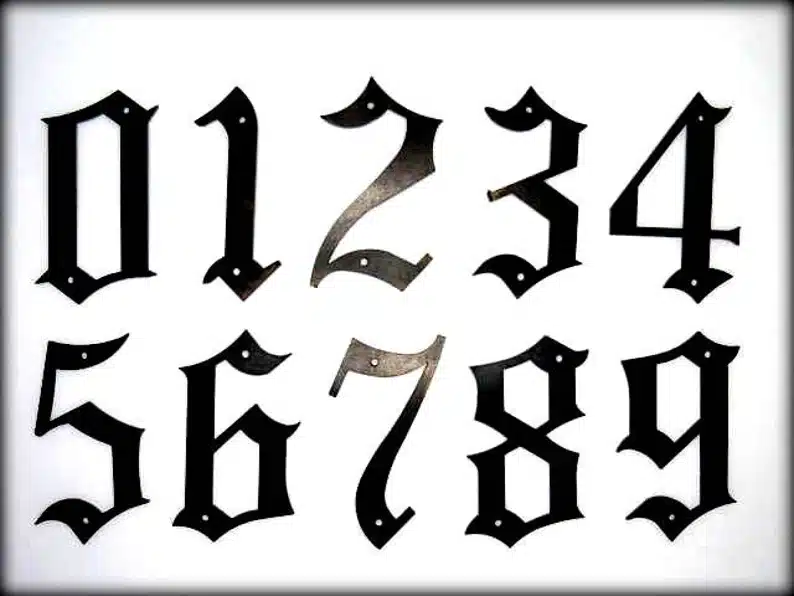
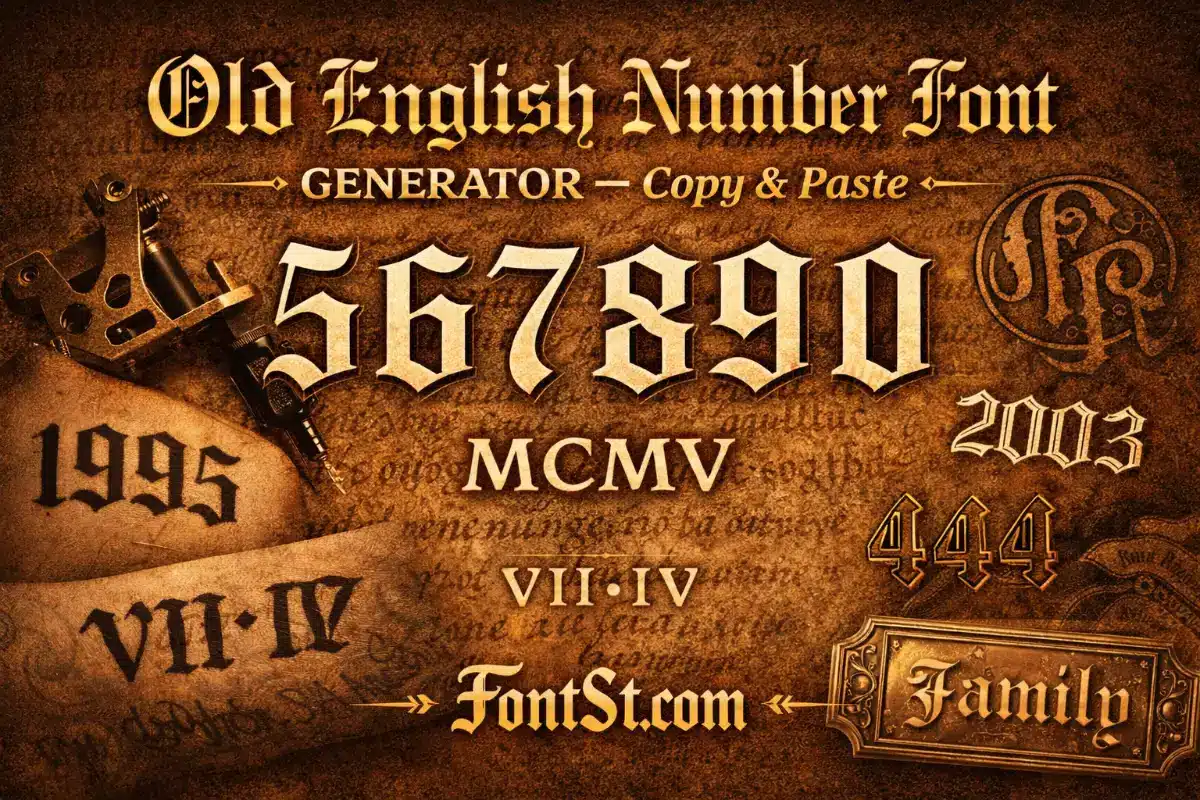
Turn plain digits into a number font old English look in seconds with Font St. Type your numbers below, choose the style you like, then Copy & Paste it anywhere—tattoo mockups, bios, captions, titles, or design drafts.

🔢 Old English Number Font Generator 🔢

Number Font Old English: What It Means

The phrase number font old english usually means “digits that match the Old English / blackletter vibe.” It’s important to know that most “Old English” generators focus heavily on letters (A–Z) first—numbers are often simpler, and some styles keep digits close to normal for readability.

So the goal of an Old English numbers page is practical:

  • keep the classic blackletter mood
  • keep numbers clean and readable
  • give you copy & paste digits that work across platforms

If you’re using numbers for tattoos, titles, or logos, clarity matters more than extra decoration. A clean Old English vibe beats a messy “over-styled” year every time.

Cool font styles ➜ Glitch Text Generator Copy And Paste

Glitch Text Generator

Old English Number Font Generator: How To Use FontSt

This old english number font generator is made for quick results—no installs, no downloads, just type and paste.

Quick Steps

  1. Type your digits (year, date, code, lucky number).
  2. Pick the output that looks cleanest.
  3. Click Copy.
  4. Paste into your platform or mockup.
Old English Number Font

What People Generate Most

  • Birth years (1995, 2001, 2003)
  • Lucky numbers (222, 444)
  • Dates (simple formats)
  • Codes (213, 808)
  • Anniversary years and milestones

Pro tip: If your numbers look too dense, add spacing or split them into two parts (especially for long sequences).

More styles ➜ Engravers Old English Font Generator

Engravers Old English Font

Old English Number Tattoo Font: Clean Year & Code Ideas

An old english number tattoo font is all about balance: the style should feel bold and classic, but digits must stay readable as the tattoo ages.

Best Tattoo Number Formats

  • Year-only: 1995
  • Short code: 222 / 444
  • Two-part date: 19•95 or 20•01
  • Name + year: “Maria” (top) / “1995” (bottom)

Tattoo Readability Tips (Important)

  • Preview at the real tattoo size (screen size is misleading)
  • Avoid overly ornate digits for small placements
  • Keep spacing even between digits
  • If detail disappears, choose a cleaner output or go bigger

A tattoo artist may adjust thickness and spacing to keep it readable long-term. That’s normal and usually improves the final result.

Try more fancy font styles ➜ Chicano Tattoo Lettering Generator

Old English Gothic Font Numbers: Dark, Bold, Iconic

Old english gothic font numbers are the heavier, darker direction of the Old English vibe. This look is popular for:

  • strong year tattoos
  • bold titles and cover text
  • street/“gangster” aesthetics
  • classic blackletter identity designs

When Gothic Numbers Work Best

  • Short sequences (3–4 digits or fewer)
  • Large placement or large title text
  • High contrast backgrounds

If you’re using gothic digits for a year, keep them big enough to preserve inner details.

Cool font styles for tattoo ➜ Gangster Tattoo Font Generator

Gangster Tattoo Font

Old English Numbers Outline: A Clean Design Workflow

Old english numbers outline usually refers to taking your chosen digits and turning them into a clean outline for design or production (stickers, laser cut, engraving, printing).

Practical Outline Workflow

  • Use Font St to generate and copy your digits
  • Paste into your design app or document as a draft
  • Recreate the digits using vector shapes or a licensed font if needed
  • Convert to outlines before production

Why Outlines Matter

Outlines help you control:

  • stroke thickness
  • spacing
  • cutting/engraving tolerances
  • readability at small sizes

If you’re doing physical production, treat the generator output as the fast “concept stage,” then refine as outlines for the final.

Cool font styles ➜ Strikethrough Text Generator

Strikethrough Text Generator

Old English Calligraphy Numbers: Softer, Premium, More Readable

Old english calligraphy numbers lean into a more crafted, pen-like feel. This is a great choice when you want:

  • a premium vintage look
  • cleaner shapes than heavy gothic
  • numbers that stay readable in bios and smaller text

Best Uses

  • aesthetic bios and captions
  • logo drafts and badge designs
  • tattoo concepts that need clarity more than heavy drama

Calligraphy-style digits often look more expensive because they feel intentional and balanced—especially when you keep spacing clean.

Full font styles ➜ Chicano Lettering Generator

Old English Roman Numerals Fonts: Dates With Meaning

Old english roman numerals fonts are popular for tattoos because Roman numerals already feel timeless and formal. Pairing that with an Old English vibe can look powerful—if you keep the layout clean.

Roman Numeral Tips

  • Keep the numeral on one line
  • Use comfortable spacing (don’t compress)
  • Avoid over-decoration if the numeral is long
  • Test at real tattoo size (long numerals need more room)

Best Roman Numeral Layouts

  • Roman numerals alone (clean, centered)
  • Word on top + numerals beneath (two-line design)
  • Short numeral sequences (more readable than long ones)

If your Roman numeral is long, consider using a cleaner style for the numeral and saving Old English for the title word.

More font styles ➜ Metal Typography Font Generator

Metal Typography
Metal Typography

Old English Lettering Numbers: Matching Words With Digits

Old english lettering numbers is about making letters and digits feel like they belong together—especially in tattoos and titles.

Best Pairings

  • Name + year (two lines)
  • Initials + code (one line with spacing)
  • Word + lucky number (clean separation)

Keep It Balanced

  • If the word style is heavy, keep numbers simpler
  • If the numbers are bold, keep the word short
  • Use spacing or separators (dot, dash) instead of extra symbols

A simple structure that always works:

  • Top: Old English word
  • Bottom: Year or number

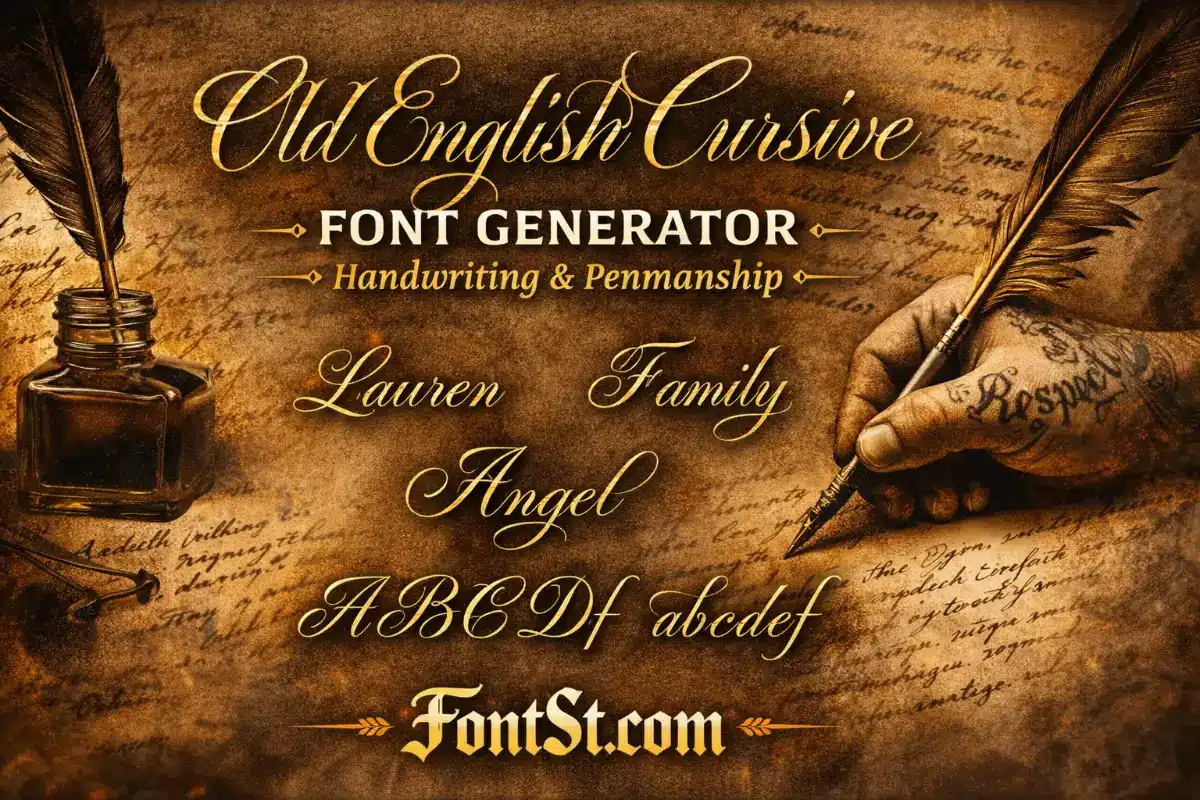
Try more cute font styles ➜ Old English Cursive Font Generator – Handwriting & Penmanship

Old English Cursive Font

Font Old English Five: How “5” Should Look

The keyword font old english five shows up because the digit 5 can look very different across styles—sometimes too narrow, sometimes too decorative.

How To Pick The Best “5”

  • Choose the “5” that stays readable at small sizes
  • Avoid overly thin inner shapes
  • Keep spacing consistent with the other digits
  • Test in your exact number (e.g., 1995 vs. 2005)

If your “5” looks awkward in a year, try:

  • adding a small space between digits
  • switching to a cleaner number style
  • using a two-part layout (19•95)

An Old English Number Font Generator – Copy & Paste is the fastest way to create classic blackletter-style digits for tattoos, titles, and design drafts. Use clean digits for readability, gothic numbers for bold impact, calligraphy numbers for a premium look, and Roman numerals when you want timeless meaning—then copy, paste, and test your final layout at real size.

Leave a Comment