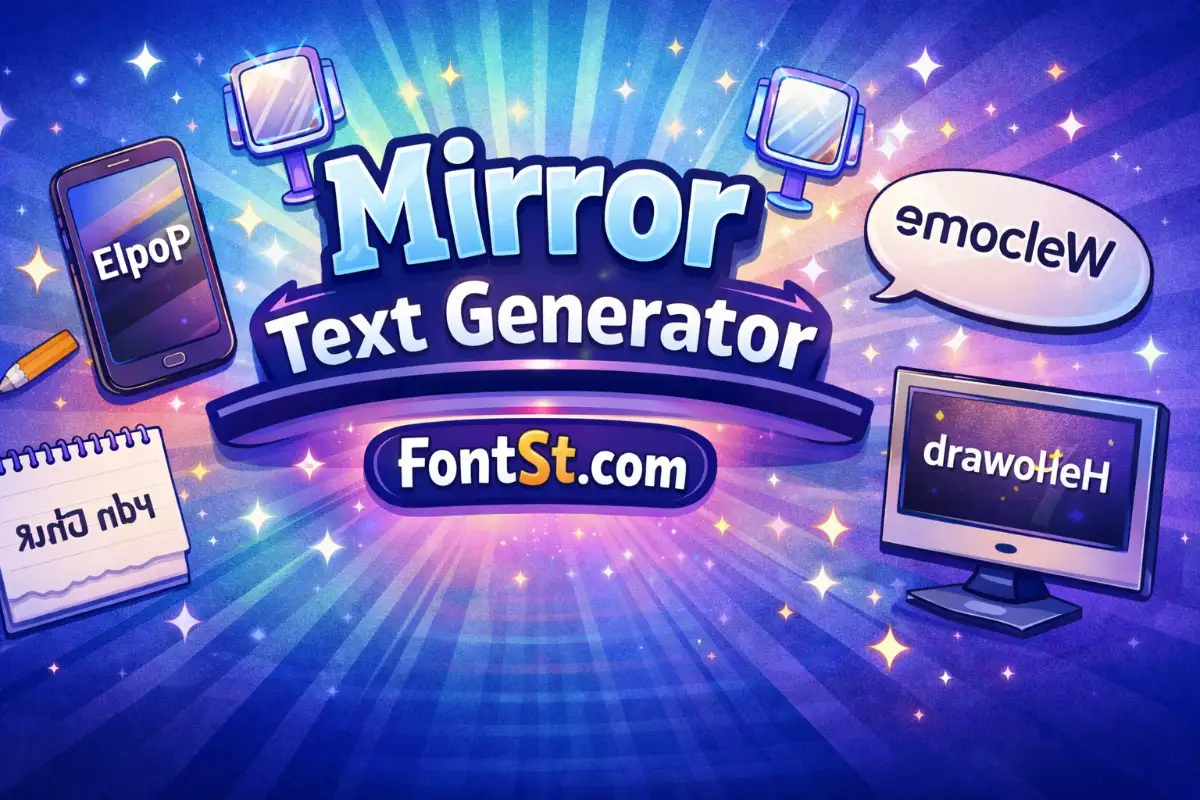
Mirrored text is a fun way to create “mirror writing” that looks flipped like a reflection. Use the Mirror Text Generator on FontSt to generate mirrored letters, copy and paste the result, and test it across different apps where Unicode characters are supported.
What is mirrored text? It’s text that appears reflected like a mirror. Instead of rotating the whole line upside down, mirrored text usually flips characters left-to-right, creating a mirror effect text look (similar to how writing appears in a mirror).
Important detail: mirrored text is often made from mirrored characters Unicode (special Unicode letterforms). That’s why it can be copied and pasted, but also why it may render differently depending on the platform.
profile headers (one mirrored line + one normal line)
aesthetic captions
playful comments
“secret message” vibes
If you want it to look intentional (not spammy), avoid mirroring full paragraphs.
Vertical Mirror Text Generator
A vertical mirror text generator typically means flipping text top-to-bottom (like reflecting on a horizontal axis). In many “copy & paste” tools, true vertical mirroring is limited because Unicode doesn’t provide perfect top-bottom mirrored versions for most letters.
If you need a vertical mirror effect, the best practical options are:
use a visual editor (image/video) for perfect vertical reflection
or use a lighter Unicode style that still looks “reflected” without breaking layout
When FontSt offers a vertical variation, it’s usually a stylized approximation rather than a perfect geometric mirror.
Horizontal Flip Text
Horizontal flip text is the most common form of mirrored writing online. It flips characters left-to-right, creating the classic mirror look.
This is the best choice for:
mirrored name tags
short “mirror wording” lines
simple copy/paste use across social platforms
If you see spacing issues, reduce punctuation and keep the phrase short.
Mirror Image Text Generator
A mirror image text generator is another way people describe mirror text tools. The important difference:
Mirror image (in graphics) = a true reflection of pixels (perfect)
Mirror text (Unicode) = character substitutions that imitate reflection (portable copy/paste)
So if you need a perfect mirror image for a logo, use a design tool. If you want quick mirrored text you can paste into a bio or caption, use FontSt’s generator.
The phrase reverse mirror text convert online free usually means one of these:
convert normal text → mirrored text
convert mirrored text → normal text (reverse conversion)
Not every tool supports perfect reverse conversion, because mirrored characters may not map cleanly back to standard letters. If FontSt supports reverse conversion, it works best when:
the mirrored text uses common mirrored Unicode characters
the phrase is short
the output isn’t mixed with symbols from other styles
If reverse conversion is important, keep your mirrored style “simple and consistent.”
Mirrored characters Unicode are the reason mirror text can be copied and pasted. But Unicode coverage isn’t perfect—some letters have strong mirrored equivalents, others don’t.
That’s why:
some mirrored words look cleaner than others
uppercase may have fewer perfect matches
different devices can display letterforms slightly differently
If you want the most consistent mirrored look, use common letters, short phrases, and avoid heavy punctuation.
Mirror flip text is text that looks like a reflection, usually created by flipping letters left-to-right (a horizontal mirror effect). It’s made with Unicode character variants you can copy and paste.
Is there a “mirror writing font”?
Most mirror writing online isn’t a downloadable font file. It’s typically mirrored Unicode characters that imitate a font style when pasted. Results can vary by device and app.
Can someone mirror my text messages?
Yes—use a mirror text generator to convert your message into mirrored text, then paste it into your chat. Keep it short for readability, and test it first because some apps may normalize special characters.
How do I mirror my text in Word?
In Microsoft Word, true mirroring is usually done as a visual effect (not Unicode). A common method is to place text in a text box or WordArt and apply a horizontal flip/rotate option. If you want copy-paste mirrored letters, use a generator instead.
Some keyboard apps and text-styling apps can produce mirrored text, but a web-based generator is often faster and gives you multiple styles without installing anything.
How do I use flip text mirror Instagram, Whatsapp?
Generate mirrored text, copy it, and paste it into your Whatsapp, Tiktok, Facebook, Instagram bio, captions, or comments. If it looks weird or gets stripped, try a simpler mirrored style or shorten the line.
What is a mirror alphabet font?
People use “mirror alphabet font” to describe a full A–Z set of mirrored letters. In practice, it’s a Unicode-based alphabet where each letter is replaced by a mirrored-looking character when available.