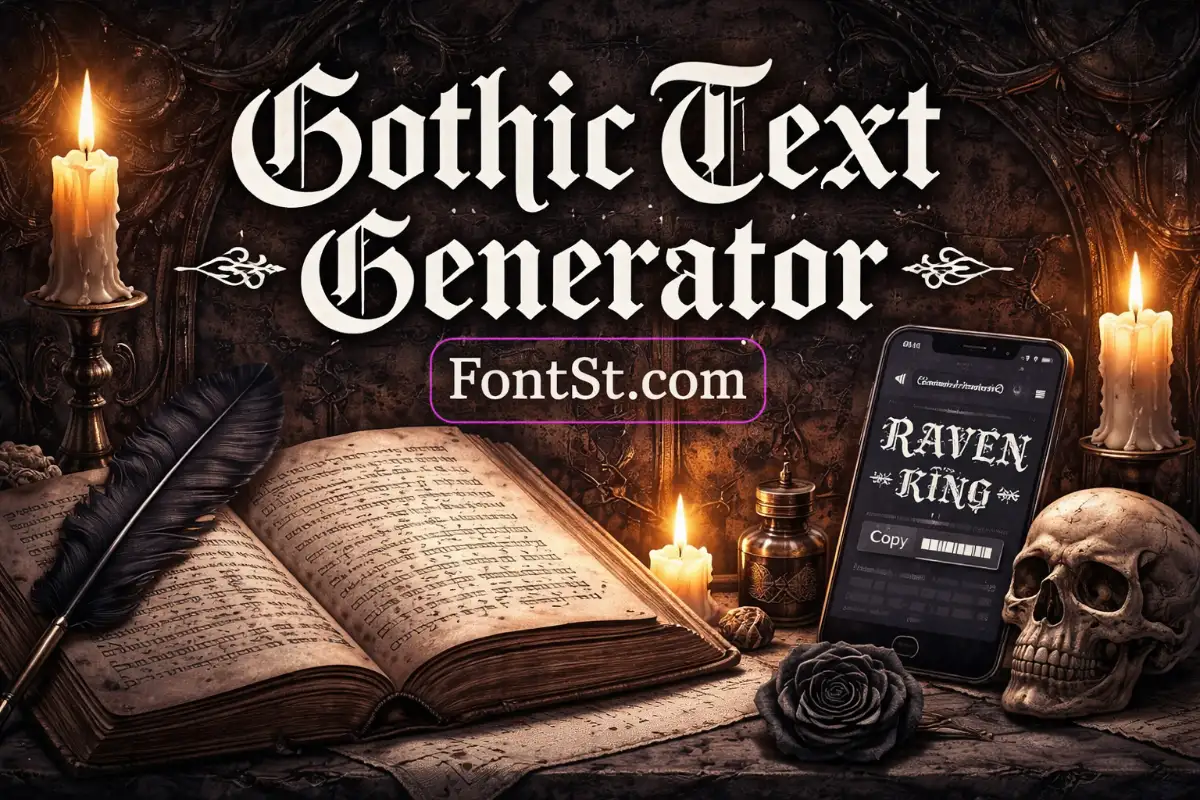
Gothic text has that bold, dramatic “medieval / cathedral signage” vibe—perfect for names, titles, tattoos mockups, and dark aesthetic bios. With FontSt’s Gothic Text Generator, you can type any word, convert it into gothic-style lettering, then copy & paste it anywhere in seconds.

✠ Gothic Text Generator ✠

What Is A Gothic Typeface?

A gothic typeface usually refers to blackletter-style lettering—the sharp, ornate letterforms you often associate with medieval manuscripts, old European signage, and classic “Old English” tattoo lettering. Compared with modern fonts, gothic type feels:

  • Stronger and more decorative
  • High-contrast (thick + thin strokes)
  • Iconic for titles and names, not long paragraphs

Gothic lettering is popular for:

  • Profile names, gamer tags, clan names
  • Event posters, album-style titles
  • Tattoo inspiration (lettering layouts)
  • Gothic aesthetic captions and quotes

Tip: Gothic styles look best when you keep your text short (1–5 words) and let the letters “breathe.”

Censored text generator copy paste ➜ Redacted Copy & Paste

Redacted Copy Paste
Redacted Copy Paste

How To Use FontSt’s Gothic Font Generator

Here’s the most practical way to use FontSt’s generator:

  1. Type your text (name, phrase, title)
  2. Try 2–3 gothic variants (some are heavier, some are cleaner)
  3. Copy the one that stays readable
  4. Paste into Instagram, TikTok, Discord, X, Threads, WhatsApp, or game profiles

Readability test: Try your text in both ALL CAPS and Title Case. Some gothic styles look cleaner in caps, while others look better with mixed case.

Gothic Text Creator (When It’s Better Than Downloading Fonts)

A gothic text creator like FontSt is ideal when you want:

  • instant copy & paste output
  • no installing font files
  • quick styling for social posts or usernames

If you’re designing a logo, print, or professional artwork, you may still prefer installed fonts for perfect spacing (kerning) and consistent export—but for everyday use, copy & paste is the fastest.

More aesthetic borders copy and paste ➜ Outline Font Generator – Bordered Text Copy & Paste

Gothic Writing Generator (Style Tips That Look “Premium”)

To make gothic writing look intentional (not messy), use these tricks:

  • Keep punctuation minimal (use or instead of many symbols)
  • Add one themed icon outside the word: ✠ ☾ ✦ 🕯️
  • Use short words: NOCTURNE, RAVEN, MIDNIGHT
  • For names, try a clean structure: First • Last

Example layouts:

  • NOCTURNE ✠
  • RAVEN • KING
  • MIDNIGHT CLUB

Screep text font styles ➜ Scary Text Generator

Scary text generator

Gothic Font Copy Paste

Below are common “gothic” requests people search for, plus how to use them with the generator.

Alphabet Gothic Letters

If you need alphabet gothic letters, the easiest method is:

  • type: abcdefghijklmnopqrstuvwxyz
  • copy the gothic output
  • save it as a reference for future use

Tip: Also test ABCDEFGHIJKLMNOPQRSTUVWXYZ—some gothic alphabets look more consistent in caps.

Goth Number Font

For a goth number font, test number clarity first:

  • 0123456789
  • 1999, 2026, 13, 666

Some gothic styles make 1, 7, and 9 look similar, so pick the variant that keeps numbers readable—especially for dates, IDs, or gamer tags.

More font style ➜ VAG typeface copy & paste

Century Gothic Font

Century Gothic is a modern geometric sans-serif, often used in clean branding and documents. It’s called “gothic” in the font naming sense (a category term in typography), but visually it’s not the medieval blackletter look.

Use-case tip:

  • If you want “clean modern gothic,” choose a modern/clean style from FontSt.
  • If you want “cathedral / tattoo gothic,” choose a blackletter style.

Gothic Script Alphabet

A gothic script alphabet usually means gothic letters with a slightly more flowing, handwritten feel. In practice, you can:

  • start with a classic gothic/blackletter style
  • compare it with a lighter variant
  • choose whichever stays readable for your phrase

Best for: short quotes, names, “signature-like” gothic vibes.

Gothic Letter Tattoo

Gothic lettering is a tattoo favorite, but readability matters long-term. Before choosing a style:

  • Keep the text short
  • Print it at the real size you want
  • Check confusing letters (I, l, J, S)
  • Avoid overly “busy” variants if the tattoo is small

Pro tip: Bring your tattoo artist both:

  • the gothic styled version
  • the plain text version so they can adjust spacing and stroke weight cleanly.

More cute font styles for tattoo ➜ Tattoo Font Styles Generator – Alphabet, Numbers & Cursive

Franklin Gothic Font

Franklin Gothic is another classic sans-serif family used widely in publishing and headlines. Similar to Century Gothic, it’s “gothic” by naming/category tradition—not the medieval blackletter style.

If your audience expects the dramatic gothic look, avoid mixing Franklin/modern sans with blackletter in the same line unless you’re intentionally designing contrast (e.g., title in blackletter + subtitle in clean sans).

More gothic typeface free ➜ Old English Font Generator – Ancient Lettering Alphabet

Old English Font
Old English Font

Where Gothic Text Works Best (And Quick Testing Tips)

Gothic/blackletter styles look amazing in short, high-impact places—especially when you keep the text readable and consistent.

Best Places To Use Gothic Text

  • Instagram bio & captions: Great for names, short titles, and aesthetic hooks (1–6 words).
  • TikTok captions & comments: Works best for short punchlines or “mood” words like NOCTURNE or RAVEN.
  • Discord usernames, roles, and channel names: Often supports more Unicode styles—ideal for servers with dark or fantasy themes.
  • Roblox display names (when allowed): Some characters may be blocked, so choose cleaner variants first.
  • YouTube / Twitch titles: Use for a short series name, then keep the rest normal text for clarity.
  • Gaming clans / guild tags: Gothic looks premium when paired with short tags and minimal symbols.

Quick Readability Checklist (Before You Post)

  • Keep it short: 1–5 words is the sweet spot.
  • Avoid “busy” styles for long phrases: Heavy blackletter can blur on small screens.
  • Check confusing letters: I / l / J, S, and G can look similar in gothic fonts.
  • Test numbers if you use dates/IDs: 1 7 9 0 are the most likely to confuse.
  • Use one style per line: Mixing gothic + glitch in one word often looks messy.

iPhone vs Android Rendering Tips

Unicode styles can render slightly differently across devices:

  • If the text looks too tight on one device, try a cleaner gothic variant.
  • If some characters appear as boxes or missing glyphs, switch to a more compatible style (often the simplest blackletter wins).
  • Always paste → save → reopen your profile/caption to confirm it “sticks.”

Roblox Compatibility Tips (Fast Method)

Roblox can be stricter than social apps:

  1. Try a clean gothic variant first (minimal decoration).
  2. Avoid heavy combining marks and extreme “cursed” styles.
  3. If it fails, keep a normal display name and use gothic in status/about sections (if available).

Pro Formatting Tricks That Look Premium

  • Add one icon outside the text (don’t clutter inside): , , 🕯️
  • Use a simple divider: or
  • Add spacing for drama (only a little): G O T H I C (best for titles)

Example templates:

  • NOCTURNE ✠
  • RAVEN • KING
  • MIDNIGHT — CLUB

Gothic lettering style copy and paste ➜ Calligraphy Font Generator – Lettering Text Maker

Calligraphy Font
Calligraphy Font

FAQ – Gothic Font Gen


Gothic Old English Font

“Old English” is one of the most common gothic requests. It typically refers to blackletter styles used in classic signage and tattoo lettering. If your phrase is long, pick a cleaner Old English variant so the letters don’t blend together.

Alternate Gothic Font

If you want an alternate gothic font, try switching between:

  • heavy blackletter (dramatic, bold)
  • clean blackletter (more readable)
  • modern gothic (minimal, sharp)

Best approach: test the same word in 3 variants and choose the clearest one.

Gothic Handwriting Font

Gothic handwriting styles are tricky because “handwriting” usually means smooth strokes, while gothic usually means sharp structure. If you want a hybrid look:

  • choose a lighter gothic style
  • keep the word short
  • avoid excessive decoration

Modern Gothic Font

Modern gothic is usually:

  • simpler shapes
  • less ornament
  • still dark/serious vibe

It’s best for:

  • tech/gaming profiles
  • minimalist aesthetic bios
  • readable gothic titles

Calligraphy Gothic Letters

Calligraphy gothic letters look great for headings and short quotes. To keep them clean:

  • use Title Case or ALL CAPS consistently
  • don’t add too many symbols inside the word
  • keep line breaks neat if you’re posting multiple lines

Leave a Comment