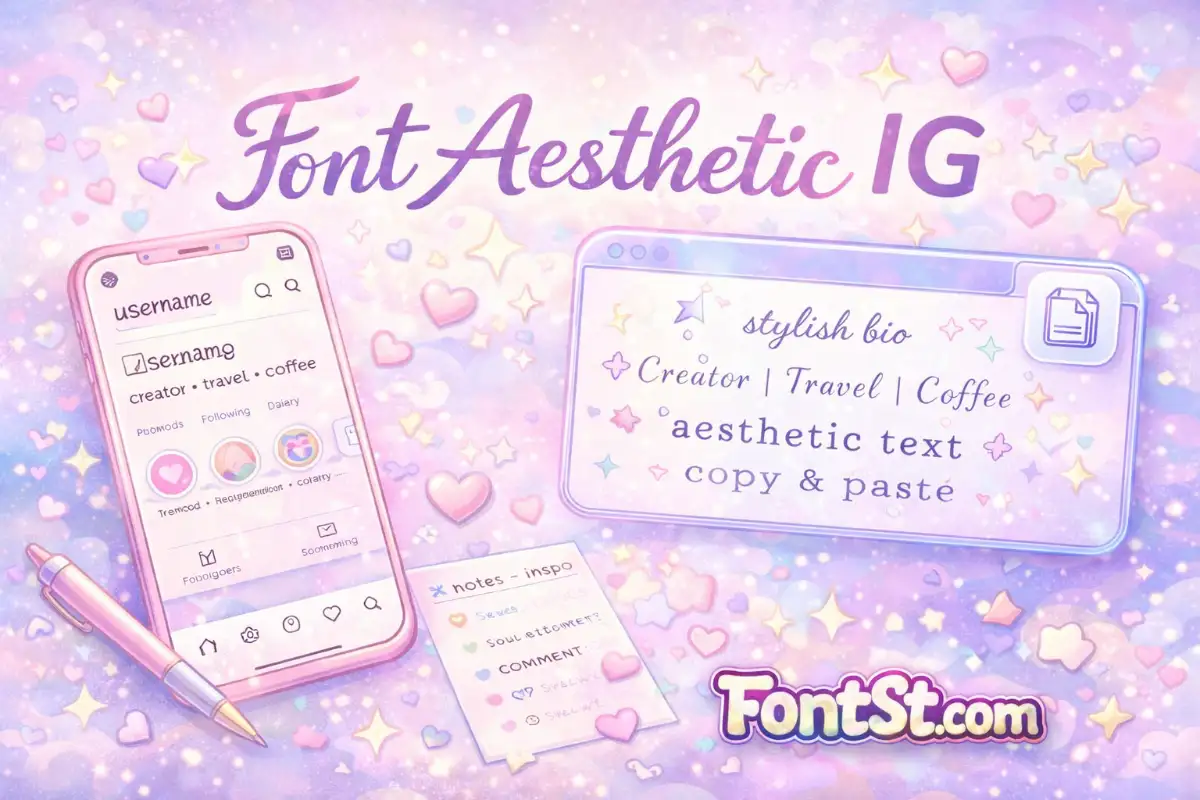
Want your profile to look instantly cleaner and more “IG aesthetic” without installing anything? This Font Aesthetic IG generator helps you create aesthetic Instagram fonts you can copy and paste for your bio, nickname, and text style in seconds.
What “Font IG Aesthetic” Usually Means ?
When people search font ig aesthetic, they’re not looking for a single font name. They want a style that feels:
- clean and minimal (easy to read on mobile),
- visually “balanced” (nice spacing and consistent letter shapes),
- unique enough to stand out in search and comments.
Most of the time, an IG aesthetic look is made from Unicode character styles—so you can paste it into your bio, name field, or captions without downloading fonts.
Cute text aesthetic IG emoji ➜ Decorative Text Generator
Decorative Text Generator
How To Use Font Aesthetic IG Generator On FontSt
- Type your username, name line, or bio text into the tool.
- Pick a style that matches your vibe (minimal, cute, bold, cursive).
- Tap the style to copy, then paste it into Instagram.
If a style looks weird on someone else’s phone, switch to a simpler option (some Unicode characters render differently across devices).
Best Practice For Readability
- For the Name field and username, choose styles that keep letters clear—especially: A, R, S, M, W, 0, 1.
- If those are readable, your profile will look good across most screens.
More aesthetic font 123 copy ➜ Aesthetic Fonts 123 Generator
Font Bio IG Aesthetic: 5 Easy Bio Layouts That Always Work
Here are simple structures you can copy, then customize with a font style:
- Clean title + tagline
- Line 1: stylized name
- Line 2: plain text tagline + 1 emoji
- Minimal “dot” style
• creator • travel • coffee •
- Soft aesthetic
- stylized name
☾ notes + calm vibes
- Bold and readable
- bold name
new posts weekly
- Two-language bio
- stylized name
- short English + local language line (keep both short)
Tip: keep your bio to 2–3 short lines. Aesthetic dies when it becomes crowded.
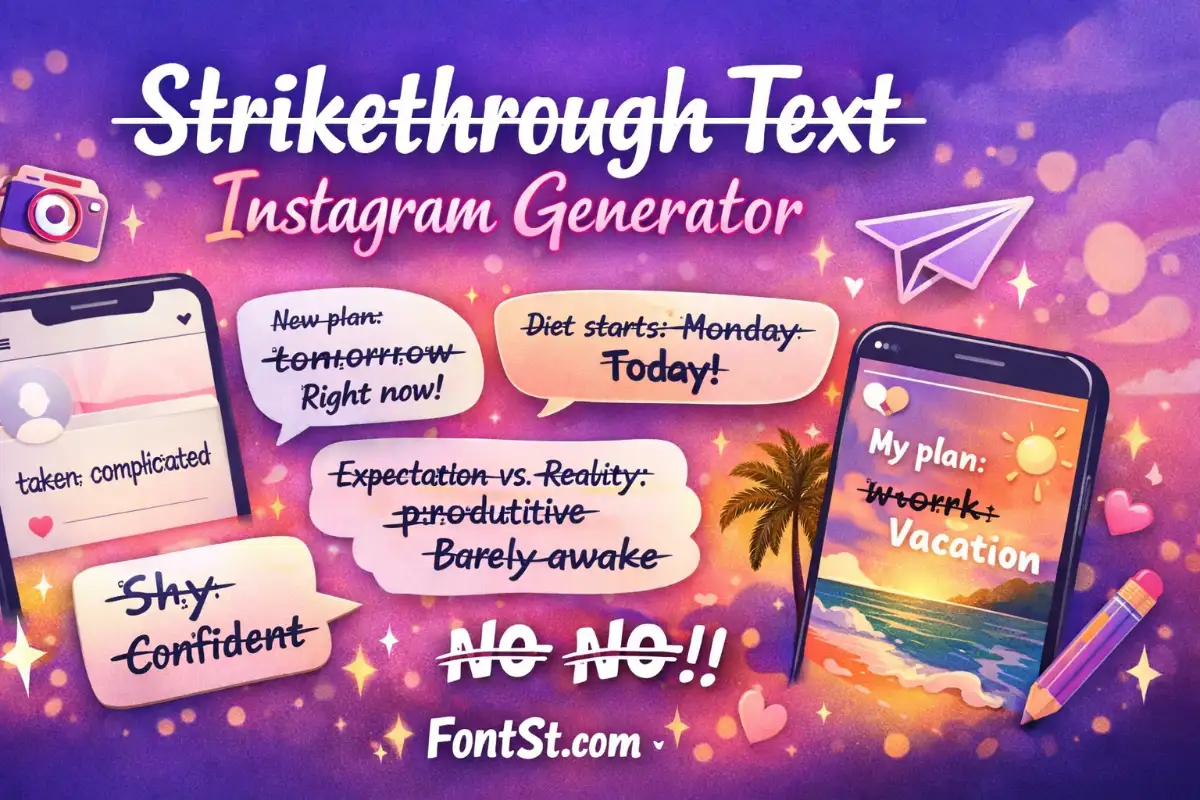
Cool bio IG aesthetic font styles ➜ Strikethrough Text Instagram Generator
Strikethrough text Instagram
IG Font Aesthetic iPhone: What Works Best
Searching ig font aesthetic iphone usually means you want styles that paste cleanly into the Instagram app on iOS.
On iPhone, the safest aesthetic styles are:
- clean bold / semi-bold text
- simple italic styles
- small caps (minimal, neat)
- basic sans-like styles (not overly decorative)
Avoid extremely complex symbols in your username. If you love symbols, put them in the bio instead.
For subtle emphasis in captions, a light italic style often looks great—try the Italic generator when you want a clean vibe: Italic Font Generator (Copy And Paste) – Italic Text Maker
Italic Font Generator
Aesthetic Fonts Copy And Paste For Instagram: Where To Use Them
1) Name Field (Display Name)
This is the best place for stylish text because it’s visible everywhere on your profile. Use a clean style that stays readable.
2) Username (Handle)
Instagram usernames are stricter. If the platform rejects special characters, keep the username plain and put the aesthetic style in:
- Display name
- Bio line 1
- Highlight titles
3) Bio Text
Best area for:
- aesthetic text for instagram
- minimal symbols
- soft dividers (• | ✦ | ☾)
4) Captions & Comments
Use aesthetic text sparingly:
- one stylized phrase at the start
- then plain text for the rest
If you need stronger readability for the name line, try a bold option: Bold Font Generator (Copy & Paste) for Text & Letters
Bold Font Generator
Font Username IG Aesthetic: How To Pick The Right Style Fast
Use this quick filter:
- Minimal aesthetic: small caps / light bold / clean italic
- Cute aesthetic: bubble/rounded styles (keep it short)
- Edgy aesthetic: a mild “weird” style (don’t sacrifice readability)
- Luxury aesthetic: clean serif-like styles + simple spacing
For a structured, minimal look that stands out, square styles can work great in the name line: Square Font Generator For Text And Names (Copy Paste)
Font IG Aesthetic For Girl: Style Ideas That Feel Soft And Pretty
If you’re aiming for a softer profile:
- cursive name line + minimal tagline
- bubble name line + simple emoji
- tiny text for a short “mood” line
Cute/rounded styles pair well with soft bios—try bubble fonts when your profile is more playful: Bubble Font Generator (Copy & Paste) – Cute Bubble Letters
Example format:
- stylized name
✧ lifestyle | beauty | diary ☾
Aesthetic Instagram Fonts For Boy: Clean, Bold, And Minimal
For a “boy aesthetic” profile, the most consistent winning styles are:
- bold but simple
- small caps
- minimal dividers
Example format:
- stylized name
• gym • music • streetwear •
If you want something unique without going messy, a “weird but readable” style can work for a gamer/creator identity: Weird Text Generator – Crazy & Strange Font (Copy Paste)
Aesthetic Text For Instagram: Symbols That Look Good (Without Spam)
Use symbols like seasoning—small amount, big impact:
- Dividers:
•|— - Soft vibe:
☾✧♡ - Sparkle vibe:
✦✩⋆
Keep it simple:
- 1 divider set per line
- 1–2 emoji max per line
Troubleshooting: Why Your IG Aesthetic Font Looks Different
It looks different on another phone
Unicode rendering varies. Choose simpler styles (bold/italic/small caps) for stable results.
Instagram won’t accept it in the username
Usernames are strict. Use the aesthetic style in display name and bio instead.
The text becomes squares (□)
Those characters aren’t supported on that device. Switch to another style that uses more common Unicode letters.
Try cool font aesthetic for Instagram ➜ Calligraphy Font Generator – Lettering Text Maker
Calligraphy Font
Quick Picks: 3 “Safe” Aesthetic Combos
- Minimal clean
- small caps name + plain tagline + dot dividers
- Soft cute
- bubble name + short bio + one moon/sparkle symbol
- Bold creator
- bold name + short niche line + one emoji
If you want more categories beyond IG, you can browse the full FontSt style directory here: Font Styles Names
- Star Font Symbols Generator (Star Born, Star Wars, Star Trek)
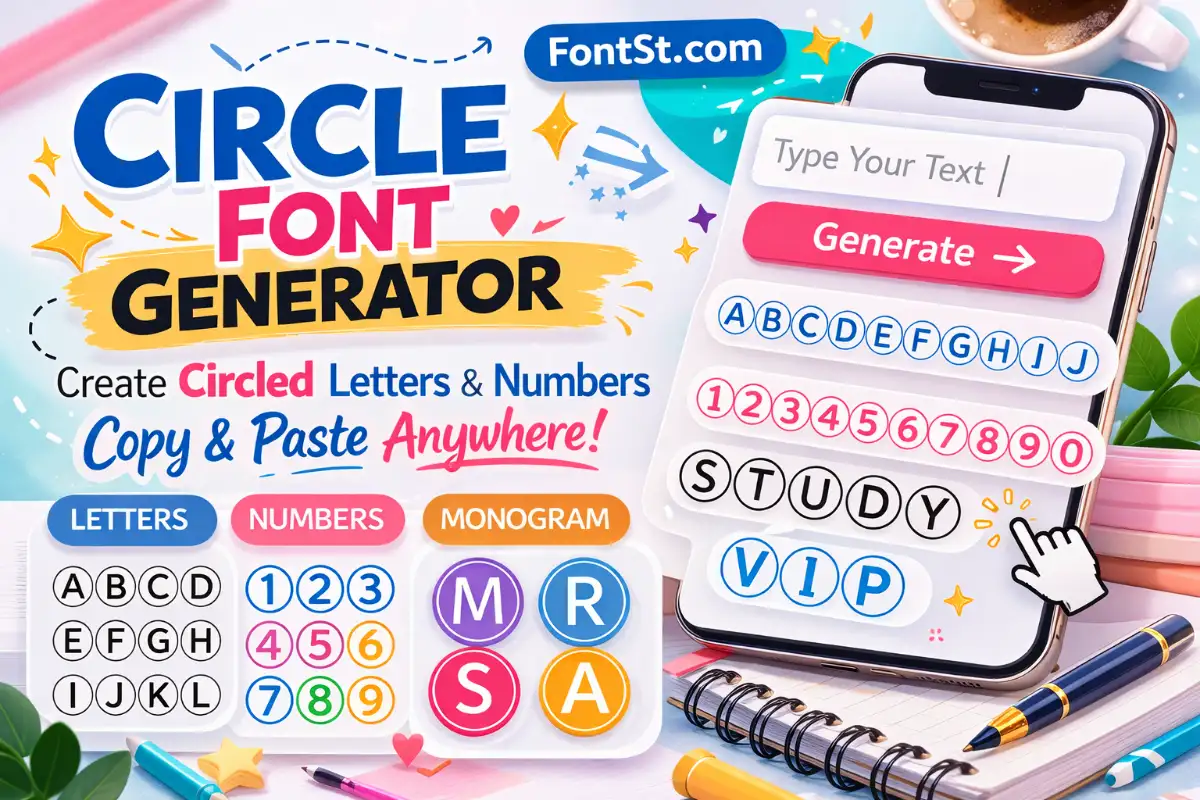
- Circle Font Generator – Circled Letters & Numbers
- Kaomoji Font Generator Copy & Paste – Cute Aesthetic Symbols