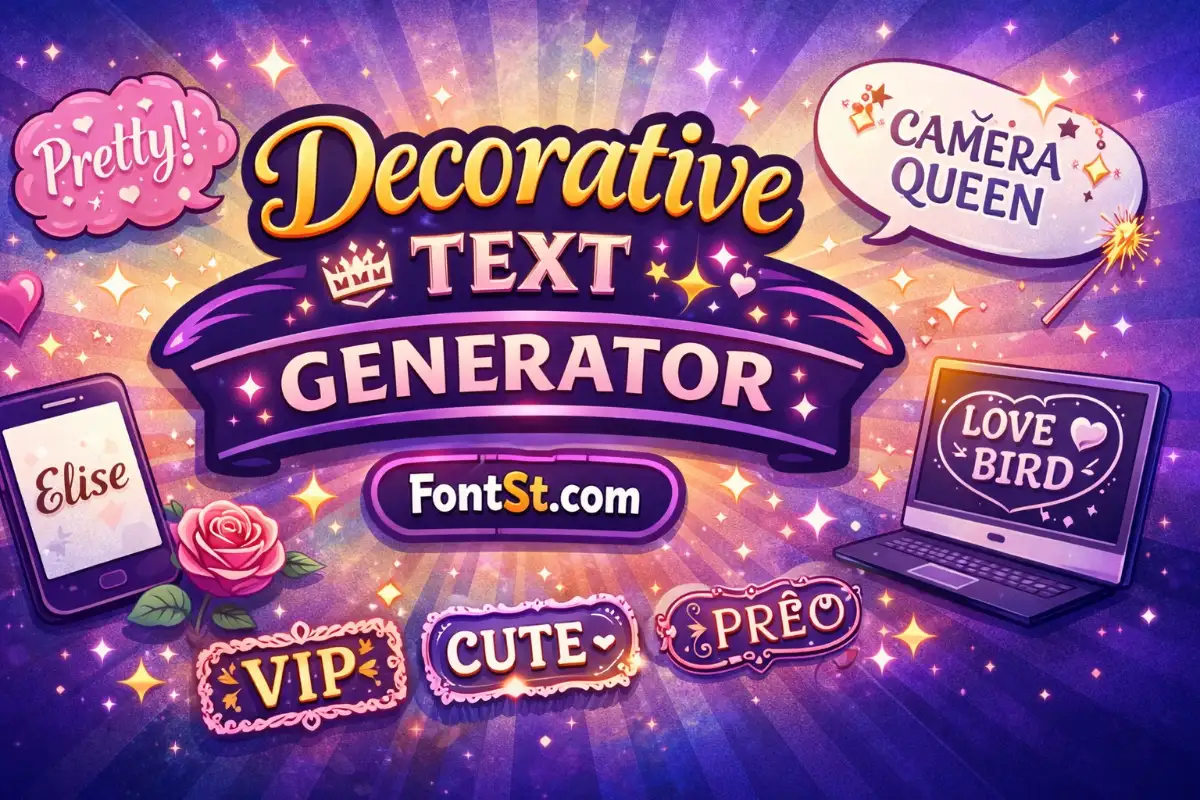
Decorative text is the fastest way to make names, bios, captions, and short headings look more stylish—without installing anything. FontSt helps you create decorative lettering styles online in seconds, so you can copy and paste the result wherever it’s supported.

✨ Decorative Text Generator ✨


What Is Texts Decoration?

What is texts decoration? In simple terms, it means adding visual style to plain text so it feels more expressive—cute, fancy, bold, minimal, or aesthetic. Online, “text decoration” can refer to two different things:

  • Design decoration (what this page focuses on): decorative characters and letter styles you can copy and paste.
  • Formatting decoration (website styling): things like underlines, italics, or color—often controlled by CSS.

FontSt is built for copy-paste decorative text styles, not just basic formatting like underlines.

More cool font styles ➜ Balloon Font Generator

Balloon Font Generator

Decorative Font Generator: What It Really Does

A Decorative font generator usually doesn’t create a downloadable font file. Most of the time, it converts your text into Unicode-based styles that look decorative when pasted into apps that support those characters.

Use a decorative generator when you want:

  • a standout display name
  • an aesthetic bio line
  • a decorative caption title
  • a stylized tag (like “VIP”, “EDIT”, “GAMER”, “SHOP”)

Best practice: treat decorative text like seasoning—apply it to the most important words, not every sentence.

More font for Instagram aesthetic ➜ Font Aesthetic IG Copy & Paste


Decorative Text Copy And Paste That Looks Clean

Decorative text copy and paste works best when it’s short and intentional. Here are a few easy ways to keep it clean:

  • Keep it short: 1–2 lines for bios, 3–8 words for captions
  • Avoid clutter: too many emojis + heavy symbols can become unreadable
  • Test once: paste into a draft and check spacing on mobile
  • Pick a signature style: using one or two consistent styles looks more “brand” and less random

If a platform strips the style, switch to a simpler decorative option (boxed/circled/small caps) that’s more widely supported.

More cool font styles ➜ Emoji Font Generator – Cool Text Symbols & Emoji Styles

Emoji Font
Emoji Font

Decorative Fonts Copy And Paste: Where To Use Them

People search Decorative fonts copy and paste for a wide range of places. Decorative Unicode styles often work well in:

  • Instagram bios and highlights
  • TikTok bio lines and captions
  • Discord “About Me”, status, and server nicknames
  • YouTube channel headings and descriptions
  • Comments and short chat messages

Note: Some platforms limit special characters in usernames. If the name field blocks it, use the decorative style in the bio/about section instead.

More unique font styles ➜ Glitch Text Generator Copy And Paste

Fancy Decoration For Text Without Overdoing It

Fancy decoration for text is most effective when it adds a clear visual mood. Try these “layouts”:

1) Decorative headline + normal explanation

  • Line 1: decorative style (your vibe / title)
  • Line 2: plain text (readable context)

2) Normal sentence with one decorative keyword

  • Keep the sentence readable
  • Decorate only the keyword you want to highlight

3) Decorative tag + clean name

  • Decorative tag for identity (e.g., “VIP”, “PRO”)
  • Plain name for clarity

These patterns help your text look designed rather than chaotic.

Best tattoo font styles ➜ Tattoo Font Styles Generator – Alphabet, Numbers & Cursive

Tattoo Font Styles
Tattoo Font Styles

Text Decoration Copy And Paste: What Works Best Across Devices

Text decoration copy paste can behave differently on iPhone, Android, and desktop because each system renders Unicode characters in its own way. If you want maximum compatibility:

  • Prefer simple decorative alphabets (boxed, circled, small caps)
  • Avoid extremely heavy “glitch” or stacked marks when you need readability
  • Keep punctuation minimal
  • Don’t mix too many style categories in one line

If your line spacing breaks, it’s usually because the style uses extra marks above/below letters. Switch to a cleaner decorative style.

Cute font aesthetic copy & paste ➜ Aesthetic Font Generator


Text Decoration Aesthetic: Building A Consistent Look

Text decoration aesthetic is not just about one cool output—it’s about consistency. A quick method:

  • Choose one primary decorative style for headings
  • Choose one secondary style for tags or short emphasis
  • Keep the rest of your text normal

This creates a recognizable “profile brand.” It also makes your bio easier to read while still looking special.

More unique font styles ➜ Upside Down Text Generator (Flip Font Styles Copy Paste)

Upside Down Text Generator

Create Lettering Styles Online With FontSt

You can create lettering styles online with FontSt in a few steps:

  1. Type your name, phrase, or short line.
  2. Browse decorative styles in the results.
  3. Copy the style you like.
  4. Paste it into your bio, caption, or message.
  5. If it doesn’t render correctly, try a simpler decorative style.

Tip: If you’re creating a profile identity, generate 3 versions and rotate them seasonally—same vibe, new look.

More fancy font styles ➜ Weird Text Generator – Crazy & Strange Font (Copy Paste)

Decorative Font Example: Smart Ways To Style Names

A good decorative font example is one that enhances readability instead of fighting it. Try:

  • short names (5–12 characters)
  • two-word headings
  • one-line “about me” statements

If your phrase is long, decorate only the first word and keep the rest plain. That keeps the style strong but still readable.

More cool font styles ➜ Strikethrough Text Generator

Decorative Typeface: Font Files Vs Copy-Paste Styles

A decorative typeface usually means a real font file (like an OTF/TTF font used in design software). That’s different from what copy-paste tools generate.

Here’s the practical difference:

  • Typeface (font file): you install it or load it with CSS; it changes how your device renders text.
  • Copy-paste decorative styles: the characters themselves are different; you can paste them into many apps.

FontSt focuses on the second category: fast decorative styles you can paste anywhere supported.

More cute font styles ➜ Colour Text Generator For Font Styles (Copy & Paste)

Colour Text Generator

FAQ – Design Lettering Styles

Are decorative text generators the same as installing a font?
No. Most generators create Unicode-based text styles you can copy and paste, not a font file you install.

Why does decorative text sometimes look different across apps?
Different devices and apps render Unicode characters differently. Simpler decorative styles usually look more consistent.

What’s the best way to design lettering styles for a bio?
Use one decorative headline line, keep the rest normal, and avoid stacking multiple heavy styles together.

How do I make decorative text look aesthetic, not spammy?
Keep it short, use consistent styles, and decorate only key words or one line rather than everything.

What if a platform won’t accept decorative text in usernames?
Try using it in bios, captions, about sections, or comments instead. Some name fields restrict special characters.

Leave a Comment