Type your text into FontSt’s Calligraphy Font Generator to instantly turn plain words into elegant, pen-style lettering. Pick a style you love, then Copy & Paste it for bios, captions, signatures, quote cards, and design mockups.
Calligraphy text adds instant elegance—perfect for names, signatures, quotes, and aesthetic titles. Use FontSt’s calligraphy text maker below to generate stylish lettering fast, then Copy & Paste it anywhere you need.
Lettertype calligraphy simply means a “calligraphy-style letter look” that can be used like a font—smooth strokes, elegant curves, and a handwritten rhythm. Traditional calligraphy is drawn by hand with pen and technique. A calligraphy-style font (or generator) recreates that feel instantly so you can style text for digital use.
What makes calligraphy lettering special:
Flow and rhythm: letters connect or feel naturally written
Thick–thin contrast: strokes look like real pen pressure
Elegant personality: even short words feel premium
Perfect for names: signature-like styles look personal and stylish
Calligraphy text works best when you keep it short and clean—names, 1–2 line quotes, simple titles, and brand phrases.
Font St’s calligraphy generator is built for fast results. The trick is choosing an output that stays readable after you paste it into your target app.
Quick Steps
Type your text (name, quote, phrase).
Choose the calligraphy style you like.
Click Copy.
Paste into your bio, caption, title, or design mockup.
Pro Tips For Clean Results
Keep it to 1–12 words (shorter is usually better)
Put emojis at the end, not between letters
Use Title Case for a more “signature” look
For long quotes: split into two lines and keep spacing comfortable
If a style looks too delicate, pick a bolder calligraphy output so it doesn’t disappear at small sizes.
When people search stylish calligraphy font copy and paste, they usually want something that looks expensive and still reads clearly—especially on mobile.
Best places to use copy & paste calligraphy:
Instagram/TikTok bio lines
Captions (first line as the hook)
YouTube or podcast cover text mockups
Wedding/event-style titles
Quote cards and highlights
To make it look “designed,” try these quick formats:
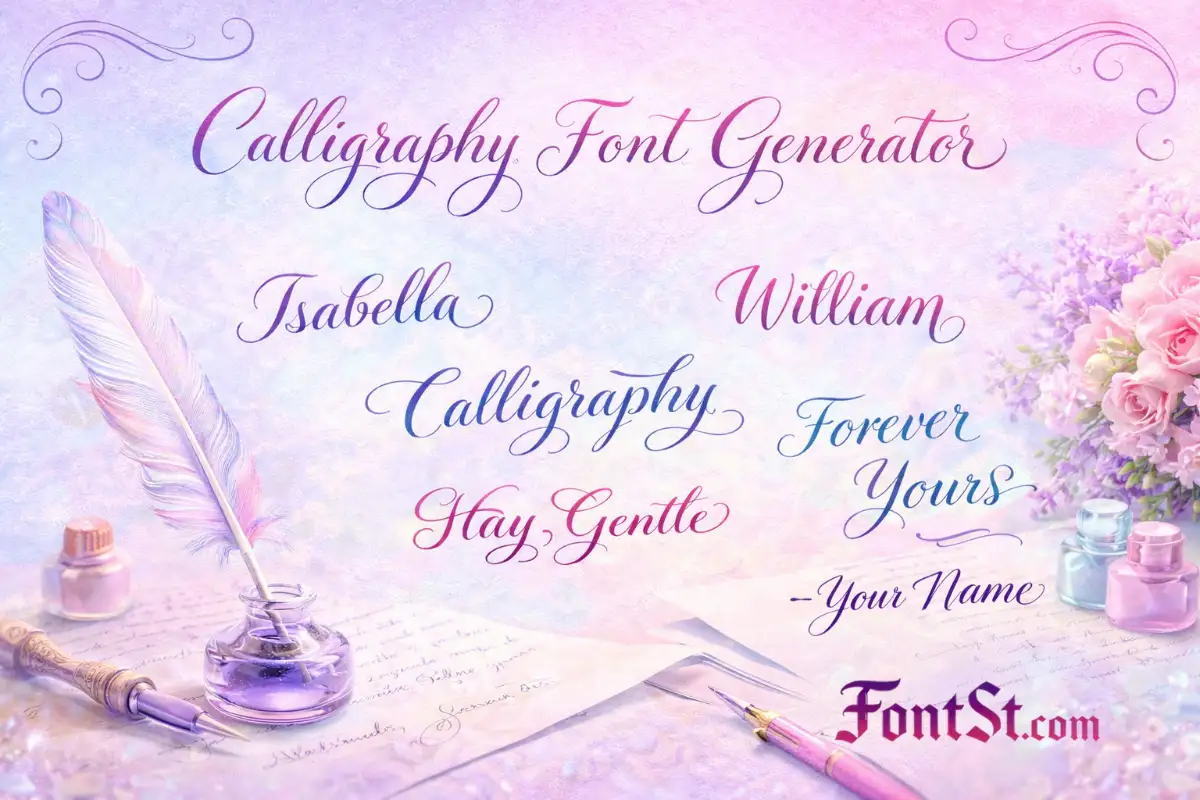
Name only: “Sophia”
Two-word phrase: “Stay Gentle”
Short quote hook: “Make It Happen”
Signature line: “— Your Name”
If the output looks crowded in your app, shorten the phrase or choose a cleaner style.
A “calligraphy fonts A to Z” section is helpful for initials, monograms, and letter-by-letter design planning. Calligraphy letters can vary a lot—some A’s look perfect for logos, while others look better inside words.
How To Use A–Z For Initials And Monograms
Test uppercase vs lowercase for the same letter
For monograms, test letter pairs like A M, J K, L S
Save your favorites in Notes so you can compare later
If a letter looks too fancy, pick a cleaner alternative for readability
A cursive font calligraphy style is the smoother, more connected side of calligraphy. It’s popular because it feels personal and readable—especially for names and short phrases.
Use cursive calligraphy when you want:
A soft, flowing signature vibe
Better readability than super decorative scripts
A clean look for bios and captions
Quick rule: cursive calligraphy is strongest for names and short mottos. For long paragraphs, it loses readability.
Calligraphy has many traditions and “looks.” Here are common types people search for and how they’re typically used.
Gothic Calligraphy
Gothic calligraphy is sharper, more structured, and often feels medieval—great for dramatic titles, formal headings, and classic aesthetics.
Best for:
Titles and display words
Old-world themed designs
Lucida Calligraphy Font
“Lucida Calligraphy” is often used to describe a classic, readable calligraphy look that’s softer and more formal—popular in invitations, certificates, and elegant headings.
Hindi calligraphy fonts usually refer to stylized Devanagari lettering used for decorative headings and artistic text. For best results, keep the phrase short and use a style designed for that script so it stays readable.
Arabic Calligraphy Fonts
Arabic calligraphy styles are highly artistic, often used for display and decorative typography. If you’re generating Arabic text, pick a style that preserves clarity, especially for longer phrases.
Jawi Calligraphy Font
Jawi calligraphy refers to stylized Jawi writing (Arabic-derived script used for Malay). Because it’s script-based, it looks best in short, clean lines with comfortable spacing.
A hand lettering maker helps you create a “drawn” look without drawing each letter yourself. For best results, keep text short, choose a readable style, and use spacing to make it look intentional.
Cursive Handwriting Calligraphy
Cursive handwriting calligraphy is the most practical everyday calligraphy look—smooth, personal, and readable. It’s ideal for names, signatures, short quotes, and bio lines that need to look stylish without becoming hard to read.