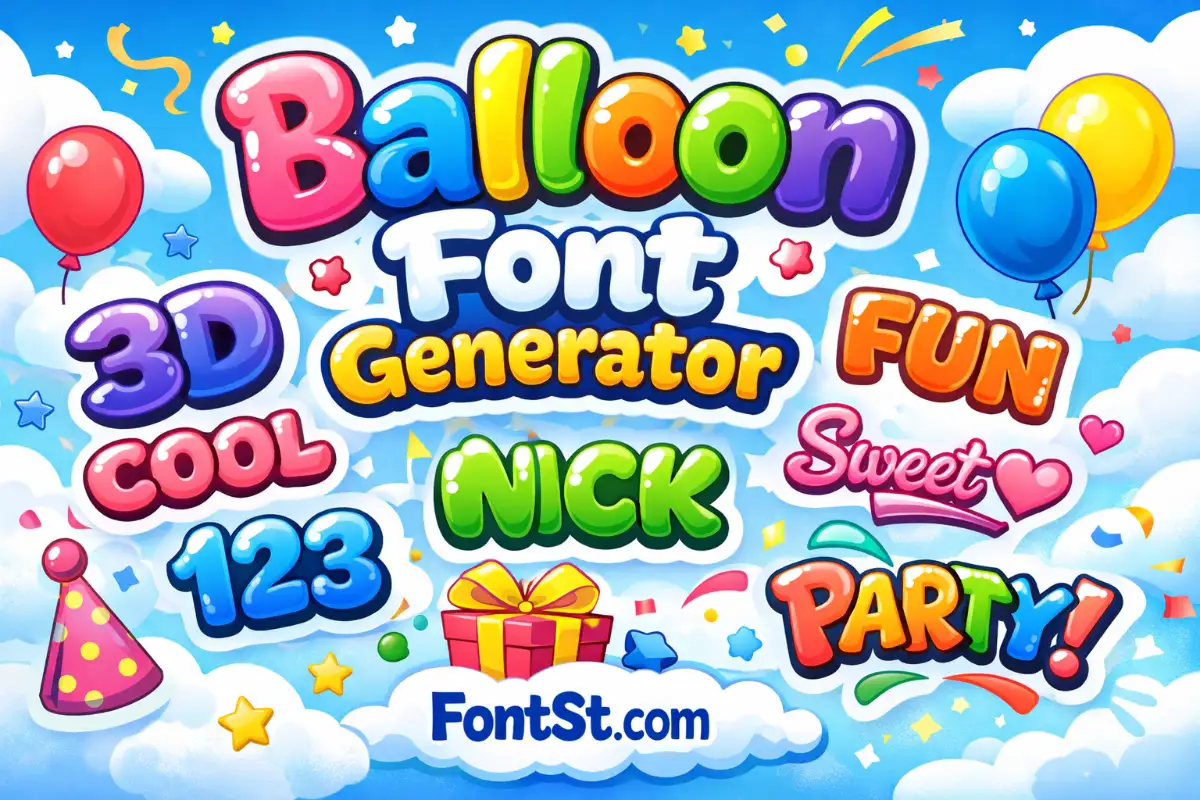
Use this Balloon Font Generator on FontSt to turn plain text into puffy balloon letters in seconds. Type a nickname or short phrase, pick a balloon style, then copy and paste it into bios, captions, and posts where it’s supported.

🎈 Balloon Font Generator 🎈

Balloon fonts are all about soft, inflated letter shapes—playful, bold, and instantly eye-catching. This guide focuses on balloon typography and how to generate balloon-style text with FontSt for nicknames, bios, captions, and quick headings (without repeating the Bubble Font page).


What Is Balloon Typography?

What is balloon typography? It’s a lettering style where characters look puffy, rounded, and “air-filled,” similar to balloon letters used in party posters, cartoon titles, and playful branding. In modern copy-paste tools like FontSt, balloon styling can appear in a few ways:

  • Rounded “inflated” alphabets (soft corners, thick strokes)
  • 3D or shadowed balloon looks (depth illusion)
  • Graffiti balloon letters (street-style bubbles with attitude)

Balloon typography is designed to feel friendly and fun—so it works best for short text that needs personality.

More cool font styles ➜ Reverse Text Generator

Reverse Text Generator

Balloon Letters Font Generator: What You Can Generate

A balloon letters font generator on a tool-first site usually means: type text → choose a balloon style → copy & paste the result (where supported). The practical outcomes typically include:

  • a balloon-like alphabet for names and tags
  • balloon numbers for dates or “2026” style captions
  • bold/extra-bold variants that read well at small sizes
  • decorative versions that feel like party signage or cartoon titles

If you want readability first, pick a balloon style that stays clean on mobile screens and doesn’t rely on heavy effects.

More cute styles ➜ Decorative Text Generator (Copy & Paste Fonts)

How To Create Nick Balloon Font With FontSt

Here’s a clean workflow for how to create nick balloon font with FontSt (without over-styling):

  1. Start with a short base nickname (4–12 characters is ideal).
  2. Generate balloon text and test 2–3 styles.
  3. Choose the style that stays readable in a small profile line.
  4. Add a simple separator if you want flair: |
  5. Copy and paste into your bio/caption. For strict username fields, use balloon style in bio instead.

Nick tip: Balloon letters look best when your nickname has round-friendly letters (O, A, B, D, P). Very thin letters can look less “inflated.”

More cool font styles ➜ Small Text Maker

Small Text Generator

Beautiful Balloon Typeface Font Ideas

A beautiful balloon typeface font usually means a clean balloon look that feels polished, not messy. Below are popular “sub-styles” people look for (and how to use them without making your text hard to read).

Balloon Extra Bold Font

A balloon extra bold font style works best for:

  • short titles (“NEW POST”, “HAPPY DAY”)
  • profile headers
  • 1–2 word captions

Extra bold balloon letters keep the inflated vibe even when the text is small.

Balloon Font Nickelodeon

Balloon font Nickelodeon is often searched because people want a fun, cartoon-title feel. Instead of copying a specific branded logo look, aim for:

  • rounded, energetic balloon letters
  • thick strokes + playful spacing
  • short phrases that feel “TV title” style

Use it for a vibe headline, then keep the rest of the caption normal.

3D Balloon Font

A 3d balloon font look adds depth. In text generators, “3D” often shows up as:

  • shadow-style layers
  • outline + inner fill effects
  • bold depth illusions

Best use: short words, not paragraphs. If the style adds heavy shadow marks, test it in your target app to avoid weird line spacing.

Font styles for tattoos generator ➜ Tattoo Font Styles

Tattoo Font Styles
Tattoo Font Styles

Balloon No2 Font

Balloon no2 font searches usually refer to a specific “balloon marker / bubbly” feel. For generator-style usage:

  • pick balloon letters that look hand-drawn
  • use it for casual nicknames and light captions
  • keep punctuation minimal so the style stays clean

Balloon Script Font

A balloon script font combines puffy shapes with cursive flow. It’s great for:

  • “happy birthday” style lines
  • cute romantic captions
  • aesthetic bios

Script balloon text can become hard to read if too long—keep it to one short line.

Balloon Drop Shadow Font

A balloon drop shadow font style is ideal when you want a poster-like look. Tips:

  • use 1 line of shadowed balloon text as the “headline”
  • keep the second line normal (for readability)
  • avoid stacking emojis + heavy shadow in the same line

More font styles ➜ Mirror Text Generator

Mirror Text
Mirror Text

Balloon Font Styles For Different Use Cases

This section helps you choose the right balloon style depending on where you’re posting and what you’re writing.

Balloon Text Font

A balloon text font style is best for captions, short headings, and profile “about” lines. If you want it to look premium:

  • keep it short
  • don’t mix too many decorative symbols
  • pick one balloon style and stick to it across your profile

Balloon Writing Font

A balloon writing font is more “handwritten” and casual. Good for:

  • friendly status updates
  • comments
  • “daily vibe” lines in bios

If the style looks uneven on certain devices, choose a cleaner balloon variant.

Balloon Dreams Font

Balloon dreams font is often used to describe soft, cute, dreamy balloon lettering. To make it look intentional:

  • pair it with soft emojis (✨🌙🎈) but keep the emoji count low
  • use it for 1 short line (a mood or tagline)
  • avoid all-caps if the style is delicate

Balloon Number Font

A balloon number font style is perfect for:

  • birthdays and anniversaries (“18”, “21”, “2026”)
  • countdown posts
  • date-based captions

If your generator offers multiple number styles, choose the one that keeps numbers round and readable.

Balloon Alphabet Font

A balloon alphabet font style is what you want for:

  • nickname letters that stay consistent
  • short titles
  • “initials” styling

If you’re building a signature nickname, test the full A–Z feel by typing a sample like ABC xyz 123 before choosing your final style.

Balloon Graffiti Font

A balloon graffiti font style is bolder and more street-inspired. Best use:

  • gamer tags and edgy captions
  • short “tag” words
  • one-line headings

Because graffiti balloon letters can be thick, keep it short so it doesn’t feel crowded in small UI spaces.

More cute styles ➜ Bubble Font Generator

Bubble Font
Bubble Font

Balloon Font Free: What “Free” Actually Means

When people search balloon font free, they may mean two different things:

  1. Free to use generator text (copy & paste styles you can use immediately)
  2. Free downloadable font files (TTF/OTF for design software)

This page focuses on the first: generator-friendly balloon text you can quickly paste into bios and captions. If you need a downloadable font for Photoshop/Canva, that’s a different workflow (and licensing matters).

Practical tip: Even with free generator styles, always preview the result in your target platform. Some apps render decorative characters differently, so a quick test paste helps you pick the best balloon style.

Try more font styles ➜ Bold Facebook Text Generator

Quick Styling Tips (So It Looks Clean, Not Spammy)

  • Use balloon text as a headline, not the whole paragraph
  • Keep one line balloon, one line normal
  • Avoid long symbol chains and excessive punctuation
  • Save 2–3 favorite balloon styles so your profile stays consistent

Leave a Comment