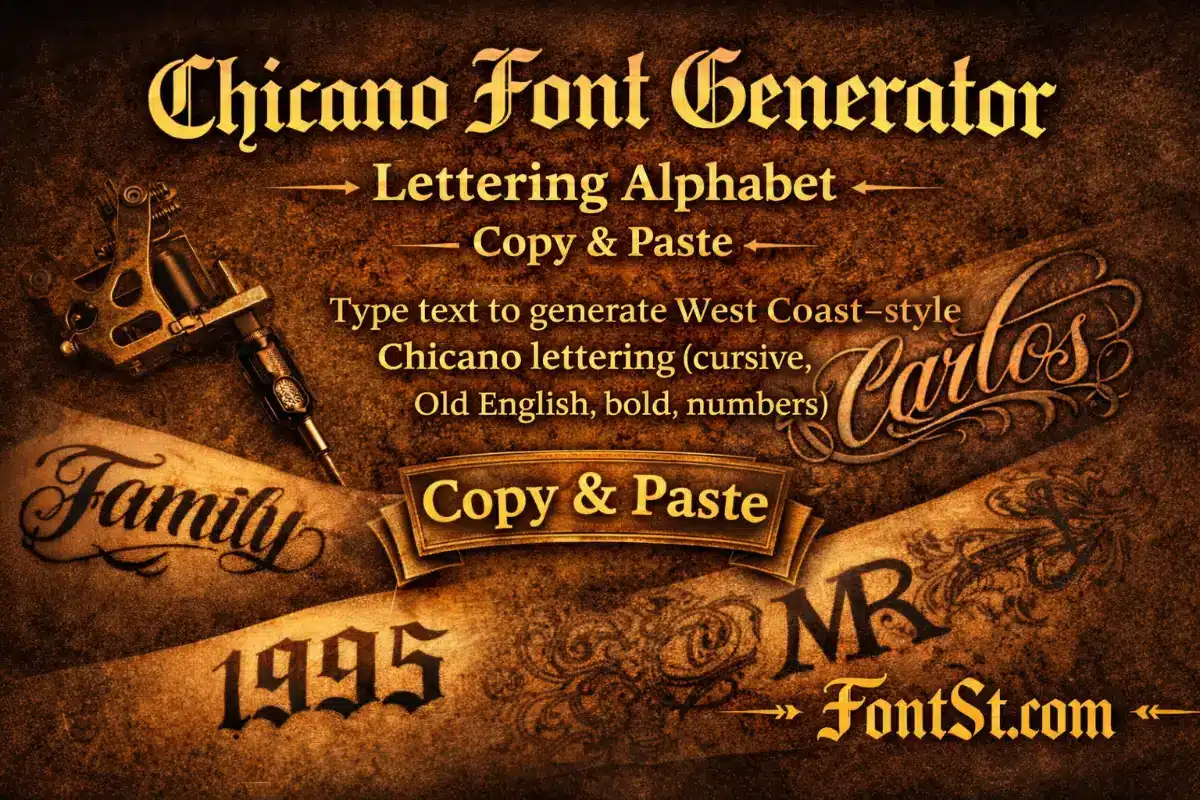
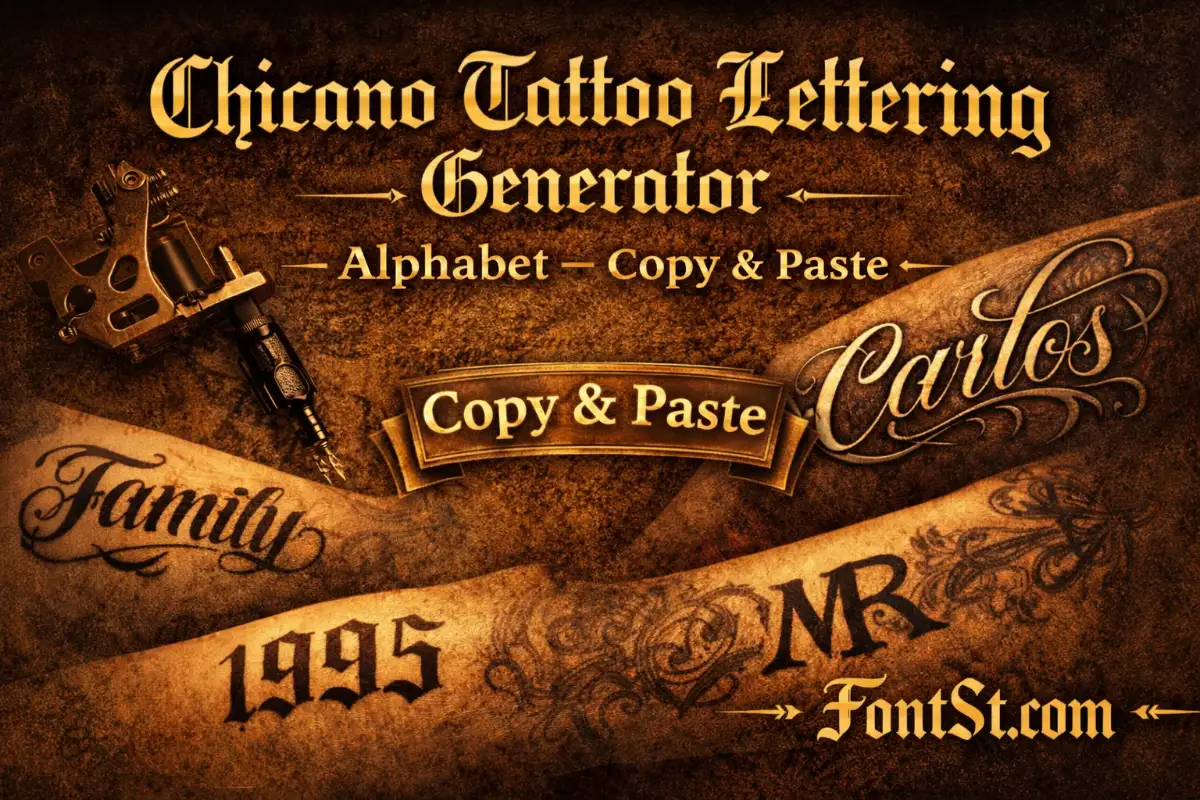
Create bold Chicano-style lettering in seconds with Font St’s generator below. Type your text, choose the style you like, then Copy & Paste it for bios, captions, titles, and tattoo mockups.
Type your text into Font St’s Chicano generator to get clean West Coast–style lettering in seconds—perfect for names, initials, and year designs. Pick the vibe you like, then Copy & Paste it anywhere to preview your bio, caption, title, or tattoo mockup instantly.
A Chicano font generator turns normal text into Chicano-inspired lettering styles you can use instantly—without installing font files. People use this style for tattoo name concepts, street-style headlines, profile aesthetics, and “West Coast” lettering vibes. Because “Chicano lettering” is a broad look, a generator helps you test the same word in multiple directions quickly (script, bold lettering, graffiti handstyle, Old English-inspired) and pick what stays clean and readable.
To get the best result:
Keep your text short (1–6 words for bios, 1–3 words for titles).
Avoid stuffing symbols inside the word—put emojis at the end.
If it looks crowded, reduce length or choose a cleaner style.
Using a Chicano lettering generator is simple, but a few small habits make your output look much more “tattoo-ready” and less like random stylized text.
Type your word or phrase (names, initials, short motto, year).
Compare 2–3 outputs for readability (especially on mobile).
Copy & Paste the cleanest version into Notes first.
Preview at real size (tiny bio text or a 2–3 cm tattoo mockup).
If details blur, switch to a cleaner style or add spacing.
A quick “quality check” before you publish: if you can’t read it in 1 second, simplify.
A Chicano cursive font is the go-to when you want a handwritten flow that still feels bold and confident. This style is great for longer names and small-to-medium placements because it stays readable more easily than dense blackletter.
Real font examples people commonly see in “Chicano script” listings include names like Bandito Script and Vida Bandida on font marketplaces.
A Chicano writing font usually means a style that feels written by hand—less “perfect,” more natural rhythm. It overlaps with script, but the key difference is vibe: writing styles often feel more casual and personal.
Use it for:
Signature-style names
Short lines under a title (subtitle effect)
Captions where you want a softer tone
Quick tip: writing styles can get messy with long quotes. Keep phrases short and let spacing do the work.
Gangster Chicano Number Fonts: Years, Codes, Lucky Numbers
Gangster Chicano number fonts are popular for tattoo years (1990–2003), “lucky numbers” (222/444), and identity codes. Numbers look best when they’re bold but simple—clarity always wins.
Best number formats:
Year-only: 1995
Short code: 222 / 444
Two-line layout: name on top, year below
Separated year: 19•95 (helps readability)
If you want inspiration, many “Chicano tattoo” font packs emphasize numerals and alternates; for example, some Chicano/tattoo font listings highlight included numbers and swashes as core features.
Chicano Cursive Alphabet: Clean Letters That Still Flow
A Chicano cursive alphabet is the best option when you want initials that look handwritten rather than sharp or gothic. This is especially useful for:
Name initials in bios
Small tattoo mockups
Subtitles under a bold headline word
Pro tip: cursive alphabets look best when you avoid mixing too many styles in one line. Pick one clean cursive output and keep the rest of the design minimal.
Chicano Gangster Old English Letters: Blackletter With Street Energy
People use “Chicano gangster Old English letters” to describe bold blackletter/Old English looks associated with classic tattoo and street lettering culture. It’s iconic, dramatic, and instantly recognizable—but it gets dense fast.
Chicano Old English Font: Popular References You’ll See Online
A Chicano Old English font usually refers to blackletter/Old English styles used in Chicano-inspired tattoo contexts. On marketplaces, Chicano categories often feature a mix of script and graffiti, but also include blackletter-adjacent options and “Chicano tattoo font” products.
If you’re looking for real-world font references that appear in Chicano-style listings, you’ll commonly run into:
Script options like Bandito Script
Graffiti/handstyle options like CaliCholo Graffiti
“Chicano tattoo” font product listings that emphasize swashes, alternates, and numerals
On Font St, you don’t need the exact font file to draft the look—you just need the right style direction and a clean output you can test at real size.
West Coast Chicano Lettering: The Clean Layout Rules
“West Coast Chicano lettering” is more than a font—it’s also a layout style. Even the best lettering can look off if the spacing and structure are messy.
Use these layout rules:
Keep text short and bold (1–6 words)
Use two-line structure for longer phrases
Don’t cram letters; give them breathing room
Add separators for numbers (dot or dash) instead of extra symbols
Avoid mixing too many effects in one line
If you want that West Coast feel, the cleanest move is choosing one strong style and letting contrast + spacing carry the vibe.
Chicano Cursive Font Generator: Make It Readable Everywhere
A Chicano cursive font generator is ideal for copy & paste because cursive styles tend to survive platform rendering better than super-dense blackletter. Still, some apps display stylized characters slightly differently, so do a quick test:
Paste into your target app (Instagram/TikTok/Discord)
If it looks crowded, shorten the phrase
If characters break, switch to a simpler output
Keep emojis at the end of the line
When in doubt, choose readability first—especially for bios and small-screen viewers.
This Chicano Font Generator – Lettering Alphabet helps you create Chicano-style text fast—cursive script, bold lettering alphabets, numbers for years, and Old English-inspired statement words. Type your text, copy the cleanest output, and preview it at real size for the sharpest results in bios, captions, titles, and tattoo mockups.